Image2 min read
How to Convert GIF to PNG (Grab a Clean Still Frame)
Need a still image from a GIF, or a GIF graphic as a modern PNG? Here's how to convert GIF to PNG in your browser, and what happens to animation.
By the ZapMorph team
On this page
Just want it done?
Open the GIF to PNG Converter — it runs in your browser and nothing is uploaded.
GIFs are still everywhere: old website graphics, logos from the early 2000s, reaction images, loading spinners. Sometimes you just need a normal still image out of one. Maybe for a slide, a thumbnail, or a design tool that won't import GIFs nicely.
PNG is the natural replacement. It's lossless like GIF, supports transparency, and isn't stuck at 256 colors for future edits.
Two common reasons to convert
- Old graphics: a logo or button saved as GIF years ago that you want in a modern format.
- A still from an animation: a thumbnail or preview frame of an animated GIF.
For the second one, know that the converter saves the first frame. If the moment you want is in the middle of the animation, a screenshot is the easiest workaround.
How to convert GIF to PNG with ZapMorph
1. Open the converter
Go to the GIF to PNG converter.
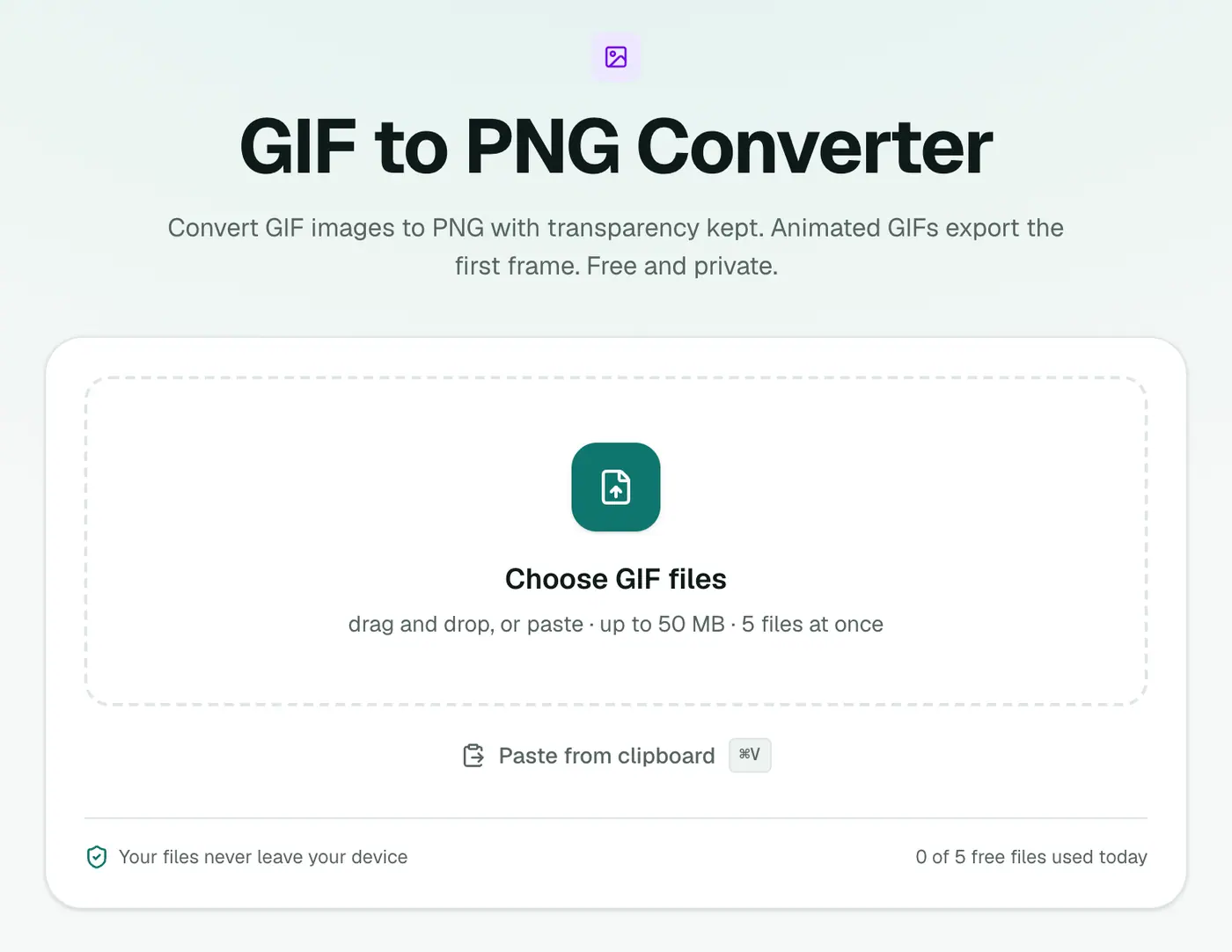
2. Add your GIFs
Drag them in or click to choose. There are no settings.
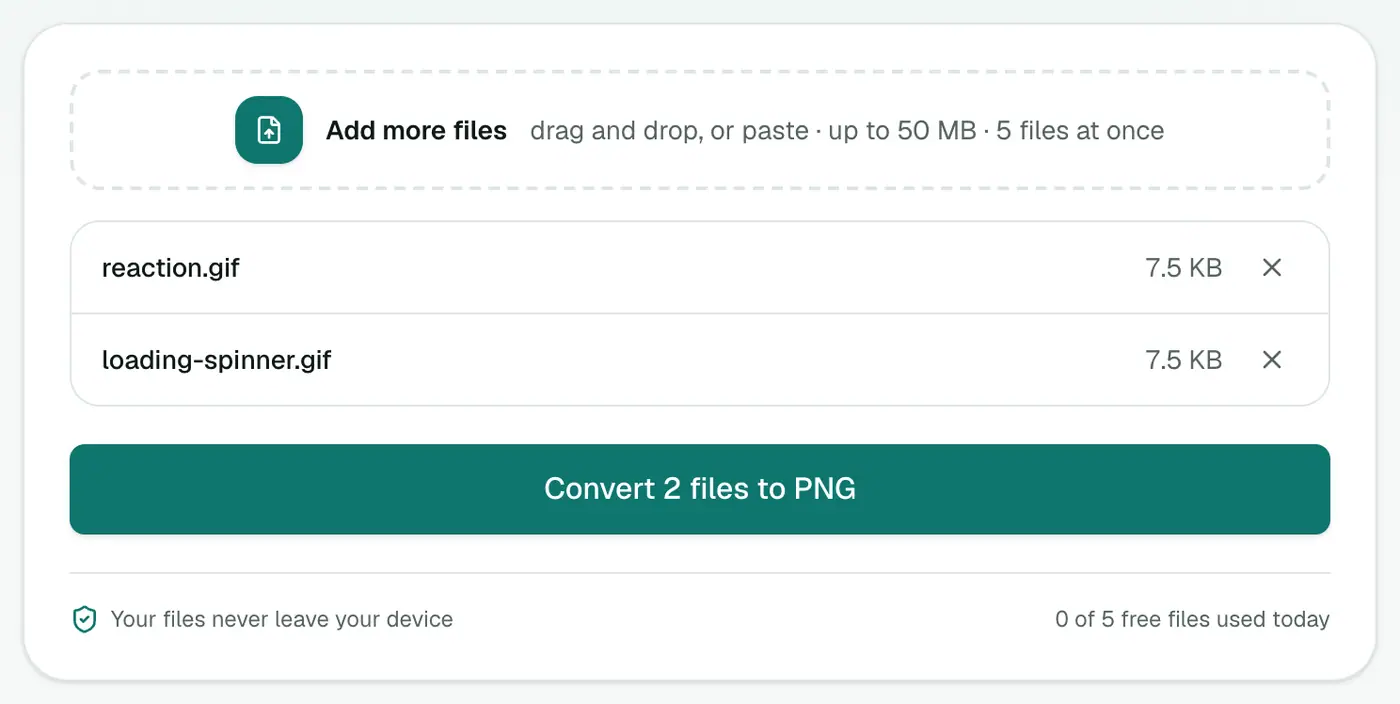
3. Convert and download
Click Convert to PNG and download the results.
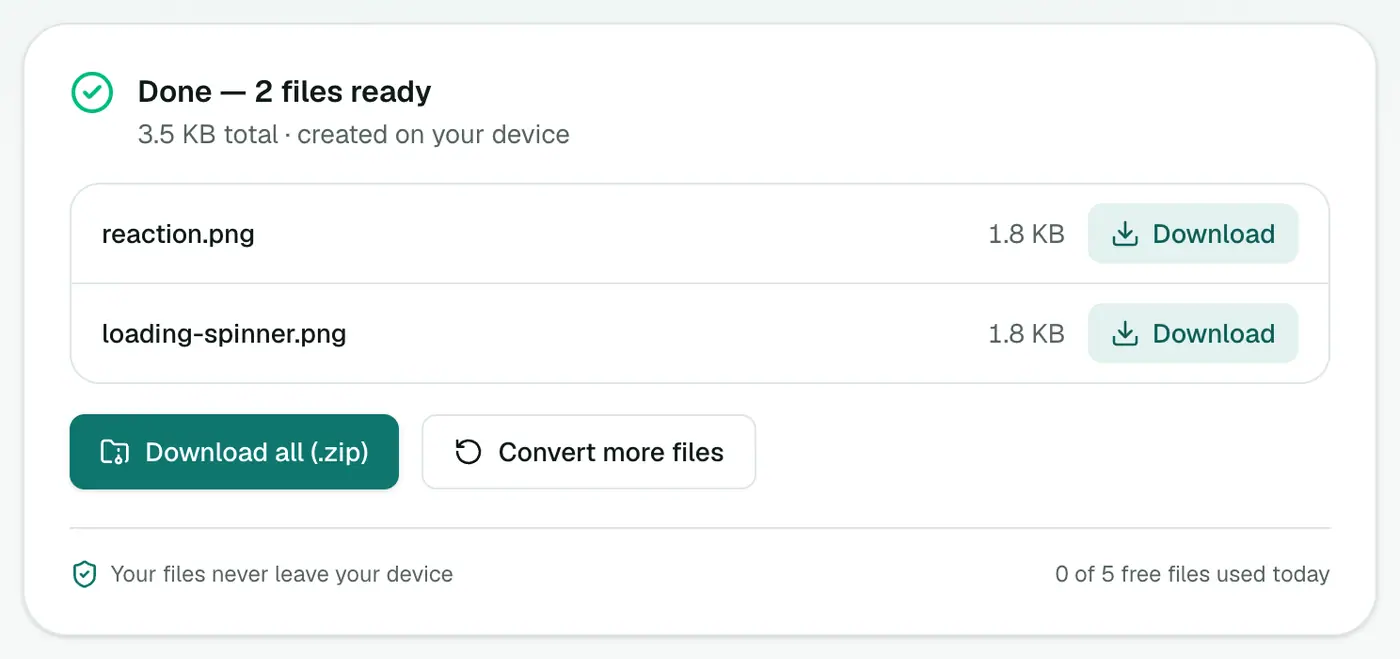
Other ways
- Windows Paint opens GIFs (first frame) and can Save as → PNG.
- Mac Preview shows every frame of an animated GIF in its sidebar. Select the frame you want and Export it as PNG. Handy when you need a frame other than the first.
Tips
- Want to keep the animation? Use GIF to MP4. The video is often 90% smaller and plays smoothly almost everywhere.
- Making an icon from an old GIF logo? Convert to PNG, then use PNG to ICO or the favicon generator.
- The PNG looks blocky? That's the original GIF's low resolution and limited palette showing. Converting can't add detail.
GIF vs PNG for still images
| GIF | PNG | |
|---|---|---|
| Colours | Up to 256 | Millions |
| Transparency | On or off only | Smooth (alpha) |
| Animation | ✓ | ✗ (this converter keeps the first frame) |
| Best for | Simple animations | Logos, screenshots, graphics |
Working with animations
- Make it a video: GIF to MP4 keeps the animation at a fraction of the size.
- Make a new GIF from a clip: Video to GIF.
- Just need a thumbnail? The first frame as PNG is exactly that.
Summary
For a still copy of a GIF in a modern, editable format, the GIF to PNG converter is the quickest route. Just remember you're getting the first frame.
FAQs
What happens to an animated GIF?
You get a PNG of the first frame. PNG is a still image format, so it can't hold the animation.
Will the colors improve?
No. GIF is limited to 256 colors and PNG keeps exactly what's there. It won't add color depth, but it won't lose any either.
Is transparency kept?
Yes. GIF transparency carries over to the PNG.
How do I keep the animation but make the file smaller?
Convert it to MP4 instead. Video files are usually far smaller than GIFs and loop just as well on most platforms.
Is my GIF uploaded?
No. It's converted in your browser.
Can I get every frame of an animation?
This converter saves the first frame. To work with all frames, use a video or animation editor.
Try the GIF to PNG Converter
Free to start, no install, and your files never leave your device.