Audio & video2 min read
How to Convert a GIF to MP4 (and Make It 10× Smaller)
Convert animated GIFs into MP4 videos that are usually far smaller, look smoother, and play on Instagram, websites and messaging apps. Private, batch.
By the ZapMorph team
On this page
Just want it done?
Open the GIF to MP4 Converter — it runs in your browser and nothing is uploaded.
GIFs are heavy. A 5-second GIF can easily be 8 MB; the same clip as MP4 might be 500 KB. Instagram won't accept GIF uploads at all. And on websites, swapping GIFs for MP4s is one of the biggest speed wins available.
Why GIFs are so big
GIF dates from 1987. It stores every frame as a separate image with at most 256 colours and only basic compression. Modern video (H.264 in MP4) stores only what changes between frames, with millions of colours. Same animation, a fraction of the bytes, and often better-looking.
How to convert GIF to MP4 with ZapMorph
1. Open the converter
Go to the GIF to MP4 converter.
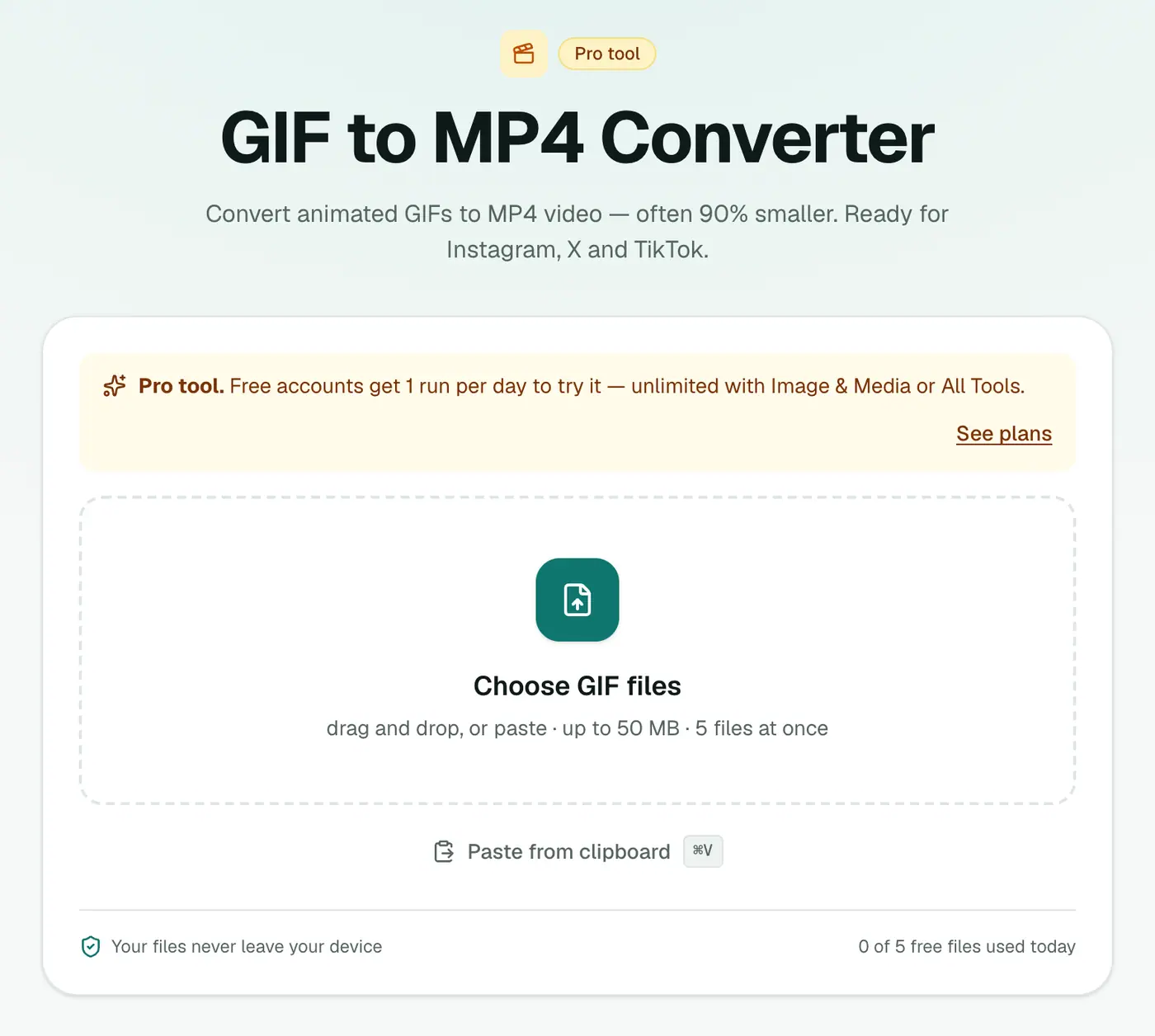
2. Add GIFs and choose the quality
Drop in your .gif files and pick High, Balanced or Small file.
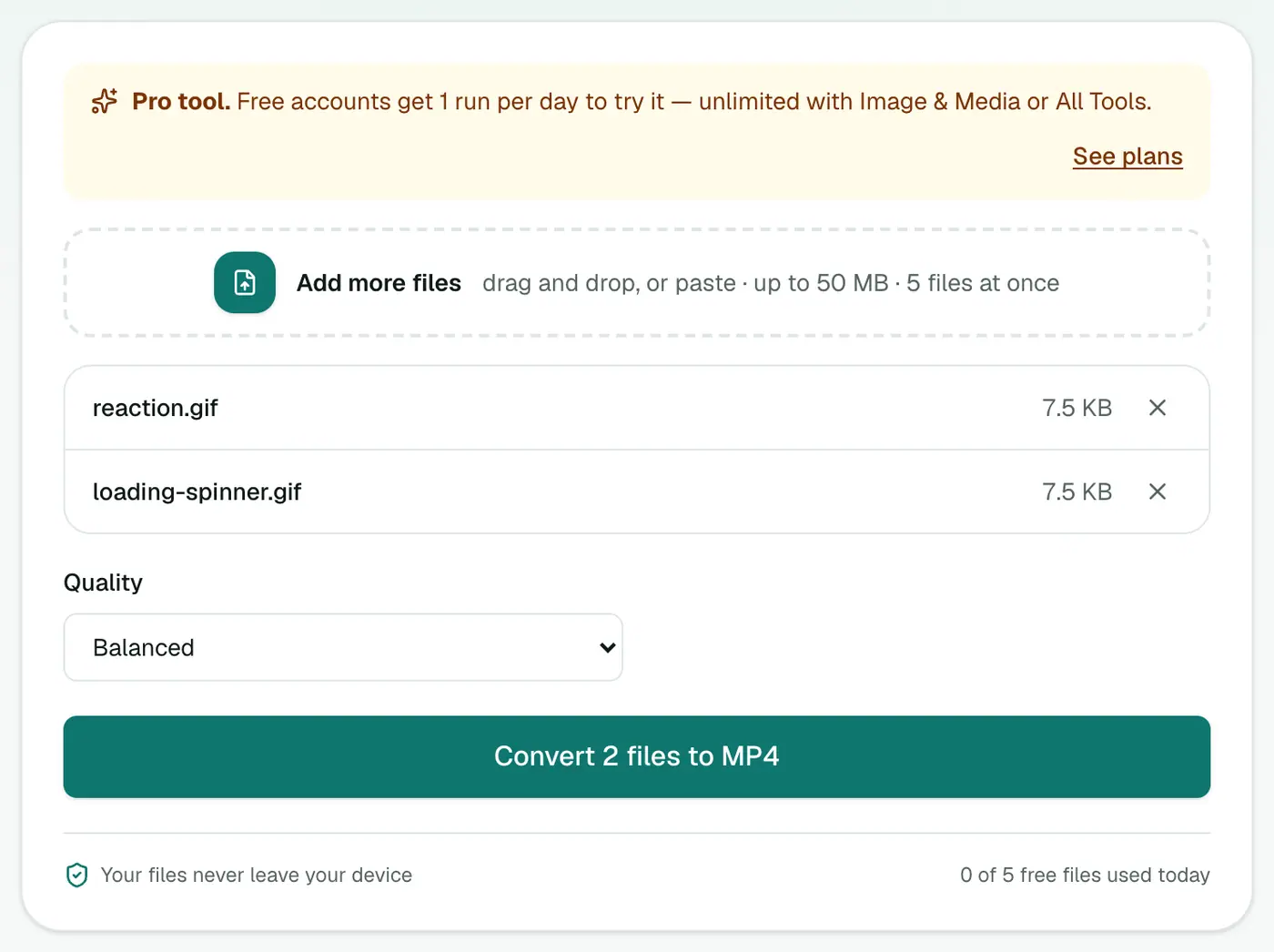
3. Convert and download
Click Convert to MP4.
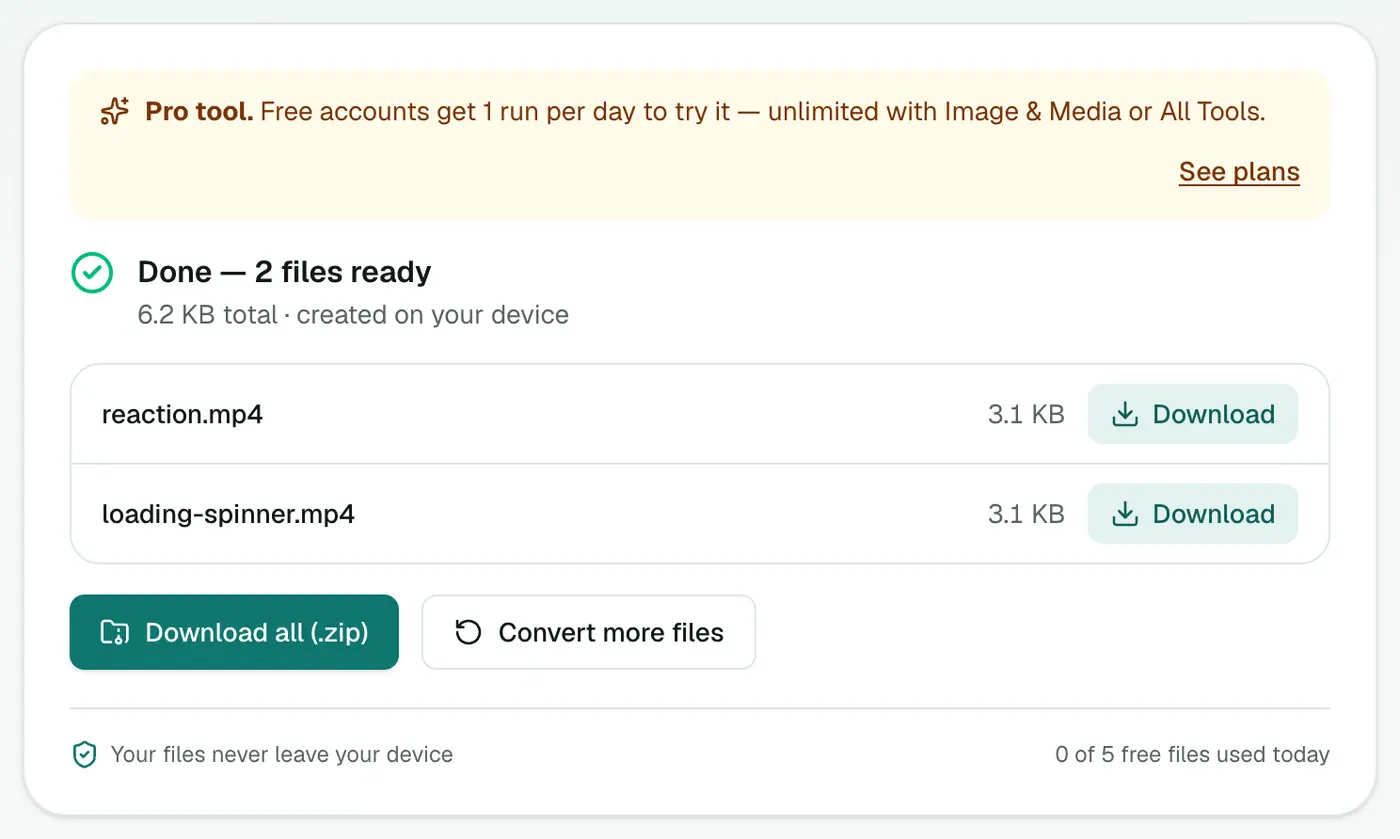
Using it on a website
Replace the <img src="demo.gif"> with:
<video src="demo.mp4" autoplay loop muted playsinline></video>
muted and playsinline are needed for autoplay on phones.
Where MP4 works better than GIF
| Platform | GIF | MP4 |
|---|---|---|
| Instagram posts and stories | ✗ | ✓ |
| TikTok | ✗ | ✓ |
| X / Twitter | ✓ (converted to video anyway) | ✓ |
| Limited | ✓ | |
| Websites | Slow to load | Fast |
| PowerPoint and Keynote | ✓ | ✓, smaller decks |
Tips
- Upscaling doesn't help. A small, blurry GIF stays small and blurry as MP4.
- Need a GIF again later? Go the other way with Video to GIF.
- Odd dimensions are adjusted by one pixel if needed, because MP4 video requires even widths and heights.
Troubleshooting
The MP4 is shorter than expected. Some GIFs have a long pause on the last frame set by a frame delay. Players may treat it slightly differently, which can make the end feel shorter.
Black background. The GIF had transparency. Add a background in an image editor before converting if colour matters.
Summary
The GIF to MP4 converter turns bulky GIFs into lean videos that load fast and upload anywhere.
FAQs
How much smaller will the file be?
Often 5–20 times smaller, because video compression is far more efficient than GIF.
Will it still loop?
MP4 doesn't loop by itself, but most platforms (and HTML video with the loop attribute) loop short videos automatically.
Why would I need MP4 instead of GIF?
Instagram and some platforms don't accept GIF uploads. Websites load faster with MP4 too.
Is it free?
Yes, once a day: one file up to 25 MB with no account. A free account gets one Pro tool run a day, and paid plans are unlimited.
What happens to transparency?
MP4 doesn't support transparency, so transparent areas of the GIF become a solid colour.
Is my GIF uploaded?
No. The video is made in your browser.
Try the GIF to MP4 Converter
Free to start, no install, and your files never leave your device.