Audio & video2 min read
How to Convert FLAC to OGG Vorbis
Shrink lossless FLAC music to high-quality OGG Vorbis for games, Linux media players, Android and space-limited devices. Batch, private, in your browser.
By the ZapMorph team
On this page
Just want it done?
Open the FLAC to OGG Converter — it runs in your browser and nothing is uploaded.
FLAC is perfect for your music archive and heavy for everything else. OGG Vorbis is a favourite in the open-source world: excellent quality at modest bitrates, royalty-free, and well supported on Android and Linux players.
Starting from FLAC means only one round of lossy compression, so the OGGs sound as good as possible.
How to convert FLAC to OGG with ZapMorph
1. Open the converter
Go to the FLAC to OGG converter.
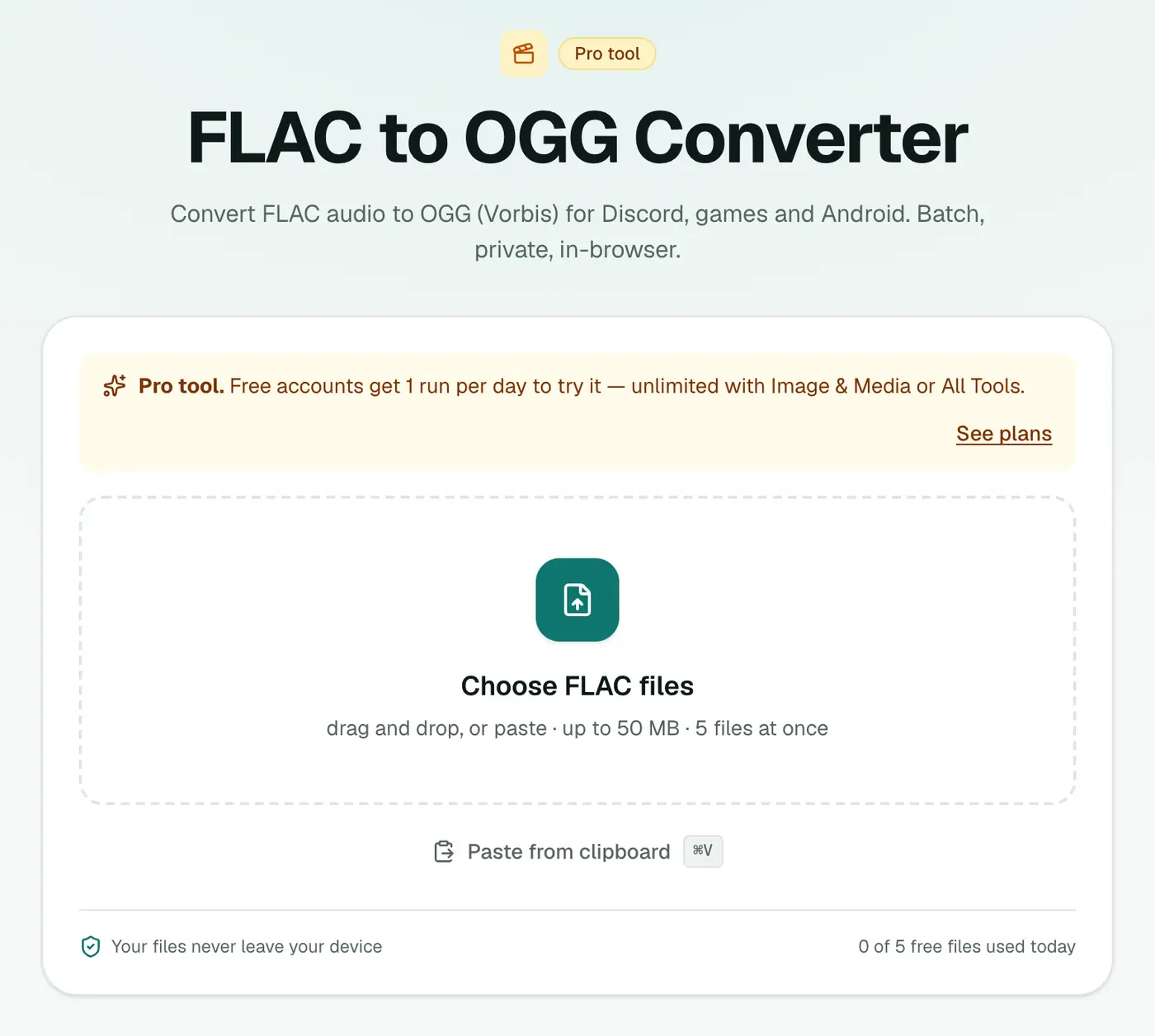
2. Add tracks and pick the quality
Drop in your .flac files and choose 96 kbps (voice), 160 kbps (recommended) or 256 kbps (best).
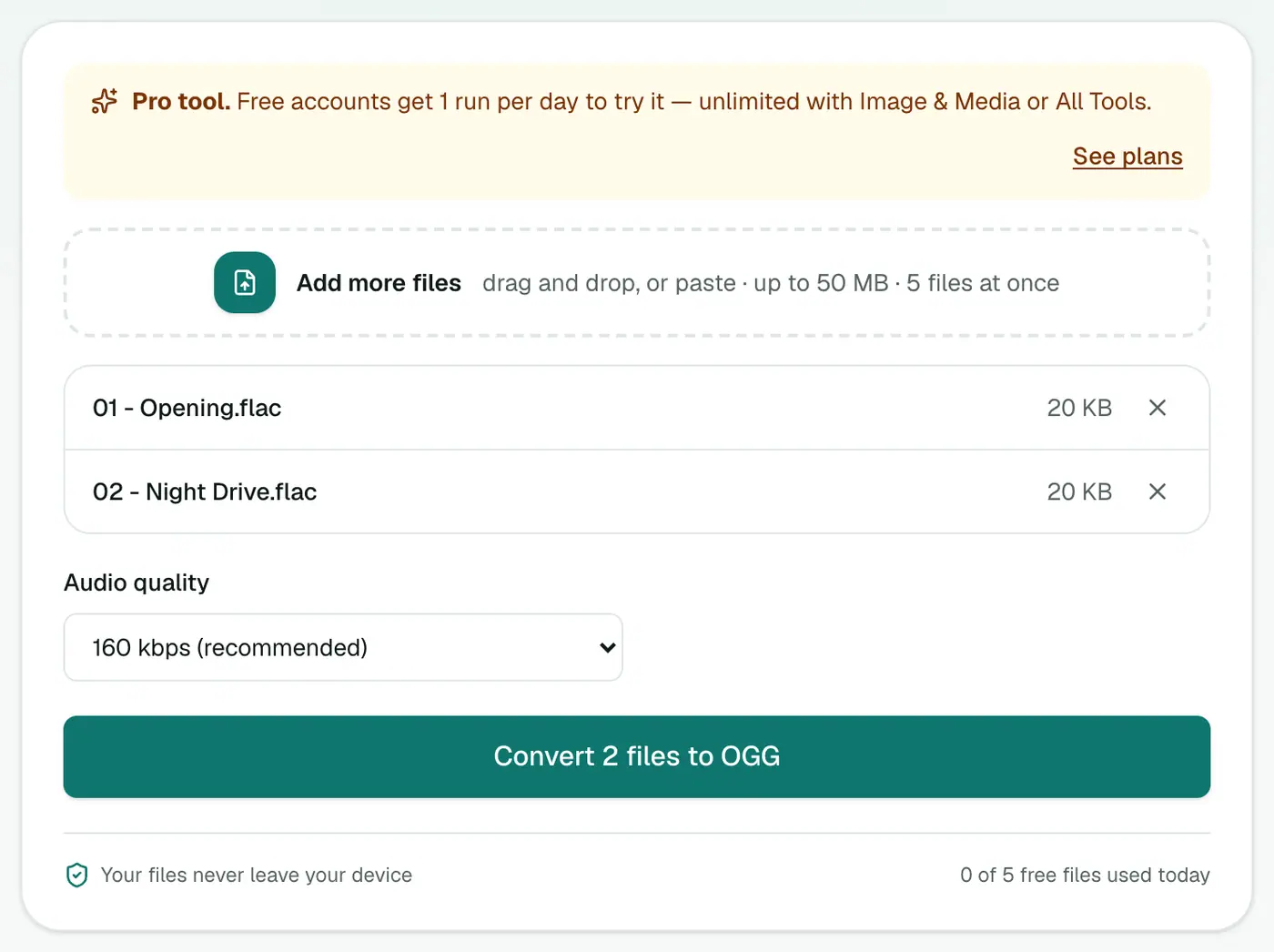
3. Convert and download
Click Convert to OGG.
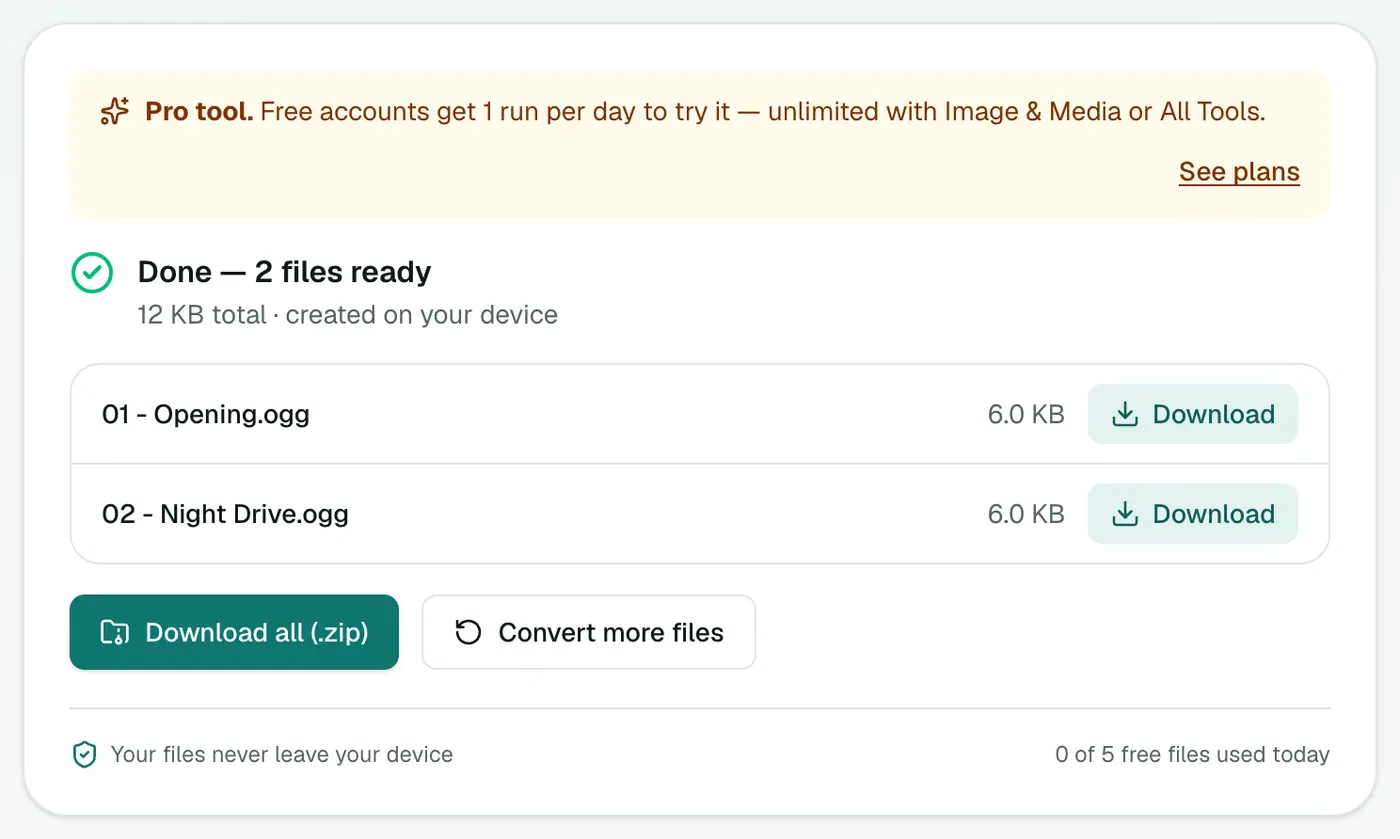
How big will the files be?
For a typical 4-minute song:
| Format | Approx. size |
|---|---|
| FLAC | 25–35 MB |
| OGG at 256 kbps | ~8 MB |
| OGG at 160 kbps | ~5 MB |
| OGG at 96 kbps | ~3 MB |
That's why a 50 GB FLAC library can fit on a phone as OGG.
OGG, MP3 or M4A?
- OGG: open-source players, games, Android.
- M4A: iPhone and Apple Music.
- MP3: car stereos and anything old.
Tips
- Never convert OGG back to FLAC expecting the quality back. Keep the original FLACs as your master copy.
- Album art isn't carried over. Media players like foobar2000, MusicBee or Strawberry can re-add it from the web.
- Hi-res FLAC (24-bit, 96 kHz)? OGG works at playback quality, so the result is perfect for listening, not for archiving.
Troubleshooting
Conversion is slow for a big album. Audio is encoded on your device. Long, high-resolution files take a while, so leave the tab open until it finishes.
Some tracks lost their titles. Basic tags are usually carried over, but some players read OGG tags differently. Re-tag in your player if needed.
Summary
The FLAC to OGG converter makes compact, great-sounding copies of your lossless library.
FAQs
Which quality should I choose?
256 kbps (best) keeps music very close to the FLAC. 160 kbps is a great balance for listening on the go.
Should I keep the FLAC files?
Yes. FLAC is the lossless master; OGG is a smaller copy for convenience.
Is it free?
Yes, once a day: one file up to 25 MB with no account. A free account gets one Pro tool run a day, and paid plans are unlimited.
How much smaller will the files be?
Roughly 5–8 times smaller than FLAC at 160 kbps, depending on the music.
Can I convert a whole album?
Yes. Add all the tracks and download them together as a ZIP. How many at once depends on your plan.
Are my files uploaded?
No. The conversion runs in your browser.
Try the FLAC to OGG Converter
Free to start, no install, and your files never leave your device.