Email2 min read
How to Convert an Excel Contact List to vCard (VCF)
Turn an Excel sheet of names, phones and emails into a VCF you can import into iPhone, Android, Google Contacts or Outlook. No CSV step, nothing uploaded.
By the ZapMorph team
On this page
Just want it done?
Open the Excel to vCard Converter — it runs in your browser and nothing is uploaded.
The classic case: the event organiser has a guest list in Excel, the club secretary has a member list, the new manager has a staff directory. Everyone wants those numbers in their phone.
Set up the sheet
Put headers in the first row and one person per row:
| Name | Mobile | Company | Job Title | |
|---|---|---|---|---|
| Ana Silva | +351 912 345 678 | ana@example.com | Globex | Designer |
| Raj Mehta | +91 98765 43210 | raj@example.com | Initech | Engineer |
- First Name / Last Name columns work too, instead of a single Name.
- Several phones? Use separate columns: Mobile, Work Phone, Home Phone.
- Format phone columns as Text so Excel keeps the
+and leading zeros. - Rows without a name, phone or email are skipped automatically.
How to convert Excel to vCard with ZapMorph
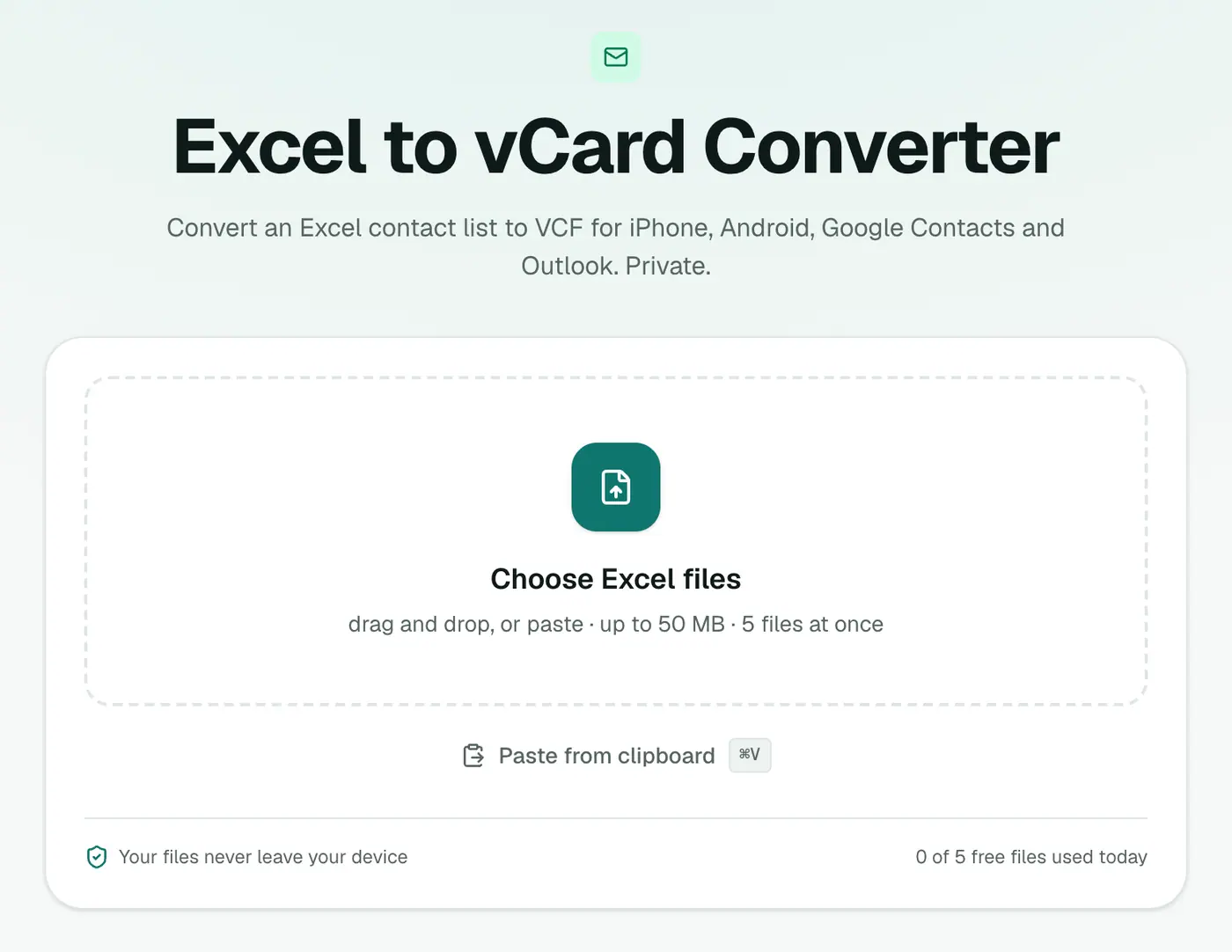
1. Open the converter
Go to the Excel to vCard converter.
2. Add your workbook
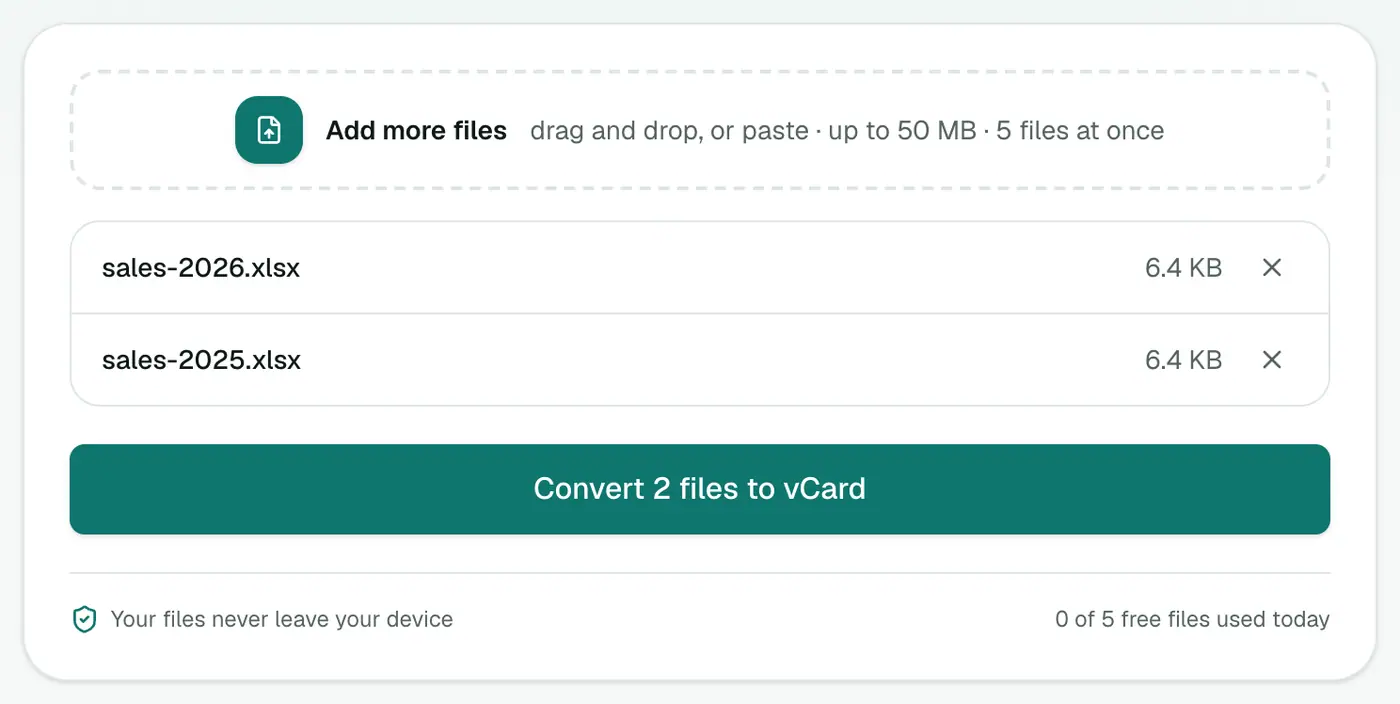
Drop in the .xlsx file. The first sheet with data is used, so move your contact sheet to the front if needed.
3. Convert and download
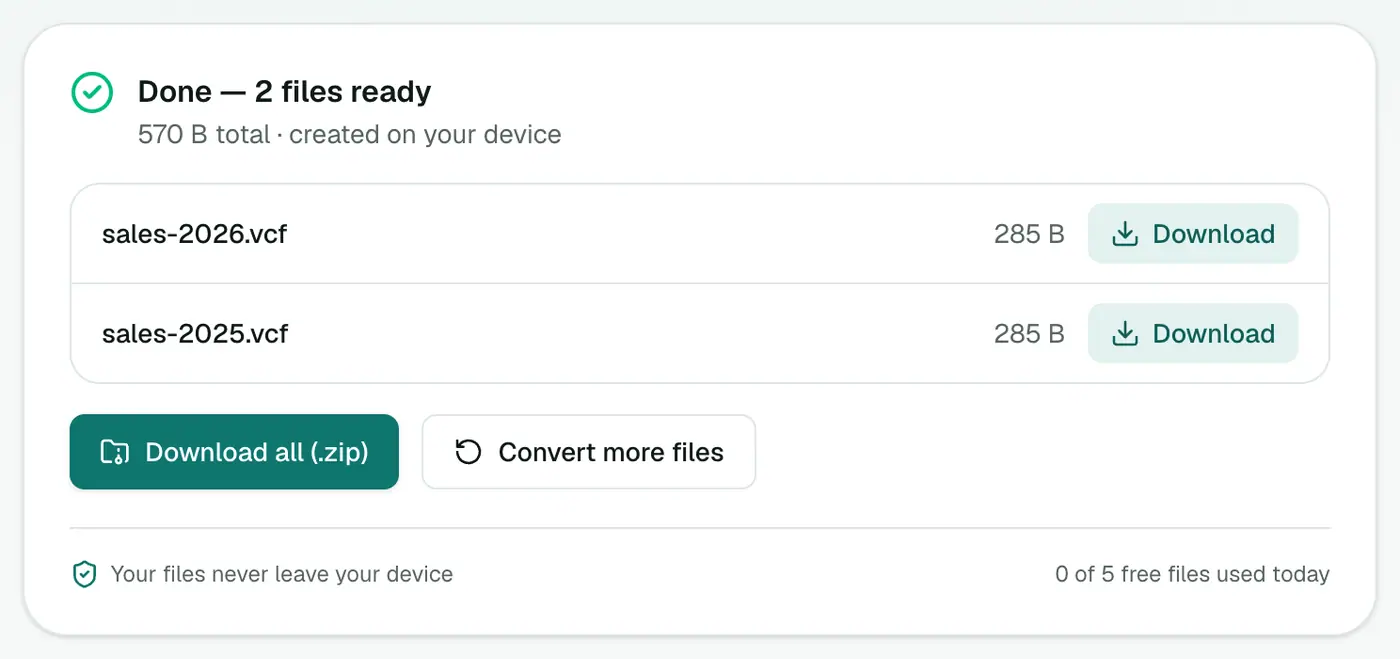
Click Convert to vCard.
Importing the VCF
- iPhone: open it from Mail, Messages or Files → Add All Contacts.
- Android: Contacts → Settings → Import.
- Google Contacts: contacts.google.com → Import. Google lets you add a label to everything you import, which is handy for "Club 2026".
- Outlook.com: People → Manage → Import contacts.
Before you share it
A VCF of a staff or member list contains personal data. Only share it with people who should have it, send it through your organisation's usual secure channel rather than a public group chat, and delete spare copies once everyone has imported it.
Troubleshooting
"Couldn't find name, phone or email columns." Check row 1 has headers, and that your contacts are on the first sheet.
Numbers show as 9.18E+11. Excel converted them to numbers. Format the column as Text and re-enter, or prefix with the country code.
Got a .xls (old Excel) file? Open it in Excel and Save As → Excel Workbook (.xlsx) first, or export it as CSV and use CSV to vCard.
Related
- From CSV instead: CSV to vCard.
- Check the result: vCard viewer.
Summary
The Excel to vCard converter turns a spreadsheet straight into a VCF, no CSV step and no typing.
FAQs
Which sheet is used?
The first sheet in the workbook that has data, using its header row to detect name, phone, email, company and address columns.
Do I need to save as CSV first?
No. The XLSX is read directly.
Can I import into Outlook?
Yes. Outlook.com and Outlook for desktop can import VCF contacts.
Which headers are recognised?
Common ones like Name, First Name, Last Name, Mobile, Phone, Email, Company, Job Title, Address, City, Postcode, Country, Birthday and Notes.
Can I import the VCF into a WhatsApp group?
WhatsApp uses your phone's contacts. Import the VCF into your phone first, then add people to the group from there.
Is the spreadsheet uploaded?
No. It's read in your browser.
Try the Excel to vCard Converter
Free to start, no install, and your files never leave your device.