Data & docs2 min read
How to Convert an Excel Spreadsheet to JSON
Turn a spreadsheet your team maintains into JSON for an app, a website or seed data. The first row becomes the keys. Multi-sheet workbooks supported.
By the ZapMorph team
On this page
Just want it done?
Open the Excel to JSON Converter — it runs in your browser and nothing is uploaded.
A common setup: the content team maintains a price list, a store locator, an FAQ or a product catalogue in Excel because that's what they're comfortable with. The website or app needs it as JSON. Copy-pasting and hand-editing JSON every time someone updates a cell isn't sustainable.
Example
| name | city | lat | lng |
|---|---|---|---|
| Lisbon Store | Lisbon | 38.72 | -9.14 |
| Leeds Store | Leeds | 53.80 | -1.55 |
becomes:
[
  { "name": "Lisbon Store", "city": "Lisbon", "lat": 38.72, "lng": -9.14 },
  { "name": "Leeds Store", "city": "Leeds", "lat": 53.8, "lng": -1.55 }
]
How to convert Excel to JSON with ZapMorph
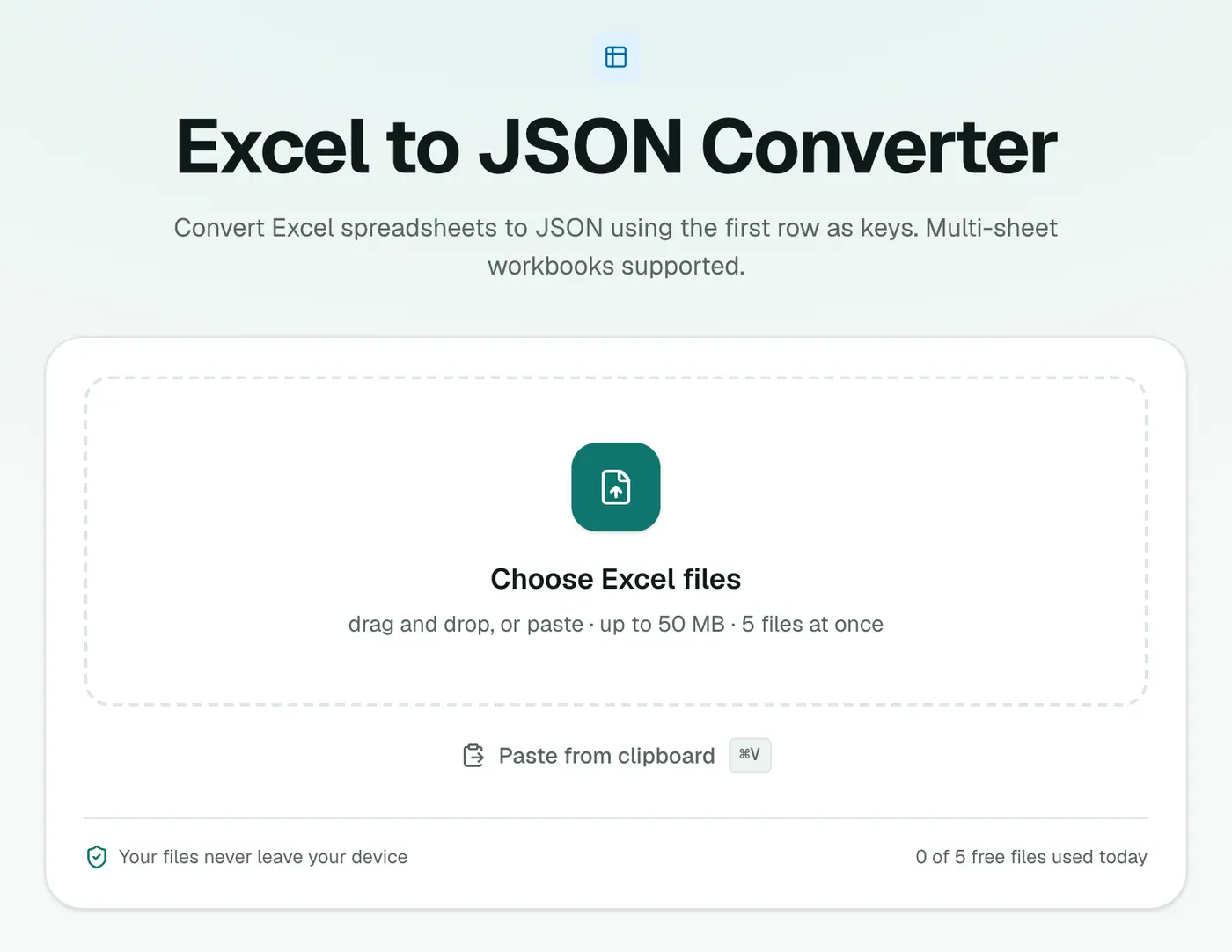
1. Open the converter
Go to the Excel to JSON converter.
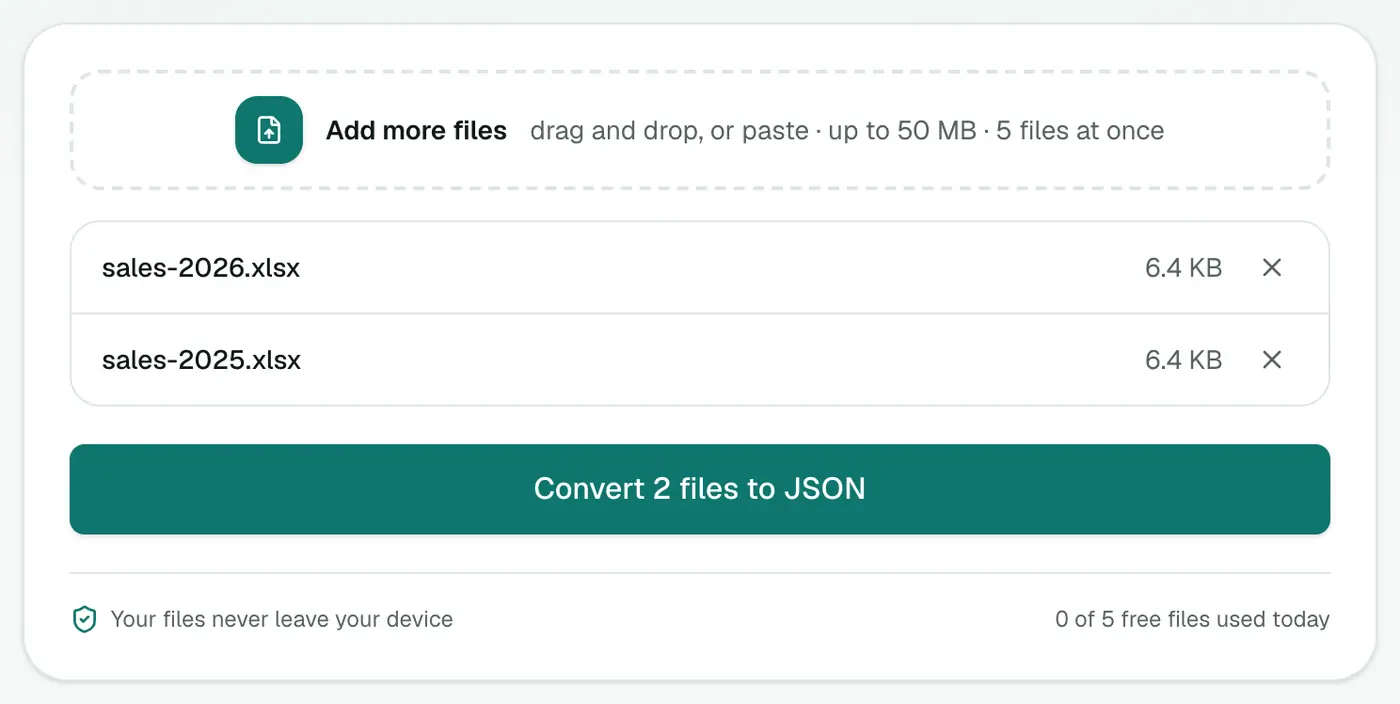
2. Add your workbook
Drop in the .xlsx.
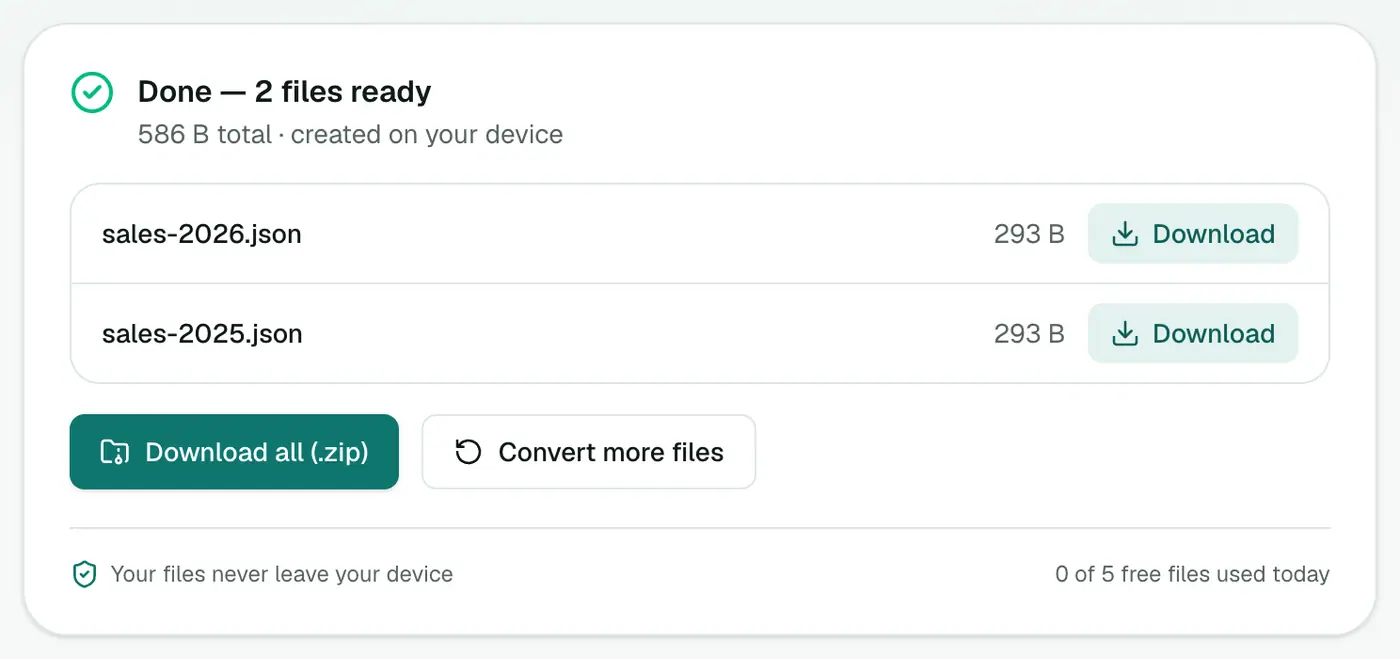
3. Convert and download
Click Convert to JSON.
Tips for spreadsheet authors
- Keep the header row simple:
camelCaseorsnake_caseheaders make nicer JSON keys than "Store Name (public)". - One table per sheet, starting at cell A1. No titles or notes above the header.
- Empty rows at the end can sneak in as empty objects. Delete them.
Example
| sku | name | price |
|---|---|---|
| A100 | Blue mug | 9.5 |
[{ "sku": "A100", "name": "Blue mug", "price": 9.5 }]
Preparing the sheet
- Put headers in row 1, with short, code-friendly names like
priceorin_stock. - No merged cells or blank header columns.
- One table per sheet. Notes and totals below the data become extra rows.
Uses
- Seed data for an app or database.
- Website content (product lists, FAQs, store locations) maintained by non-developers.
- Configuration kept in a spreadsheet by a team.
Summary
Let people keep editing in Excel, and convert to JSON when you publish. The Excel to JSON converter uses the first row as keys and keeps numbers typed.
FAQs
Which row becomes the keys?
The first row of each sheet. Each following row becomes an object.
What about workbooks with several sheets?
Multi-sheet workbooks are supported, so each sheet's data is included.
Are numbers kept as numbers?
Yes. Cells Excel stores as numbers come out as JSON numbers.
Is my spreadsheet uploaded?
No. It's converted in your browser.
Which row becomes the keys?
The first row of the sheet. Each following row becomes one JSON object.
Try the Excel to JSON Converter
Free to start, no install, and your files never leave your device.