Email2 min read
How to Convert Apple Mail EMLX Files to EML
Apple Mail stores each message as an .emlx file. Strip the Apple wrapper to get standard EML files that open in Thunderbird, Outlook and other apps.
By the ZapMorph team
On this page
Just want it done?
Open the EMLX to EML Converter — it runs in your browser and nothing is uploaded.
Digging through a Mac backup or a Time Machine snapshot, you'll find thousands of .emlx files under ~/Library/Mail. They're Apple Mail's per-message files. Other apps don't recognise them, but under the wrapper each one is a perfectly normal email.
What's inside an EMLX
- A number on the first line: the length of the message in bytes.
- The email itself: headers, body and attachments, in the standard format.
- An XML property list at the end, holding Apple Mail flags such as read, flagged and replied.
Converting keeps part 2 and drops the rest, giving you a standard .eml.
How to convert EMLX to EML with ZapMorph
1. Open the converter
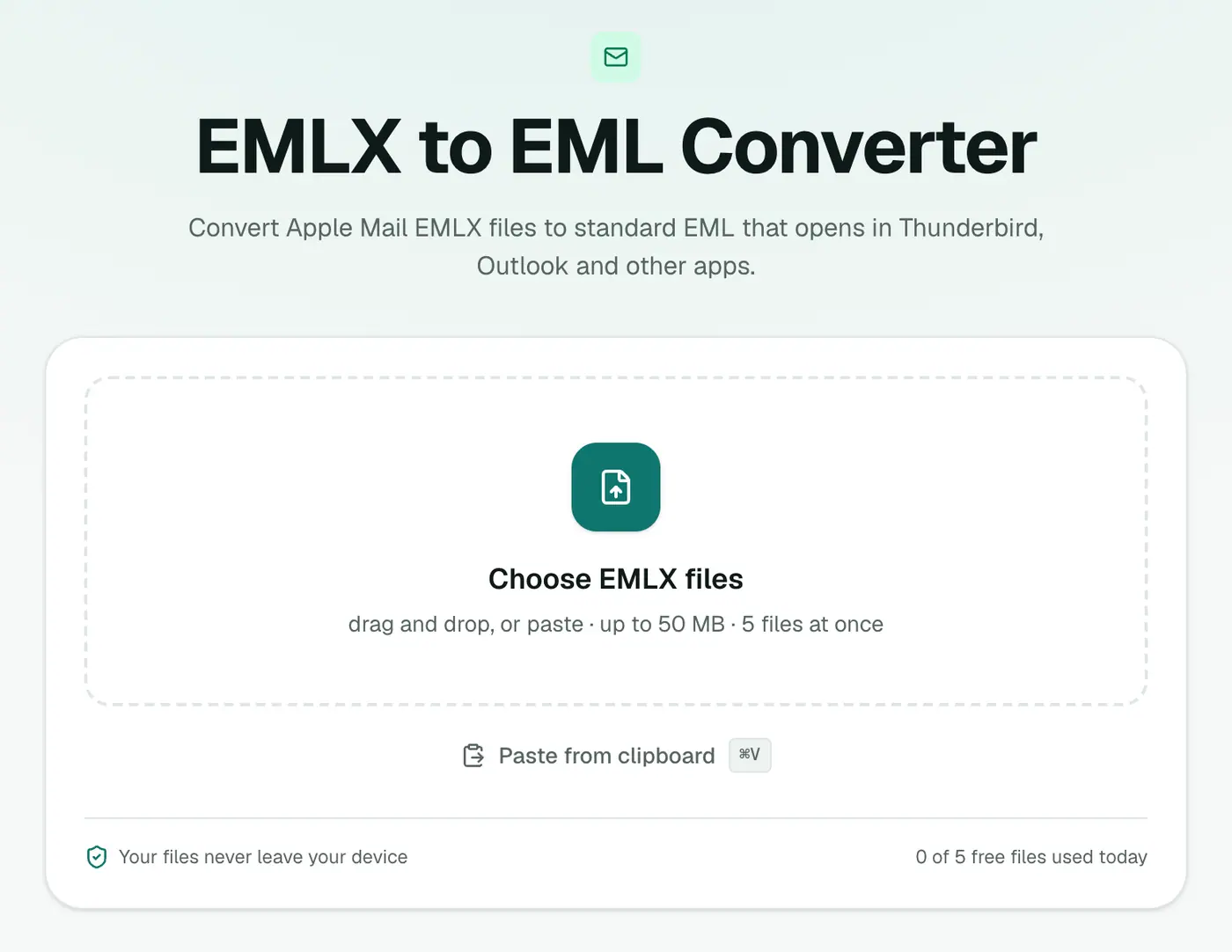
Go to the EMLX to EML converter.
2. Add your EMLX files
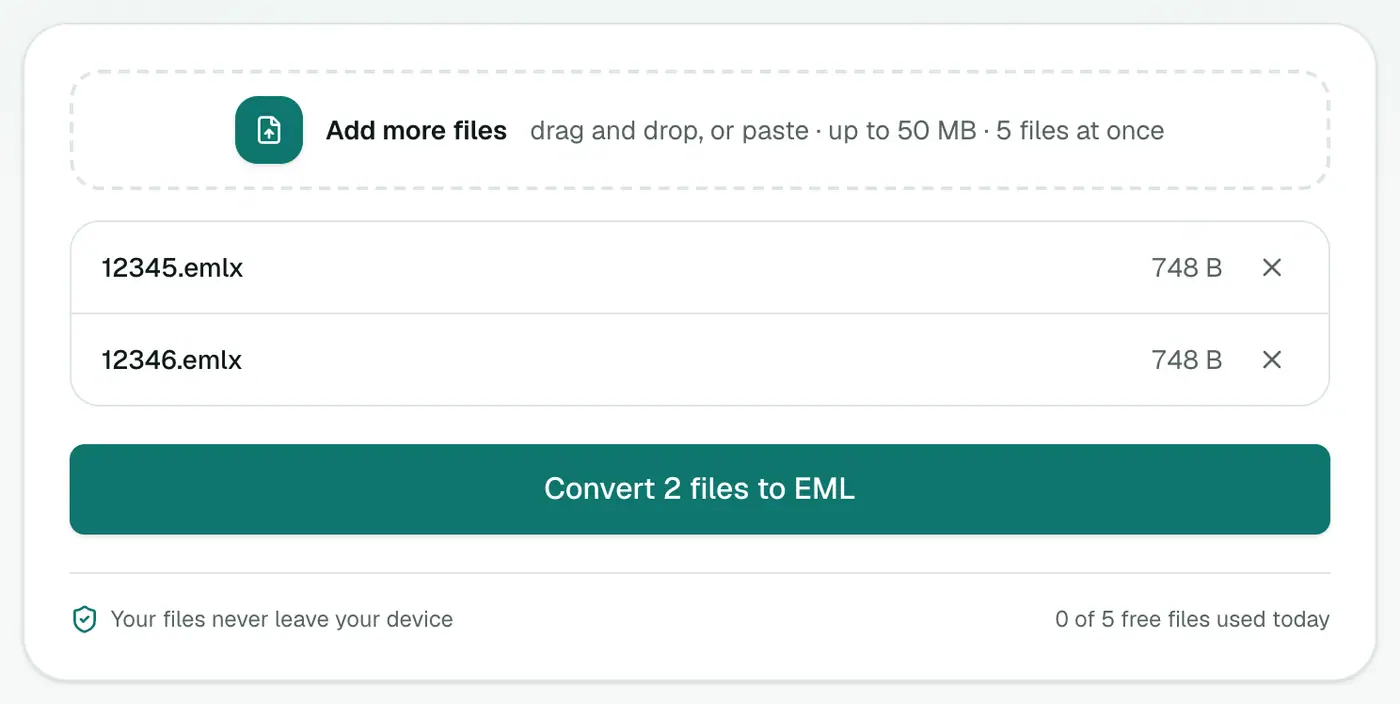
Drop in one or more .emlx files.
3. Convert and download
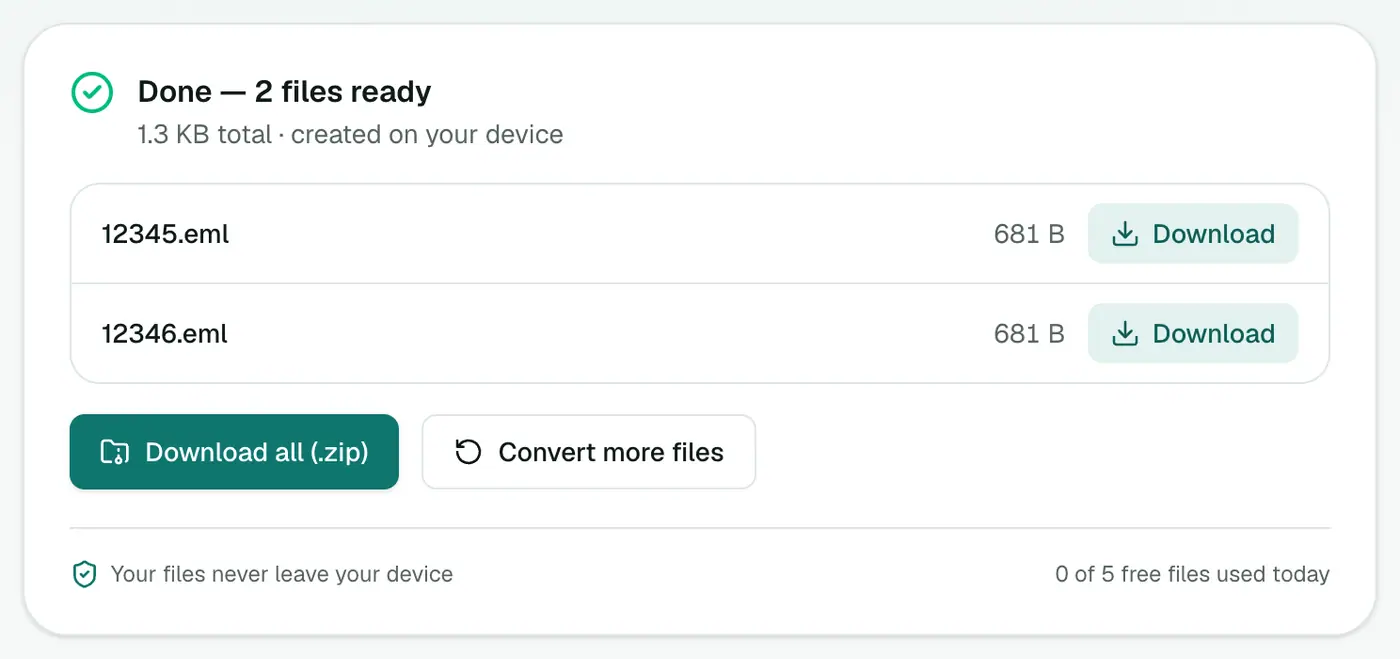
Click Convert to EML.
Finding EMLX files
In Finder, press Cmd+Shift+G and enter ~/Library/Mail. Look inside the V10 (or similar) folder, then your account, then .mbox folders (which are actually folders, not MBOX files), then Messages.
Tip: Finder's search box can find them all. Search for .emlx and set the scope to the Mail folder.
Why you might need this
- Recovering mail from an old Mac or Time Machine backup without restoring the whole Mail library.
- Moving to Thunderbird or Outlook, which don't read EMLX.
- Sharing a single email with someone on Windows.
- Forensics and legal review, where tools expect standard EML.
Simpler: export from Apple Mail directly
If Apple Mail still works, you don't need the raw files:
- Single emails: drag them from Mail to a Finder folder. They save as
.eml. - Whole mailboxes: select a mailbox → Mailbox → Export Mailbox. That gives you an MBOX, which Thunderbird imports.
Next steps
- Combine the EMLs into one mailbox: EML to MBOX.
- Read one quickly: EML viewer.
- Records for a case: EML Merge puts many into one PDF.
- Going the other way? MBOX to EMLX.
Summary
The EMLX to EML converter turns Apple Mail's internal files into standard emails any app can open.
FAQs
Where does Apple Mail keep EMLX files?
Inside ~/Library/Mail, in folders named after your accounts and mailboxes. In Finder use Go → Go to Folder and type ~/Library/Mail.
What's the difference between EMLX and EML?
An EMLX is a normal email with an Apple-specific byte count at the top and a small property list at the end. Removing those leaves a standard EML.
What about .partial.emlx files?
Those are messages Apple Mail hasn't fully downloaded. Attachments may be missing from them. The .partial part is dropped from the converted file name.
Is anything changed in the email?
No. The message itself is kept byte for byte; only Apple's wrapper is removed.
Can I recover mail from a Time Machine backup this way?
Yes. Browse the backup to Library/Mail, copy the .emlx files out, then convert them.
Are the files uploaded?
No. They're converted in your browser.
Try the EMLX to EML Converter
Free to start, no install, and your files never leave your device.