Email2 min read
How to Convert EML to Plain Text (for Search, Archives and AI)
Extract the readable content of .eml emails, headers and body, as plain text. HTML emails are converted to clean text automatically. Batch, private, free.
By the ZapMorph team
On this page
Just want it done?
Open the EML to Text Converter — it runs in your browser and nothing is uploaded.
Sometimes you don't want the email, just the words in it. Plain text is the easiest format to search, diff, archive, translate, or paste into a summarising tool.
Uses
- Searchable archives: text files are indexed by Windows Search and Spotlight.
- Summaries: paste a long thread into an AI tool and ask for the key points.
- Comparisons: see what changed between two versions of an email in the text diff checker.
- Quoting in reports or tickets without formatting junk.
- Translation: paste clean text into a translator without HTML getting in the way.
What you get
From: Ana Silva <ana@example.com>
To: Bob Lee <bob@example.org>
Date: Tuesday, January 2, 2024 at 4:00 PM
Subject: Invoice for January
Attachments: invoice.pdf (42 KB)

Hi Bob, please find January's invoice attached…
How to convert EML to text with ZapMorph
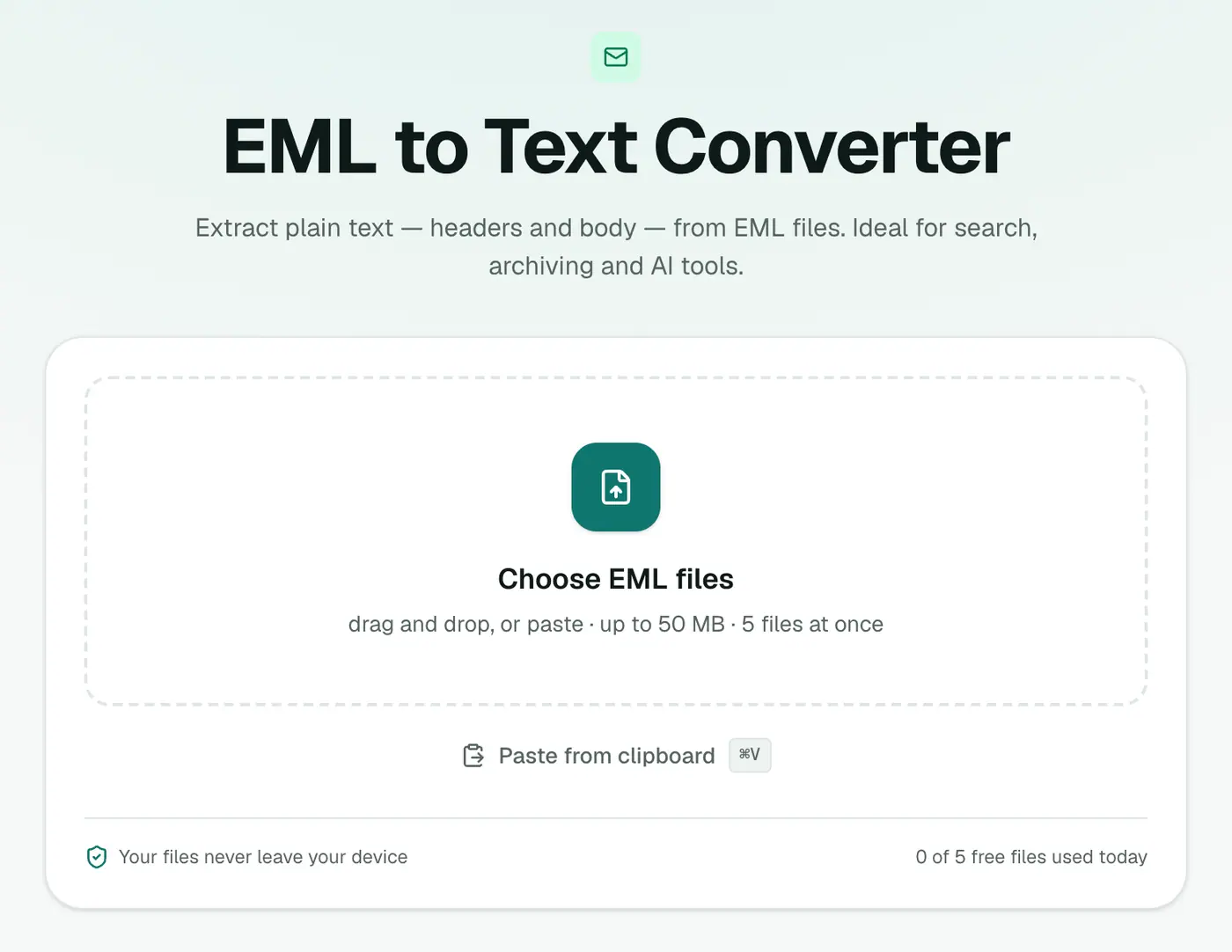
1. Open the converter
Go to the EML to Text converter.
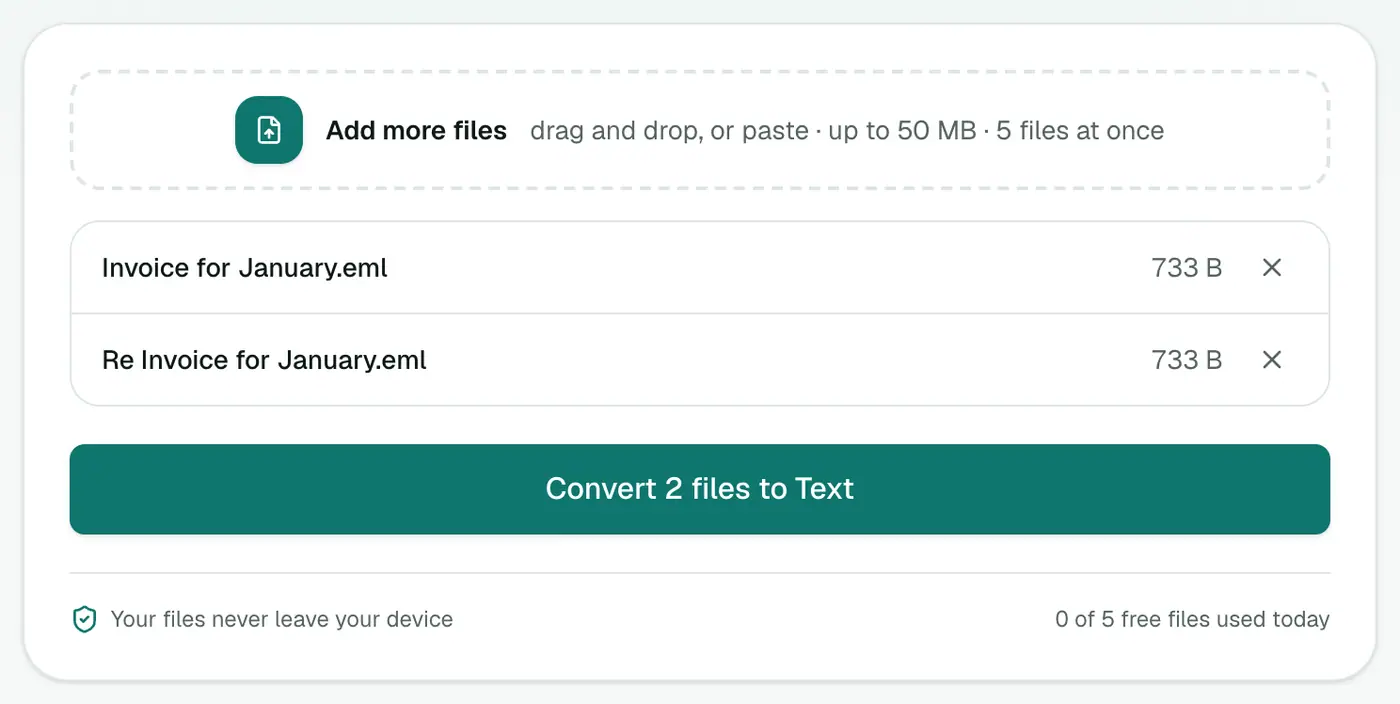
2. Add your EML files
Drop in one or more .eml files.
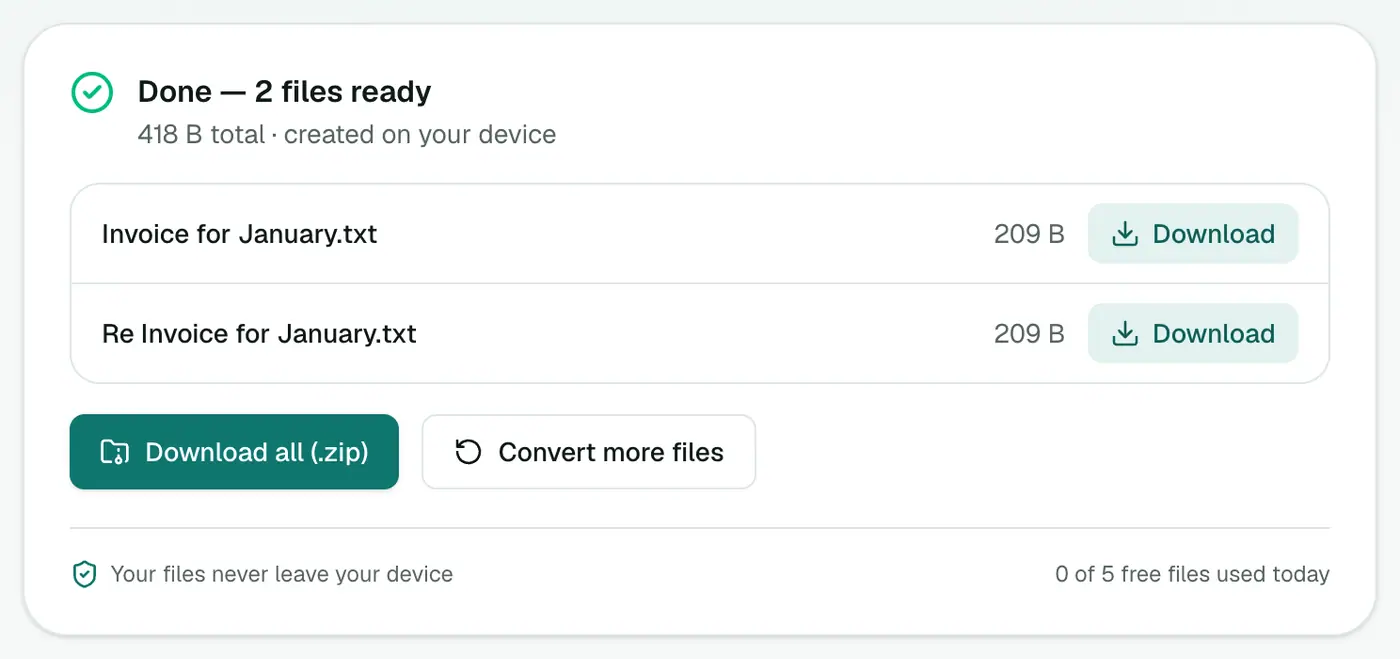
3. Convert and download
Click Convert to Text.
Why not just copy and paste?
Copying from a mail app often drags along signatures, hidden formatting, odd spacing and missing headers. Converting gives you the date, sender and recipients consistently, for every email, in one step.
Tips for AI summaries
- Strip what you don't need. Long quoted replies repeat the same text. Trim them before pasting.
- Ask specific questions: "List every date and amount mentioned" works better than "summarise".
- Check your policy. Work email may not be allowed in public AI tools.
Troubleshooting
Odd characters (é, ’). The email declared the wrong character set. Most text is fine; a quick find-and-replace fixes the rest.
Empty body. The email held only an image or attachment. The header is still there.
Related
- Need structure for a script? EML to JSON.
- Want a spreadsheet of many emails? EML to CSV.
- Outlook files? MSG to Text.
Summary
The EML to Text converter gives you clean, readable text from any saved email, perfect for searching, quoting and summarising.
FAQs
What's in the text file?
From, To, Cc, Date, Subject and attachment names, followed by the message body as clean text.
What about HTML-only emails?
They're converted to readable plain text, so you don't get a wall of tags.
Can I feed the result to ChatGPT or another AI?
Yes, plain text is ideal for that. Remember that pasting into an online AI service sends the content to that service.
Can I convert many EML files at once?
Yes. Each EML becomes its own .txt file, and you can download them all as a ZIP.
Is anything uploaded?
No. The conversion runs in your browser.
Try the EML to Text Converter
Free to start, no install, and your files never leave your device.