Email2 min read
How to Combine EML Files Into One MBOX Mailbox
Merge many .eml files into a single MBOX file, the easiest way to import a batch of emails into Thunderbird or Apple Mail, or archive them as one file.
By the ZapMorph team
On this page
Just want it done?
Open the EML to MBOX Converter — it runs in your browser and nothing is uploaded.
Hundreds of loose .eml files are awkward to manage. You can't easily import them all into a mail app or keep them together. An MBOX file holds an entire mailbox in one file, and every major mail client can import it.
EML vs MBOX
| EML | MBOX | |
|---|---|---|
| Emails per file | One | Any number |
| Importing hundreds | Drag and drop, often slow | One import |
| Archiving | Many files to keep track of | One file |
| Opening a single email | Double-click | Needs a mail app or viewer |
How to convert EML to MBOX with ZapMorph
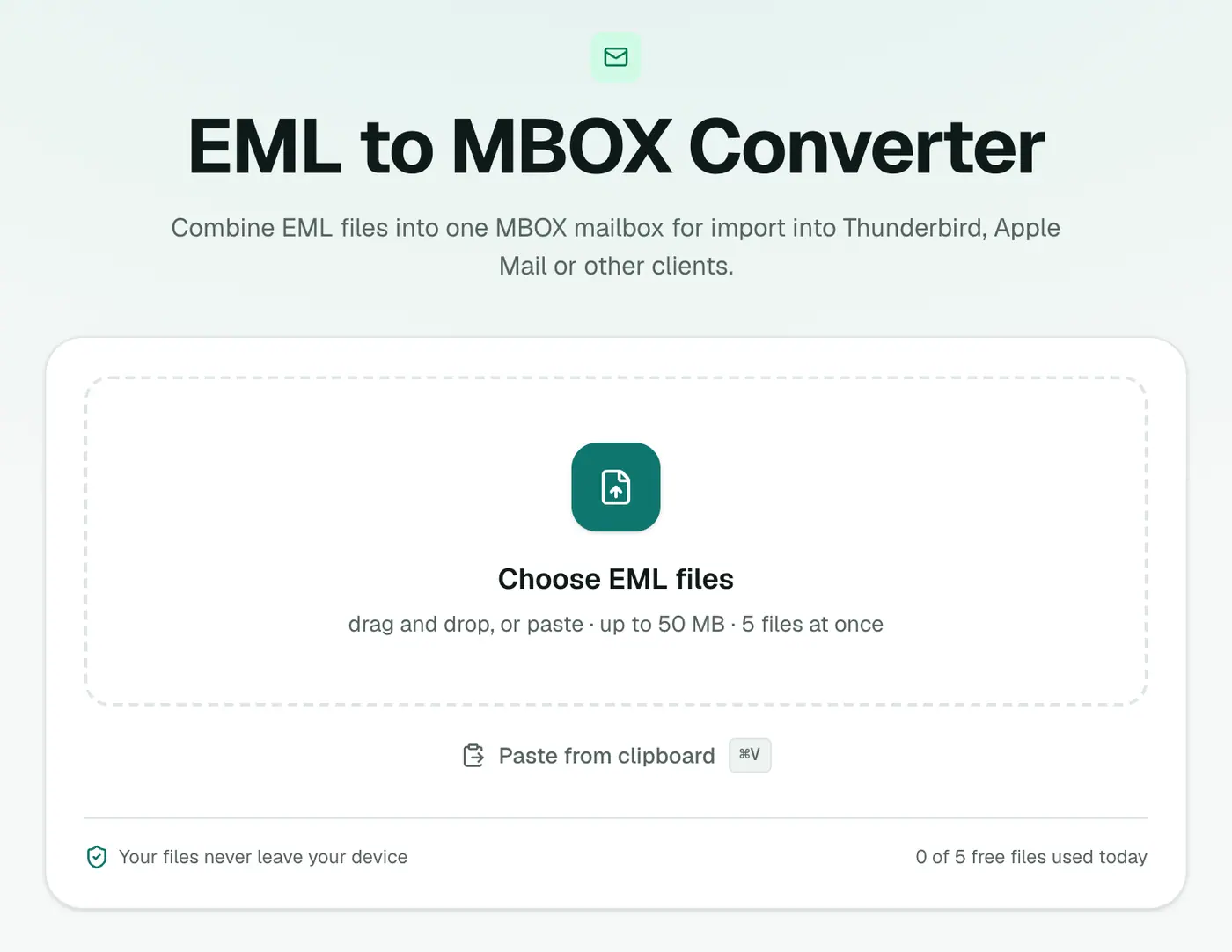
1. Open the converter
Go to the EML to MBOX converter.
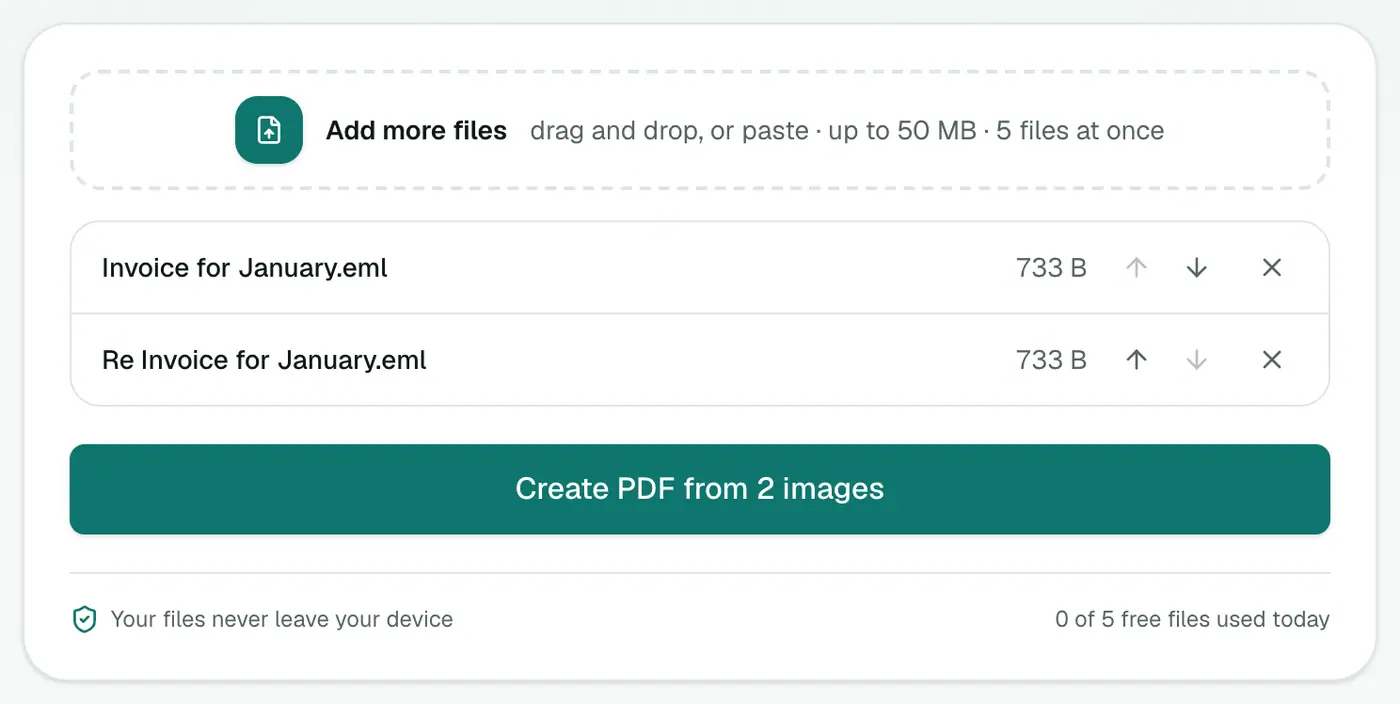
2. Add your EML files
Select all of them. They'll be combined into one mailbox.
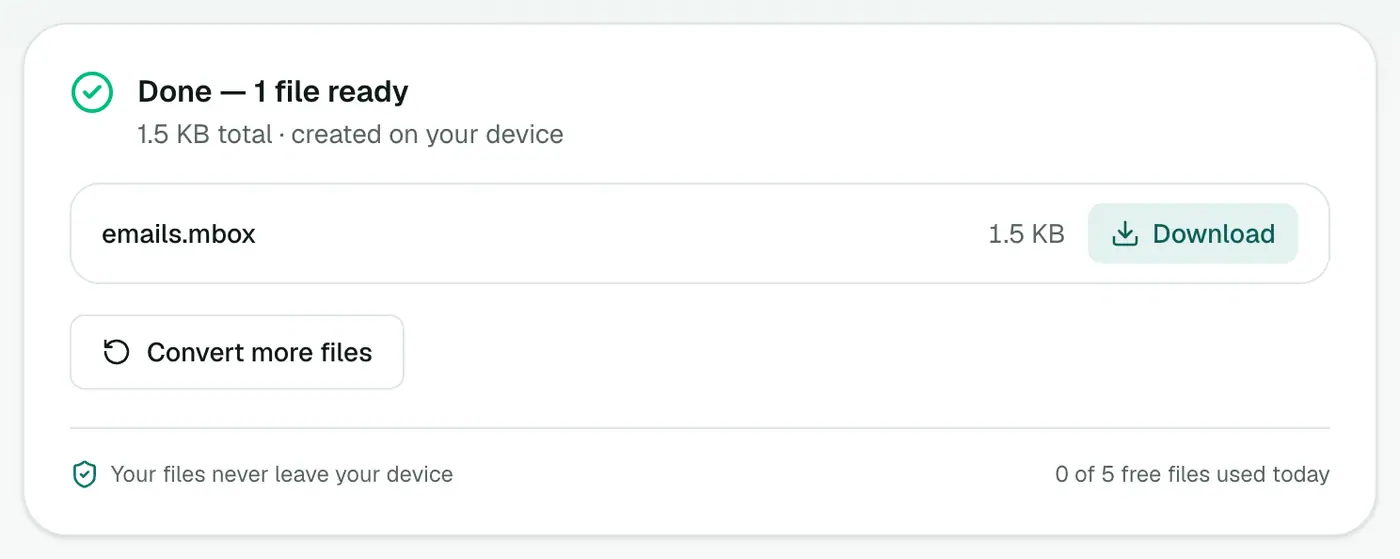
3. Convert and download
Click Convert to MBOX and download the single .mbox file.
Importing it
Thunderbird: install the ImportExportTools NG add-on, then right-click a folder and choose ImportExportTools NG → Import mbox file.
Apple Mail: File → Import Mailboxes → Files in mbox format, then choose the file. It appears under On My Mac.
Into Gmail or iCloud: import into Thunderbird or Apple Mail with that account added, then drag the emails into one of its folders.
Tips
- Archive check: open the MBOX in the MBOX viewer to make sure everything's there.
- Count them: the MBOX counter confirms the number of messages.
- One mailbox per topic: convert each project's EMLs separately and name the files to match. Mail apps use the file name for the imported folder.
- From Outlook? MSG to MBOX does the same for
.msgfiles.
Troubleshooting
Apple Mail imports nothing. Choose Files in mbox format in the import window.
A file is rejected. The error names it. It's probably not a real EML. Remove it and try again.
Summary
The EML to MBOX converter bundles loose emails into one mailbox you can import or archive in a single step.
FAQs
How do I import the MBOX into Thunderbird?
Install the ImportExportTools NG add-on, then right-click a folder and choose ImportExportTools NG → Import mbox file.
How do I import it into Apple Mail?
In Apple Mail choose File → Import Mailboxes, select 'Files in mbox format' and pick the file.
Is the order of messages kept?
Messages are combined in the order you add them. Mail apps sort them by date anyway once imported.
Are attachments kept?
Yes. Every email is written into the mailbox with its attachments.
Is the MBOX a good archive format?
Yes. It's plain text, open, and supported by almost every desktop mail app, so it'll stay readable for a long time.
Is anything uploaded?
No. The MBOX is built in your browser.
Try the EML to MBOX Converter
Free to start, no install, and your files never leave your device.