Email2 min read
How to Parse EML Emails Into JSON
Convert .eml files to JSON with from, to, cc, date, subject, text and HTML bodies, plus attachment names, types and sizes. No MIME parsing code needed.
By the ZapMorph team
On this page
Just want it done?
Open the EML to JSON Converter — it runs in your browser and nothing is uploaded.
If you're building something that processes emails (a support tool, a CRM import, a test fixture, an analysis notebook), you need the email as structured data. MIME parsing is fiddly: encodings, multipart bodies, quoted-printable text. This does it for you.
Example output
{
  "subject": "Invoice for January",
  "from": [{ "name": "Ana Silva", "address": "ana@example.com" }],
  "to": [{ "name": "Bob Lee", "address": "bob@example.org" }],
  "cc": [],
  "date": "2024-01-02T16:00:00.000Z",
  "text": "Please find the invoice attached.",
  "html": "<h1>Invoice for January</h1>…",
  "attachments": [{ "name": "invoice.txt", "type": "text/plain", "size": 22 }]
}
from,to,ccare arrays of{ name, address }, even when there's only one.textis always filled in. If the email only has HTML, a clean text version is generated.htmlisnullfor plain-text emails.
How to convert EML to JSON with ZapMorph
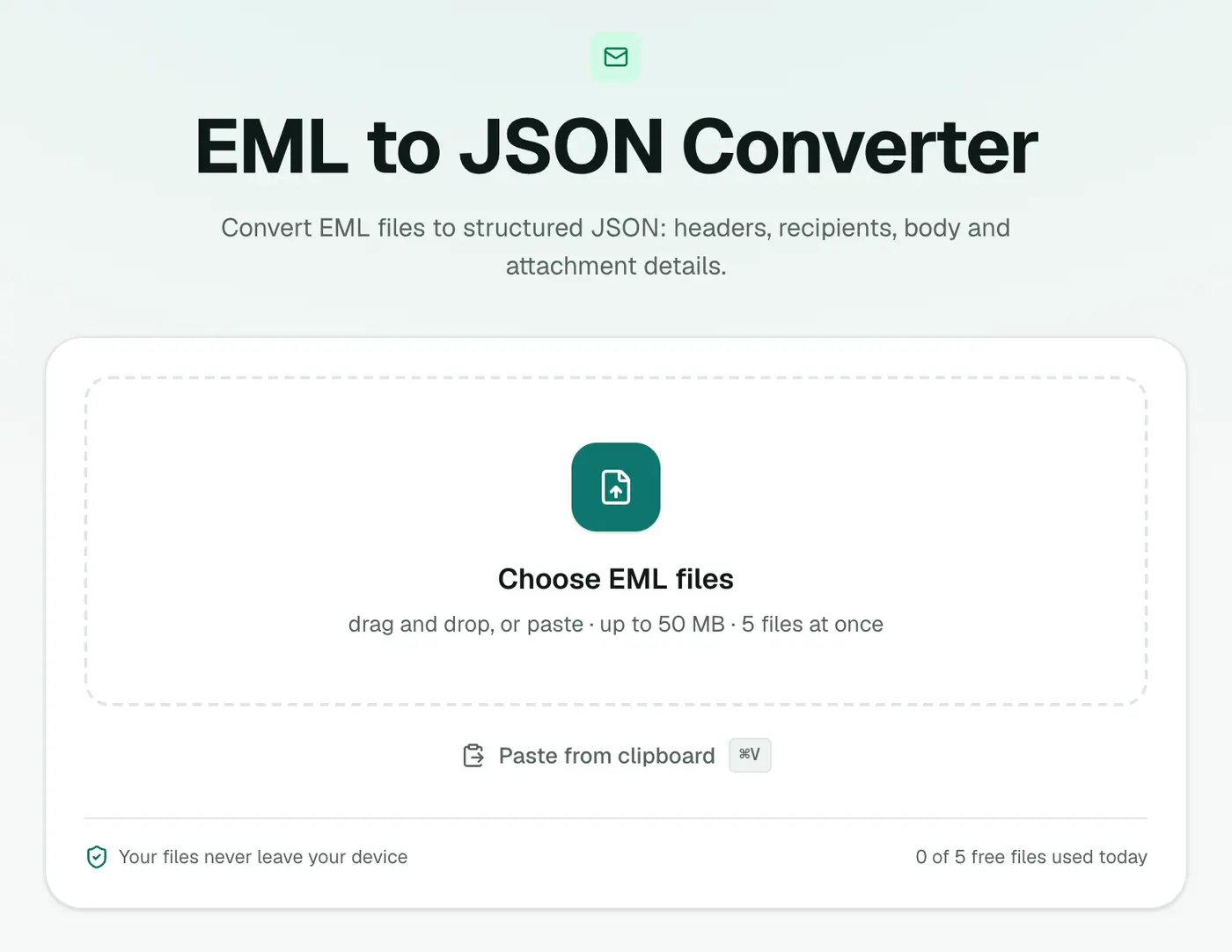
1. Open the converter
Go to the EML to JSON converter.
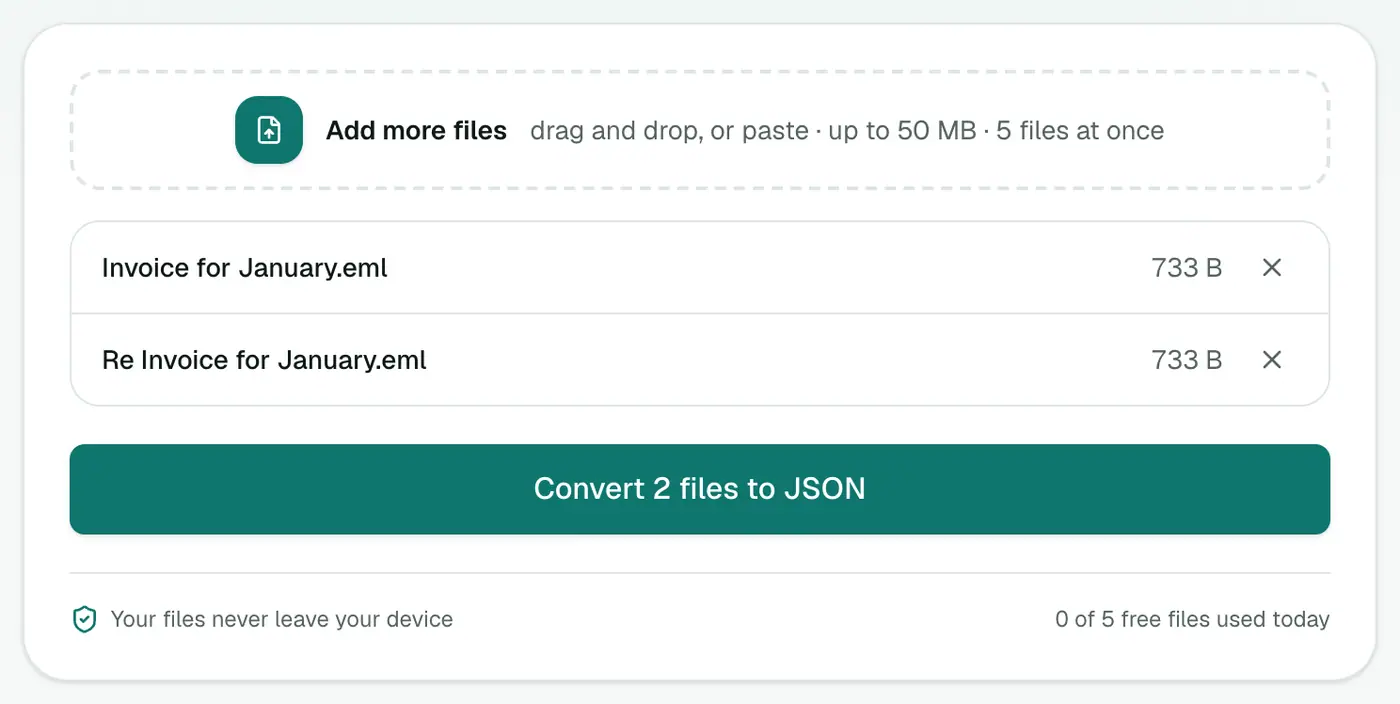
2. Add your EML files
Drop in one or more .eml files.
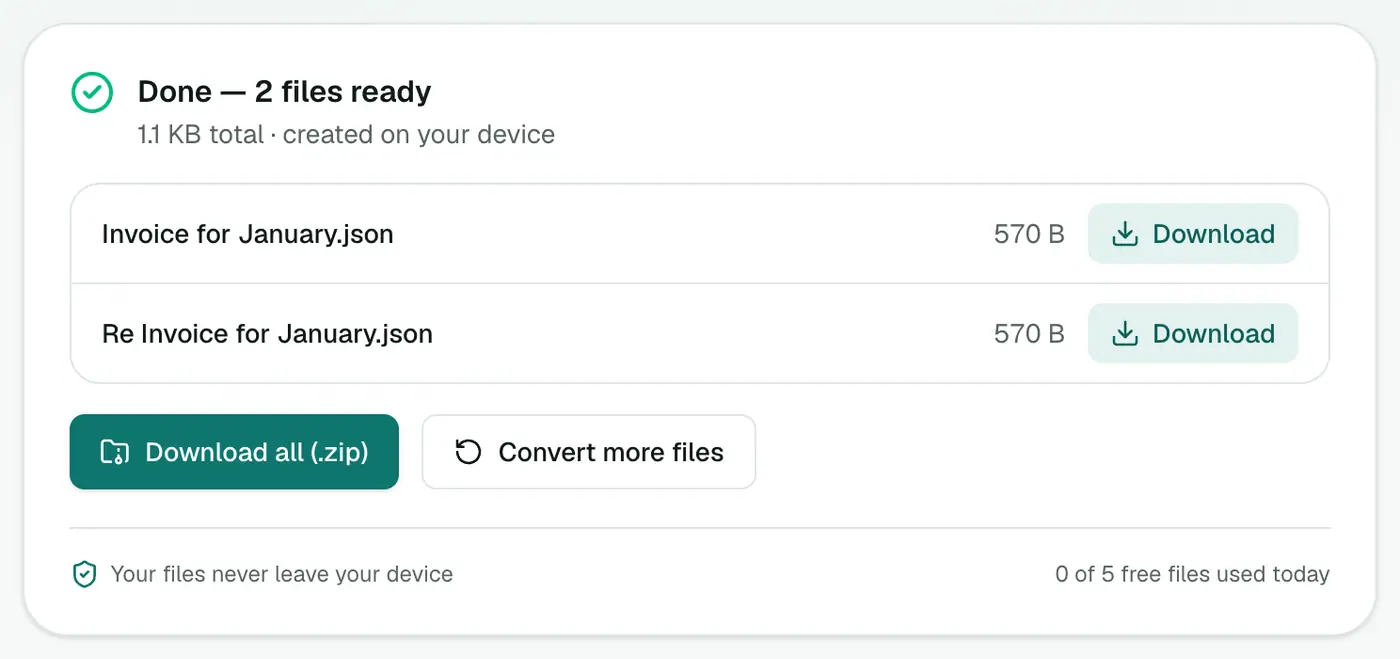
3. Convert and download
Click Convert to JSON.
What the converter handles for you
| MIME detail | Result |
|---|---|
=?UTF-8?B?…?= encoded subjects and names | Plain readable text |
| Quoted-printable and base64 bodies | Decoded |
multipart/alternative (text + HTML) | Both text and html filled |
| Inline images and attachments | Listed in attachments |
| Character sets like ISO-8859-1 or Windows-1252 | Converted to Unicode |
Using the output
Python:
import json, glob
emails = [json.load(open(f, encoding="utf-8")) for f in glob.glob("*.json")]
for e in sorted(emails, key=lambda e: e["date"] or ""):
    print(e["date"], e["from"][0]["address"] if e["from"] else "?", e["subject"])
Merge many files into one array with jq: jq -s '.' *.json > all.json
Tips
- Explore the result in the JSON viewer.
- Many emails in one file? Bundle them with EML to MBOX, then use MBOX to JSON for a single array.
- Spreadsheet instead? EML to CSV.
Summary
The EML to JSON converter handles the MIME details and hands you clean, structured email data.
FAQs
What fields are included?
from, to, cc, date, subject, text, html and an attachments list with each attachment's name, type and size.
Are attachment contents included?
No, only their details. Use the Email Attachment Extractor to save the files themselves.
Is one EML file one JSON object?
Yes. Each EML becomes a JSON file with a single message object.
How are encoded subjects and bodies handled?
Encoded headers, quoted-printable and base64 bodies and character sets are all decoded, so you get readable text.
What date format is used?
ISO 8601 in UTC, such as 2024-01-02T16:00:00.000Z.
Is anything uploaded?
No. Parsing happens in your browser.
Try the EML to JSON Converter
Free to start, no install, and your files never leave your device.