Email2 min read
How to Open an EML File in Your Browser (EML to HTML)
Convert .eml emails to HTML pages that open in any browser with formatting, inline images and a header block. No mail app or account needed.
By the ZapMorph team
On this page
Just want it done?
Open the EML to HTML Converter — it runs in your browser and nothing is uploaded.
Someone sent you an .eml file, or you found a folder of them on an old backup. Double-clicking might open Outlook (and ask you to set up an account), or nothing at all.
Converting to HTML gives you a page that opens in Chrome, Safari, Edge or Firefox, with the email's formatting intact.
How to convert EML to HTML with ZapMorph
1. Open the converter
Go to the EML to HTML converter.
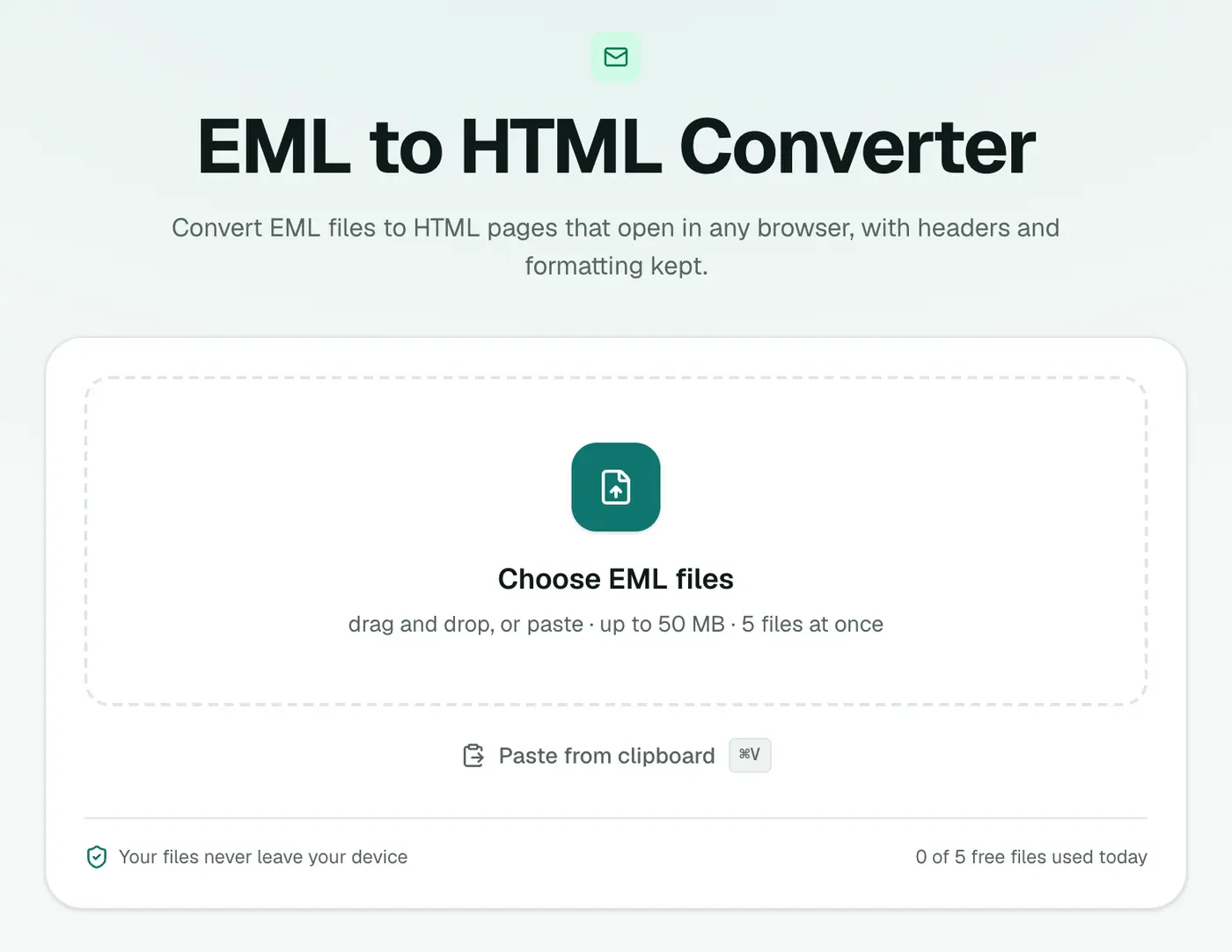
2. Add your EML files
Drop in one or more .eml files.
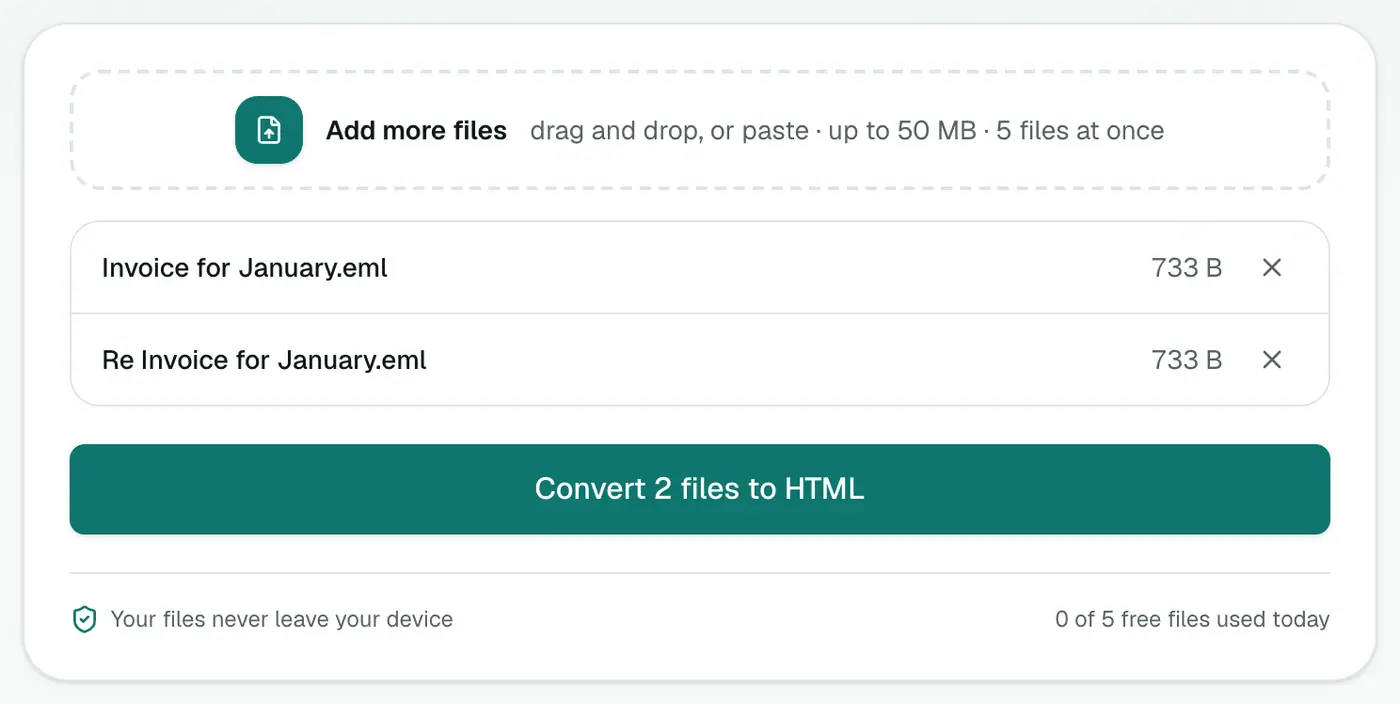
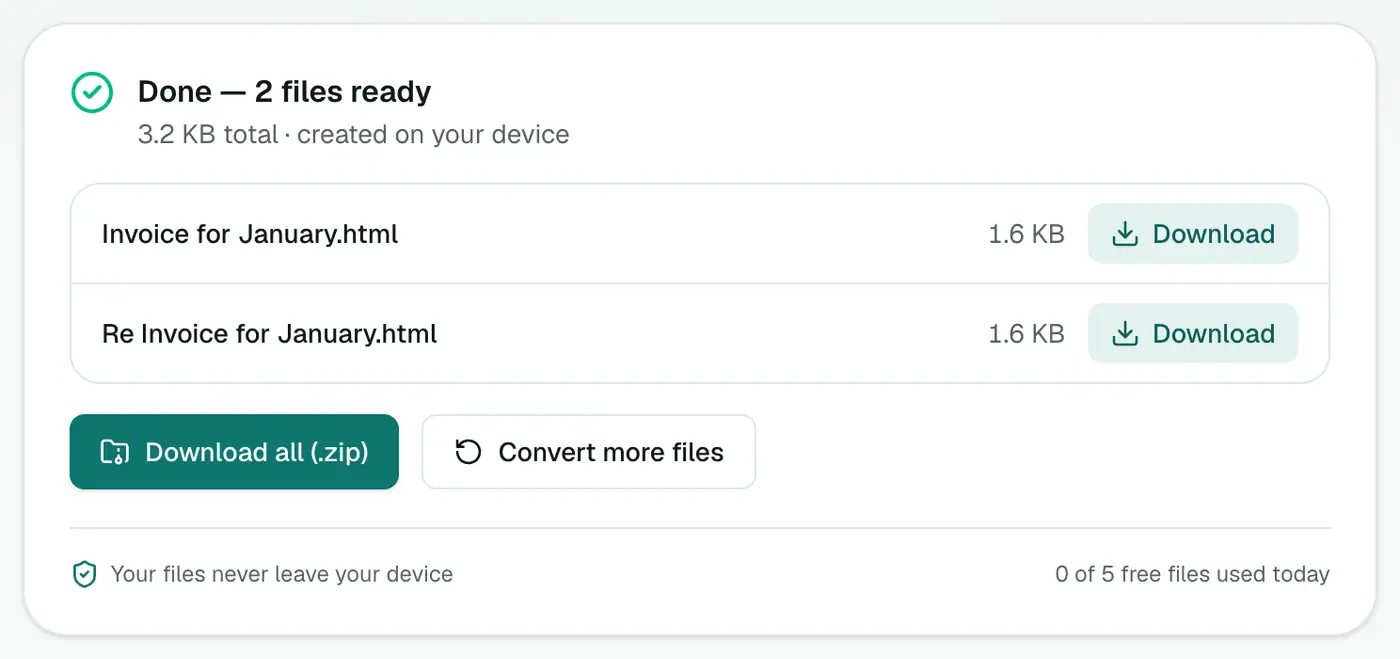
3. Convert and download
Click Convert to HTML and double-click the file to open it in your browser.
HTML vs PDF vs viewer
- EML viewer: read it right now, nothing to download, remote images blocked.
- HTML (this): keep a file that looks like the original email, links working.
- EML to PDF: a fixed, printable record.
Good reasons to choose HTML
- Newsletters and receipts keep their design in HTML much better than in PDF.
- Links stay clickable, which is handy for order confirmations and booking emails.
- Wide tables (like invoices) don't get squeezed onto a page.
- Easy to publish: put the file on an intranet page or attach it to a ticket.
Turning the HTML into a PDF later
Open the HTML file and print with Save as PDF. Or use HTML to PDF for consistent page sizes.
Tips
- Archiving lots of emails? Combine them into one MBOX with EML to MBOX.
- Want the attachments? The Email Attachment Extractor saves them all at once.
Troubleshooting
Images are broken. They were linked from a server that no longer has them. Embedded images always show.
Odd characters. The email declared the wrong character set. The text is still there; only some accented letters may look off.
Summary
No mail app? No problem. The EML to HTML converter turns emails into pages your browser opens directly.
FAQs
Is the email's formatting kept?
Yes. The HTML body is kept as it was sent, with a header block (From, To, Cc, Date, Attachments) on top. Plain-text emails are wrapped so they stay readable.
Do remote images load?
Remote images in emails can be used for tracking. For privacy, view the file offline or check its content before opening it on a connected device.
Can I just view an EML without converting?
Yes, the EML viewer shows it in your browser instantly. Converting to HTML gives you a file you can keep or share.
Are inline images kept?
Yes. Images embedded in the email, like logos and pasted screenshots, are built into the HTML file.
Can scripts in an email run?
No. Scripts, forms and frames are removed during conversion.
Is anything uploaded?
No. The conversion runs in your browser.
Try the EML to HTML Converter
Free to start, no install, and your files never leave your device.