Email2 min read
How to Export EML Emails to a CSV Spreadsheet
Turn a batch of .eml files into one CSV, one row per email with date, sender, recipients, subject, attachments and body. Opens in Excel or Google Sheets.
By the ZapMorph team
On this page
Just want it done?
Open the EML to CSV Converter — it runs in your browser and nothing is uploaded.
A spreadsheet is the fastest way to answer questions about a pile of emails. How many complaints came in last month? When did this supplier last reply? Which messages had attachments? Reading them one by one doesn't scale.
What the CSV looks like
| Date | From | To | Cc | Subject | Attachments | Body |
|---|---|---|---|---|---|---|
| 2024-01-02 16:00 | Ana Silva <ana@…> | Bob Lee <bob@…> | Invoice for January | invoice.pdf | Hi Bob, please find… |
Several recipients are separated by commas; several attachments by semicolons.
How to convert EML to CSV with ZapMorph
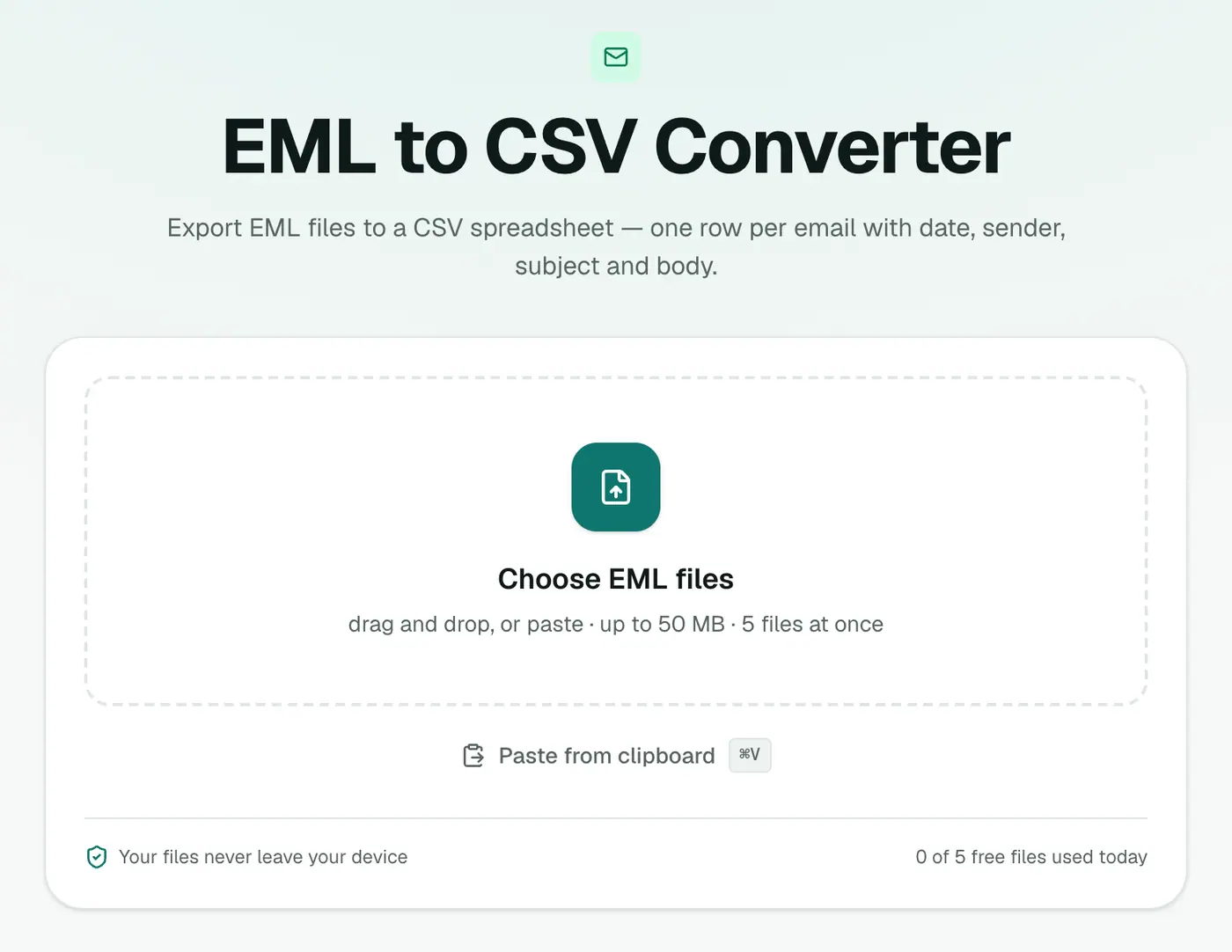
1. Open the converter
Go to the EML to CSV converter.
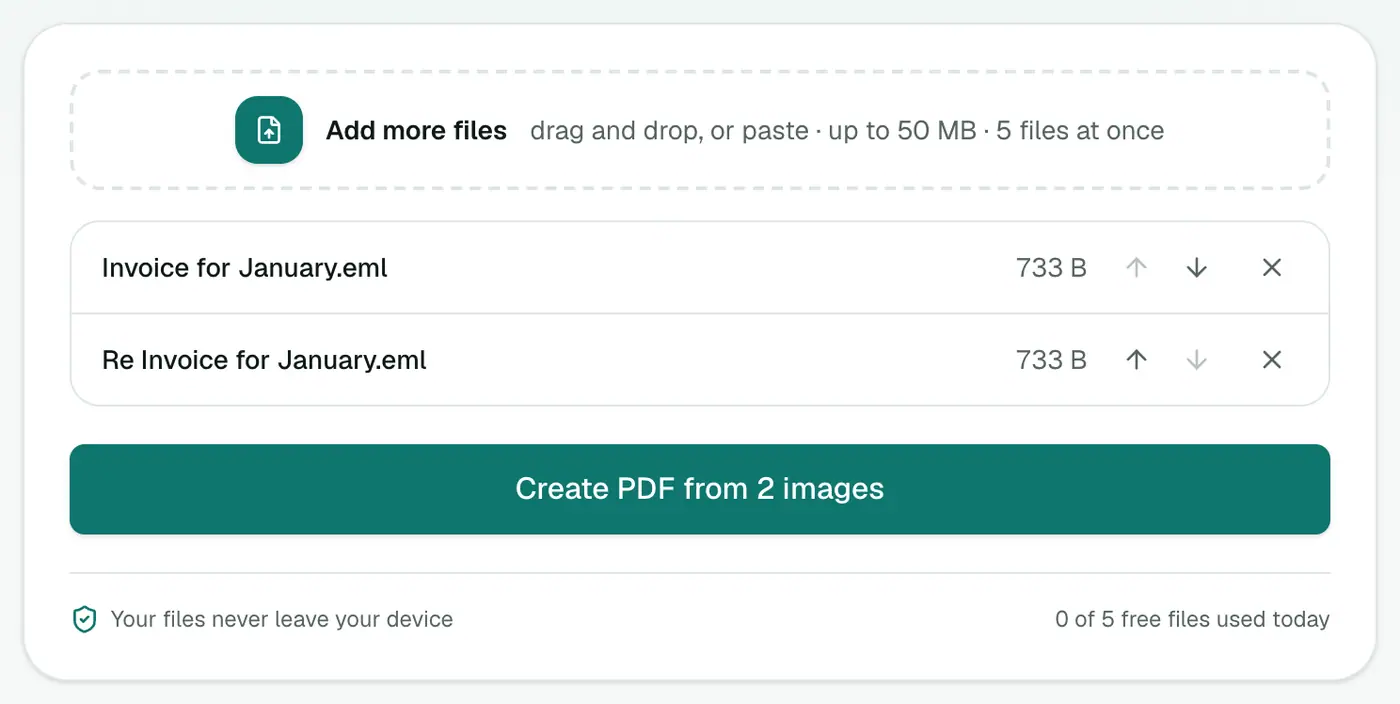
2. Add your EML files
Select all the emails you want. They'll be combined into one CSV.
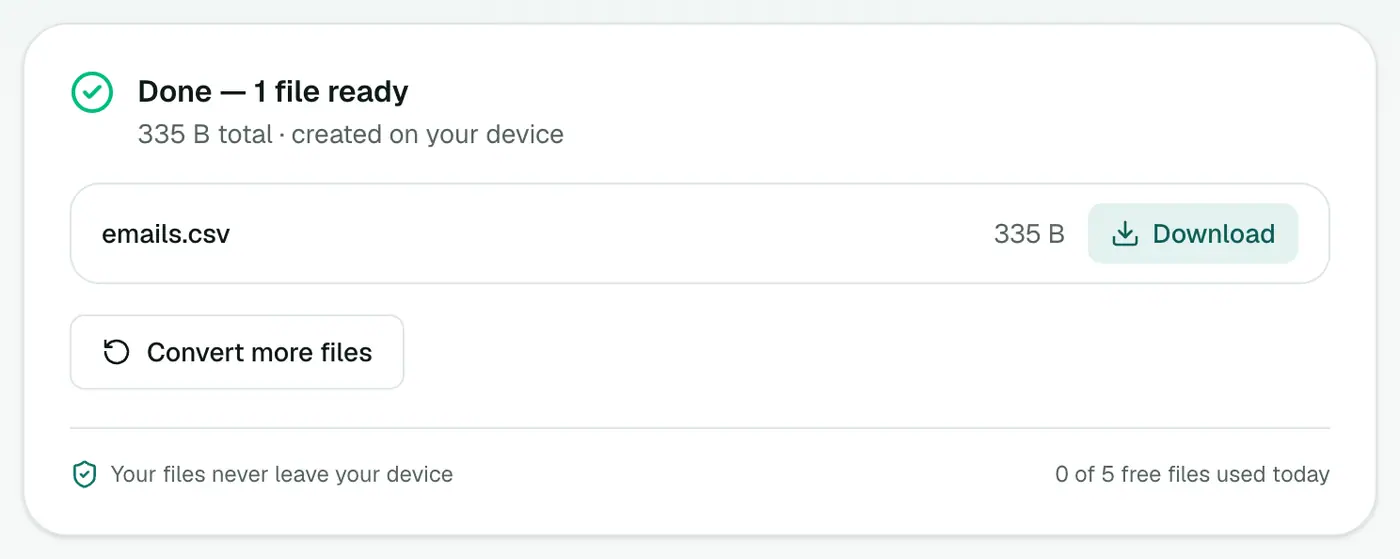
3. Convert and download
Click Convert to CSV and open it in Excel, Google Sheets or Numbers.
Ideas for analysis
- Filter by sender to see every message from a client.
- Pivot table by month to count emails over time.
- Filter the Attachments column to find every email with an invoice.
- Search the Body column for a reference number.
- Response times: sort a thread by date and subtract consecutive timestamps.
Useful formulas
| Goal | Formula (Excel / Sheets) |
|---|---|
| Emails containing a word | =COUNTIF(G:G,"*refund*") |
| Emails from one domain | =COUNTIF(B:B,"*@client.com*") |
| Month of each email | =TEXT(A2,"yyyy-mm") |
Getting lots of EML files
- Gmail: download single messages with ⋮ → Download message. For a whole mailbox, use Google Takeout and MBOX to CSV.
- Thunderbird: select emails → File → Save As → File saves them as EMLs.
- Apple Mail: drag emails to a Finder folder.
Troubleshooting
Characters look wrong in old Excel. Use Data → From Text/CSV and pick UTF-8.
A file fails to convert. The error names the file. Remove it and convert the rest.
Related
- Got a whole mailbox? MBOX to CSV works on Gmail Takeout and Thunderbird exports.
- Outlook files? MSG to CSV.
Summary
The EML to CSV converter turns a folder of emails into one tidy spreadsheet you can sort, filter and pivot.
FAQs
What columns does the CSV have?
Date, From, To, Cc, Subject, Attachments and Body.
Do multiple EML files go into one CSV?
Yes. Add several and they're combined into one spreadsheet, one row per email. How many you can add at once depends on your plan.
Can I sort by date?
Yes. The date column is written in a format Excel and Google Sheets recognise.
Will accents and non-English text display correctly?
Yes. The CSV is UTF-8 with a marker Excel recognises.
Why are very long bodies trimmed?
Excel cells hold at most 32,767 characters, so bodies are cut to 32,000. Use EML to Text for the full text.
Are my emails uploaded?
No. The CSV is built in your browser.
Try the EML to CSV Converter
Free to start, no install, and your files never leave your device.