Data & docs2 min read
How to Convert CSV to XML for Imports and Feeds
Generate well-formed XML from a spreadsheet: one element per row, one child element per column. Invalid tag names are fixed automatically.
By the ZapMorph team
On this page
Just want it done?
Open the CSV to XML Converter — it runs in your browser and nothing is uploaded.
Older systems, ERP imports, some e-commerce platforms and plenty of government portals still want XML. Your data, meanwhile, lives in a spreadsheet. Writing the XML by hand is error-prone, since one unescaped & breaks the whole file.
Example
sku,product name,price
A1,Mug & saucer,12.50
A2,Linen towel,18.00
becomes:
<rows>
<row>
<sku>A1</sku>
<product_name>Mug & saucer</product_name>
<price>12.50</price>
</row>
<row>
<sku>A2</sku>
<product_name>Linen towel</product_name>
<price>18.00</price>
</row>
</rows>
Note product name became product_name (spaces aren't allowed in XML tags) and the & is escaped.
How to convert CSV to XML with ZapMorph
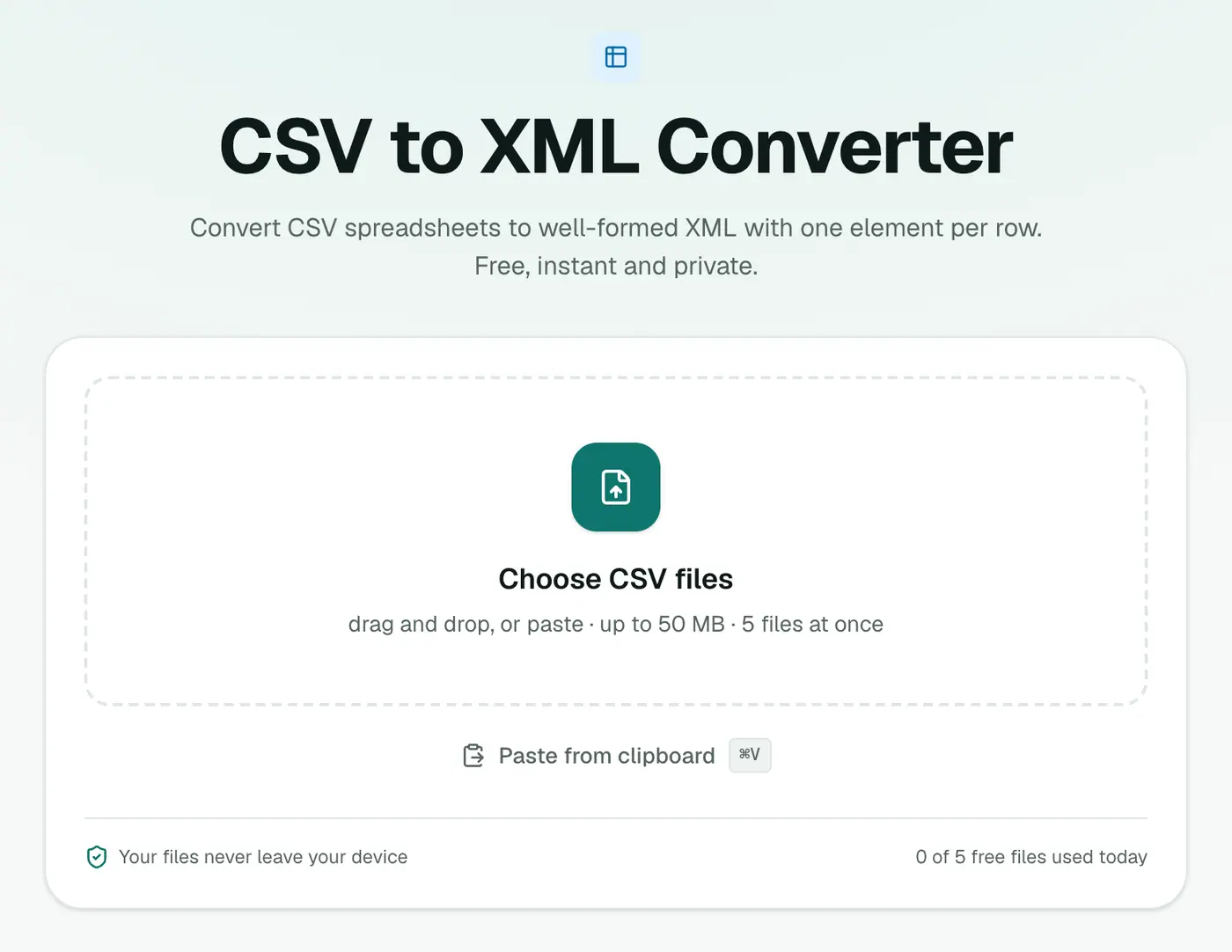
1. Open the converter
Go to the CSV to XML converter.
2. Add your CSV
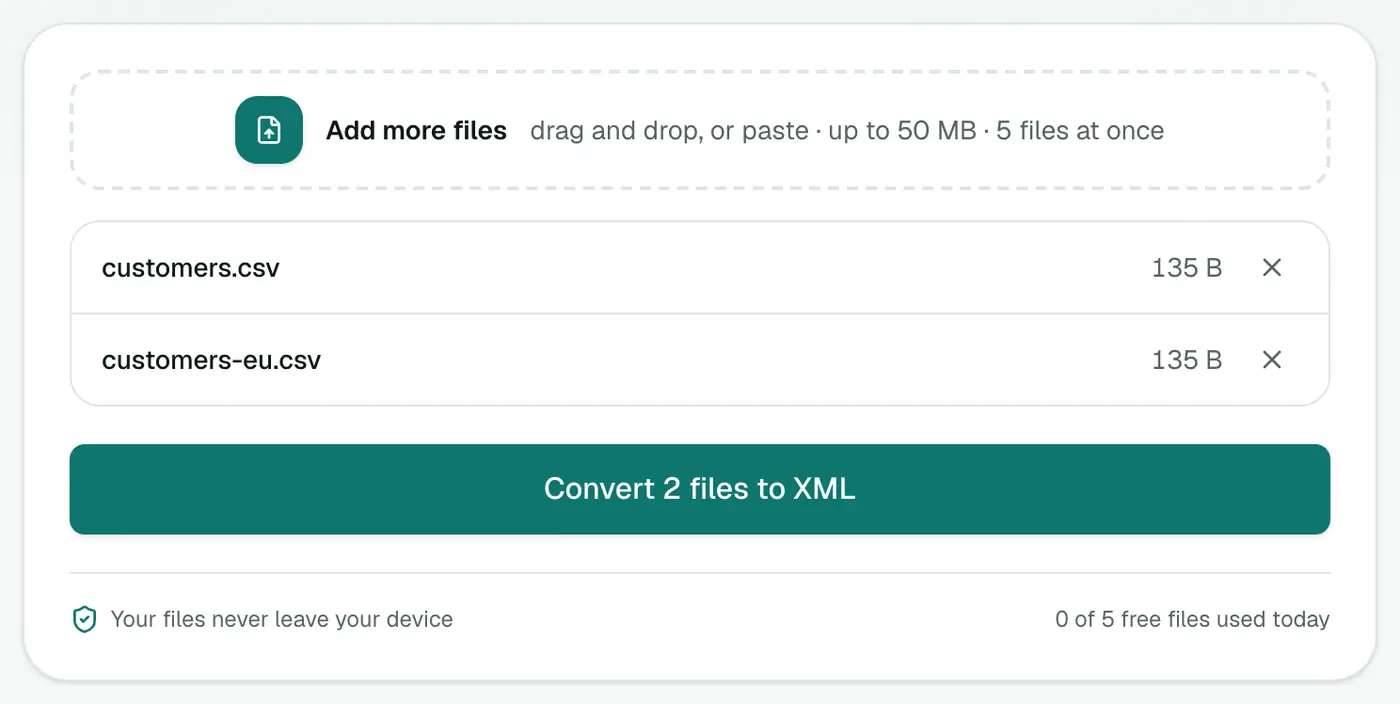
Drop in .csv or .tsv files, or paste CSV text.
3. Convert and download
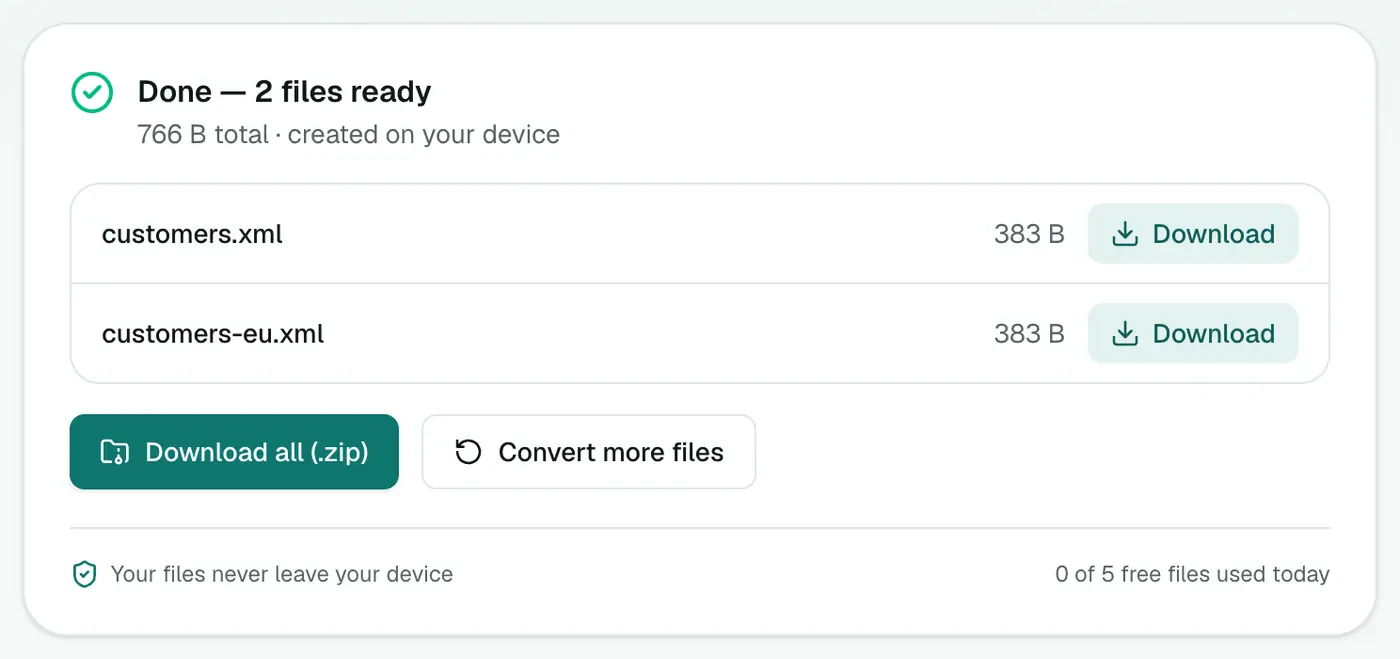
Click Convert to XML.
Tips
- Need a specific schema? If the target system expects particular element names, rename your column headers to match before converting.
- Check it: open the result in the XML viewer to browse the tree.
- From JSON instead? JSON to XML supports attributes too.
Example
This CSV:
sku,name,price
A100,Blue mug,9.50
becomes:
<rows>
  <row>
    <sku>A100</sku>
    <name>Blue mug</name>
    <price>9.50</price>
  </row>
</rows>
Common uses
- Product feeds for marketplaces or comparison sites that ask for XML.
- Legacy imports into ERP, accounting or HR systems.
- Test data for XML-based APIs.
Preparing the CSV
- Use simple headers like
sku,price,stock. They become element names. - Save as UTF-8 so accented characters survive.
- Check the result in the XML viewer before sending it anywhere.
If the receiving system needs a specific structure (custom root names or attributes), use this output as a starting point and adjust it.
Summary
The CSV to XML converter turns spreadsheet rows into valid XML, with escaping and tag names handled for you.
FAQs
What does the XML look like?
Each row becomes a <row> element and each column header becomes a child element containing that cell's value.
My headers have spaces and symbols. Is that a problem?
No. Names that aren't valid in XML (spaces, leading numbers, symbols) are fixed automatically, so the output always parses.
Are special characters like & and < escaped?
Yes. They're escaped properly so the XML stays valid.
Is my data uploaded?
No. The XML is generated in your browser.
What happens to column names with spaces?
Invalid XML names are fixed automatically, for example by replacing spaces, so the output always parses.
Try the CSV to XML Converter
Free to start, no install, and your files never leave your device.