Dev tools2 min read
How to Convert Colors Between HEX, RGB, HSL and CMYK
Pick a color and get it in HEX, RGB, HSL, HSV and CMYK. Check WCAG contrast against white and black text, and generate tints and shades. Free, private.
By the ZapMorph team
On this page
Just want it done?
Open the Color Picker & Converter — it runs in your browser and nothing is uploaded.
Designers hand over HEX, CSS wants RGB or HSL, the print shop asks for CMYK, and accessibility rules care about contrast. Translating between them by hand is tedious and error-prone.
How to convert colors with ZapMorph
1. Open the color converter
Go to the color picker & converter.
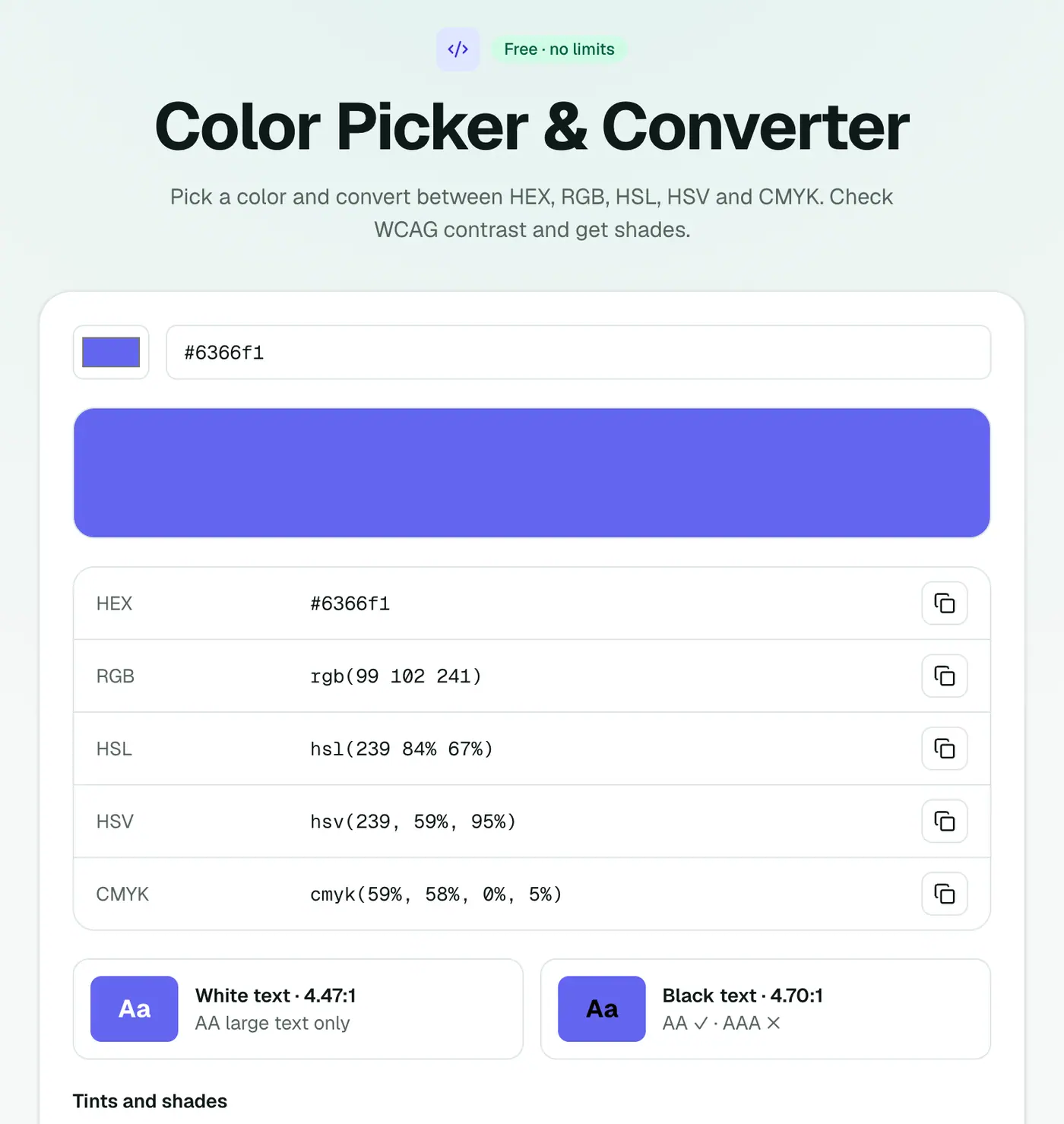
2. Pick or paste a color
Use the picker or paste a HEX, RGB or HSL value. Every format appears with a copy button, plus contrast checks and a range of tints and shades.
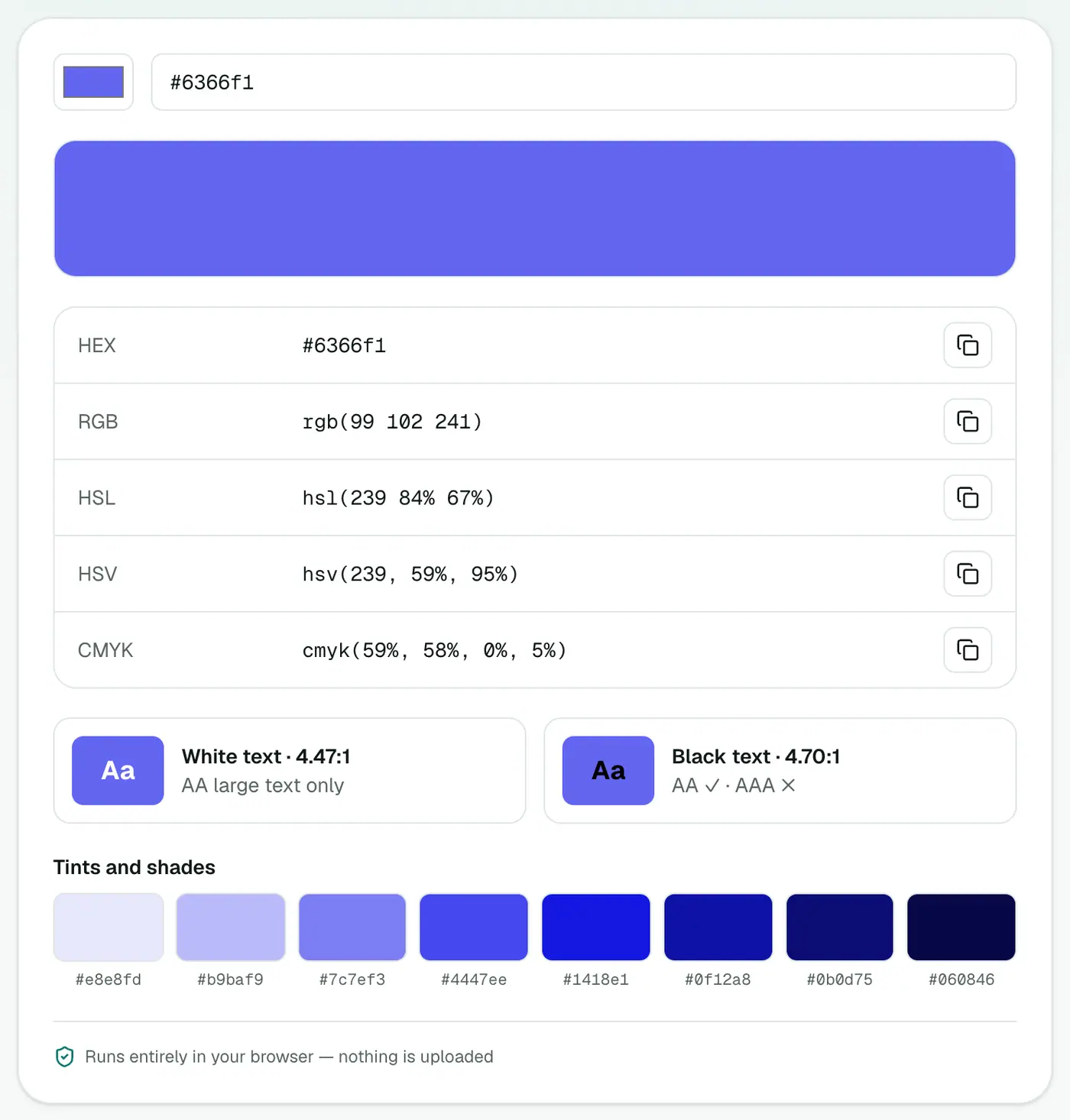
The formats, side by side
One blue in every format:
| Format | Value | Where it's used |
|---|---|---|
| HEX | #1E40AF | CSS, Figma, brand guides |
| RGB | rgb(30, 64, 175) | CSS, screen design |
| HSL | hsl(226, 71%, 40%) | CSS, building palettes |
| HSV / HSB | 226°, 83%, 69% | Photoshop and app colour pickers |
| CMYK | 83, 63, 0, 31 |
Contrast, briefly
Light grey text on white looks elegant and fails accessibility checks. Aim for 4.5:1 or more for body text. If your brand color fails against white, try a darker shade from the generated palette for text, and keep the original for buttons and accents.
| Level | Normal text | Large text (≈24 px, or 19 px bold) |
|---|---|---|
| AA | 4.5:1 | 3:1 |
| AAA | 7:1 | 4.5:1 |
Building a palette from one colour
- Tints (mixed with white) for backgrounds and hover states.
- Shades (mixed with black) for text and borders.
- HSL tweaks: keep the hue, change lightness for a consistent family of colours.
Tips
- Get exact colours from a design: in Figma, select a layer and copy the HEX from the Fill panel.
- From a screenshot: use the eyedropper in your picker or design app.
- For print, always request a proof. Screens and printers show colour differently.
Summary
The color converter translates colors between every common format and tells you whether your text is readable.
FAQs
What's a good contrast ratio?
WCAG AA needs 4.5:1 for normal text and 3:1 for large text. AAA needs 7:1 for normal text.
Why does my CMYK look different when printed?
Screen-to-print conversion depends on the printer's color profile. Use the CMYK values as a starting point and check a proof.
Can I paste any format?
Yes. HEX, RGB and HSL inputs all work.
What's the difference between HSL and HSV?
Both describe hue and saturation. HSL's third value is lightness (100% is always white); HSV's is value or brightness (100% is the purest colour). CSS uses HSL; many design apps' pickers use HSV.
What about 3-digit and 8-digit HEX codes?
#abc is shorthand for #aabbcc. An 8-digit HEX like #1e40afcc adds transparency (alpha) at the end.
Can I convert a Pantone colour?
Pantone is a licensed ink system, so there's no exact formula. Use the official Pantone reference for the closest HEX or CMYK values.
Try the Color Picker & Converter
Free to start, no install, and your files never leave your device.