Image2 min read
How to Convert BMP to JPG and Shrink Those Huge Files
Old scans, Paint drawings and legacy software exports often come out as massive BMP files. Here's how to convert BMP to JPG and cut the size by 90% or more.
By the ZapMorph team
On this page
Just want it done?
Open the BMP to JPG Converter — it runs in your browser and nothing is uploaded.
BMP files usually come from somewhere old: a scanner driver from 2008, a piece of industrial or medical software, a Paint drawing someone saved without thinking about it. The files open fine on Windows, but they're enormous, and websites rarely accept them.
Converting to JPG is the obvious fix.
Why BMP should usually become JPG
- Size: BMP is typically uncompressed. Converting to JPG often shrinks a file by 90% or more.
- Compatibility: web forms, email, Macs and phones all handle JPG without complaint.
- Sharing: you can email twenty JPGs in the space of one or two BMPs.
The exception is pixel art, screenshots of old software and simple diagrams. Those look cleaner as PNG, which is lossless but still far smaller than BMP.
How to convert BMP to JPG with ZapMorph
1. Open the converter
Go to the BMP to JPG converter.
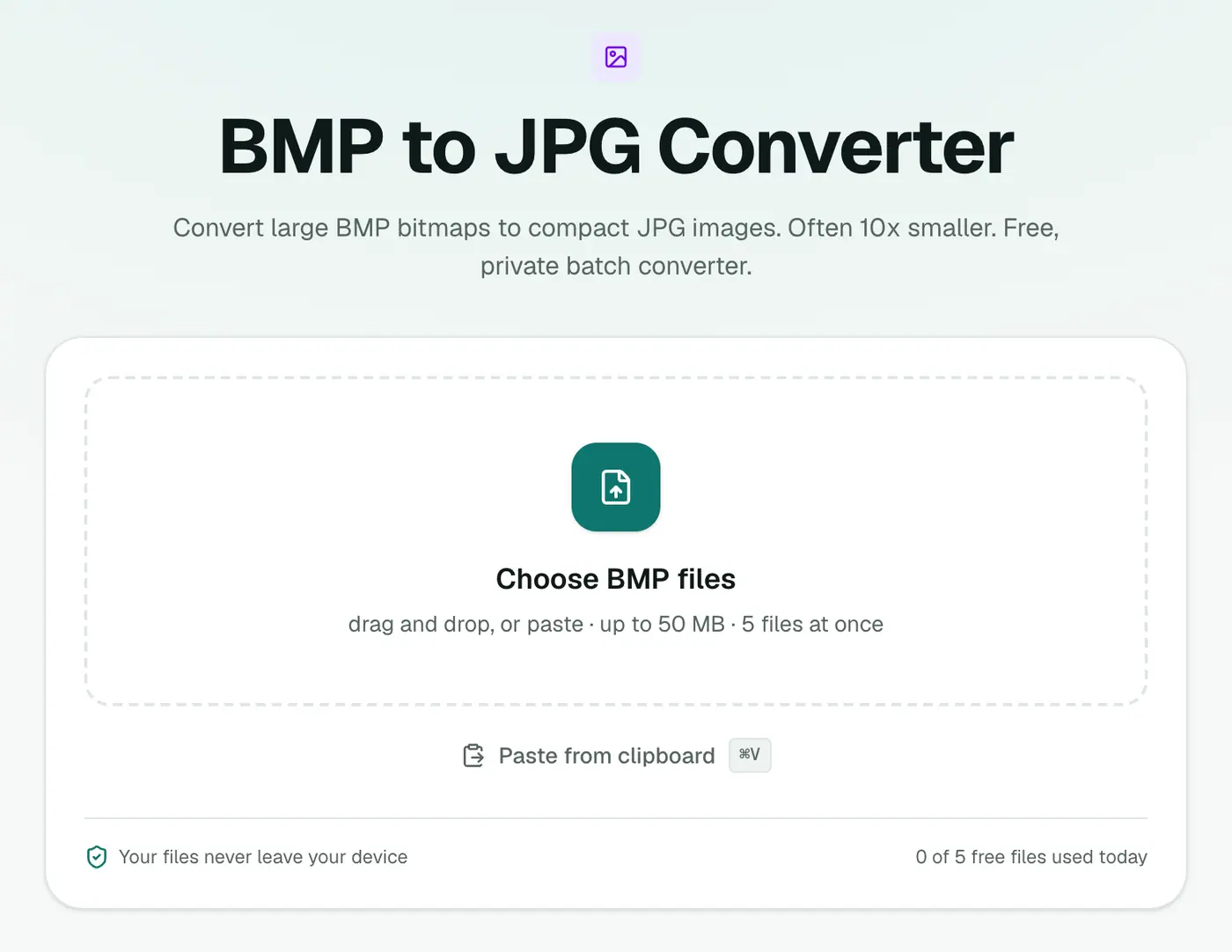
2. Add your BMP files
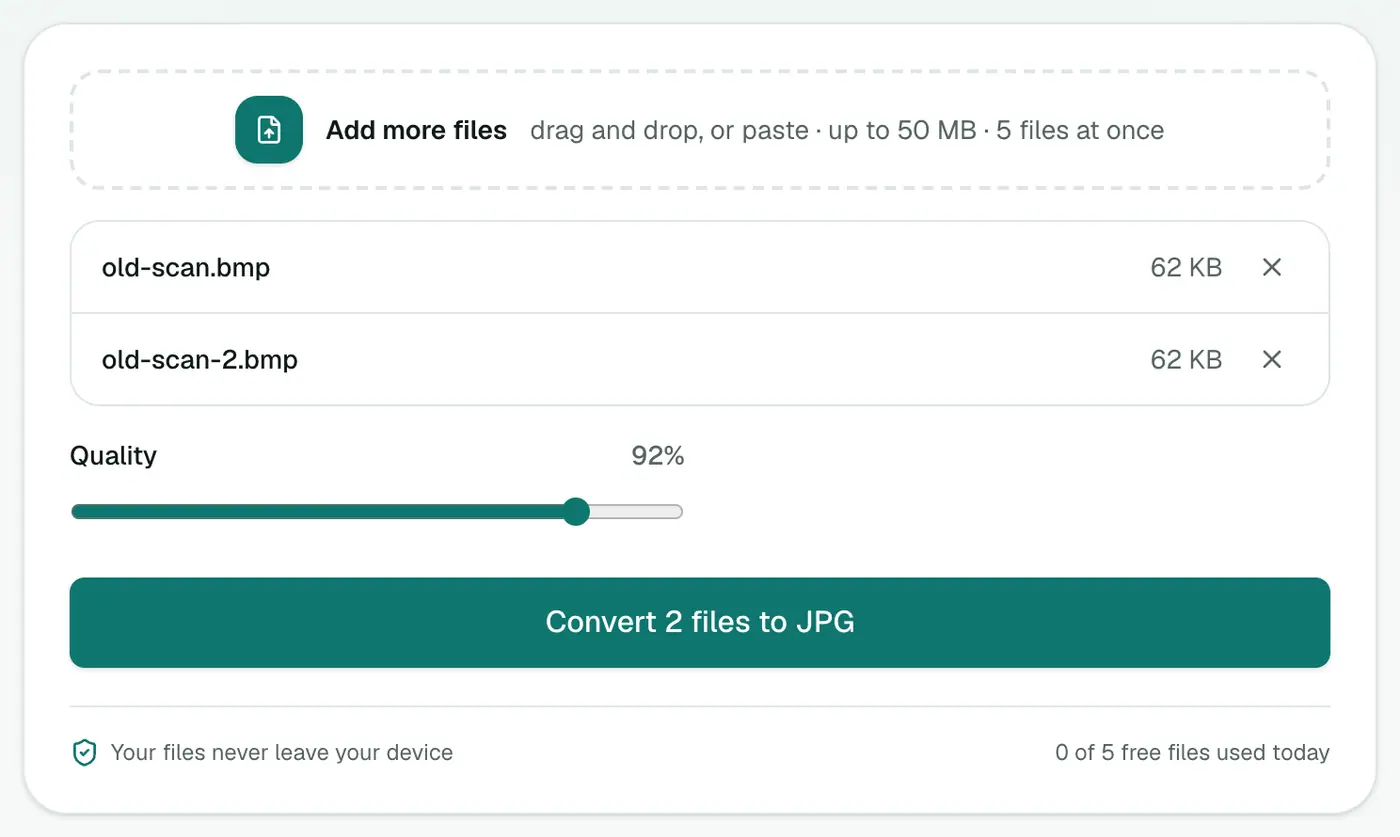
Drag them in or click to choose. Leave Quality at 92%, or lower it if you want even smaller files.
3. Convert and download
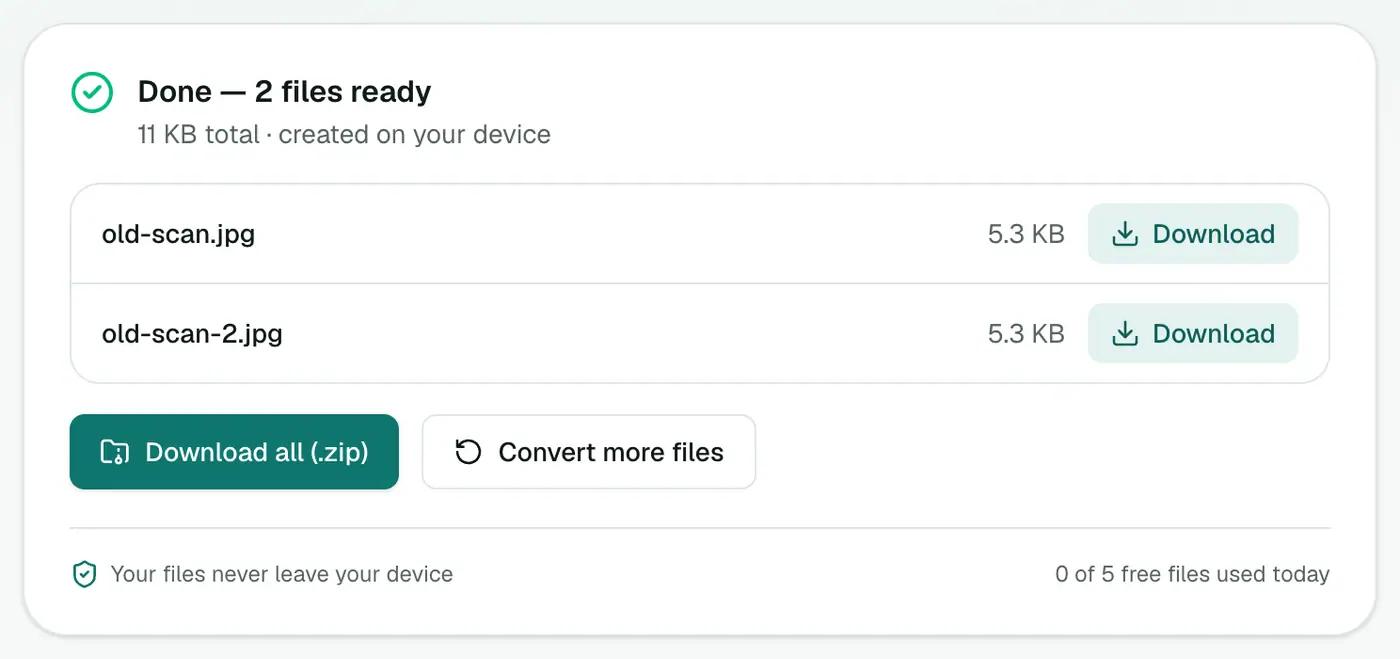
Click Convert to JPG. The results panel shows the new file sizes, and the difference is usually dramatic.
Built-in alternative
On Windows, open the BMP in Paint and use File → Save as → JPEG picture. It works fine for one file. For a folder of scans, a batch converter is much quicker.
On a Mac, Preview opens BMP files and can Export them as JPEG.
Tips
- Scanning documents? If the end goal is a PDF, convert the JPGs with JPG to PDF, or use Images to PDF for mixed formats.
- Need even smaller files? Run the JPGs through the image compressor and cap the dimensions.
- Change your scanner settings to save JPG or PDF in future. Most scanner software has the option buried somewhere.
How much smaller?
| Image | BMP | JPG (92%) |
|---|---|---|
| 1920 × 1080 screenshot | ~6 MB | 300–600 KB |
| 12 MP photo | ~36 MB | 3–5 MB |
Where BMP files come from
- Old Windows Paint saves and very old scanners.
- Industrial and medical equipment exporting raw images.
- Older games and software assets.
- Screenshots from some legacy tools.
Once converted, the JPGs open everywhere, email easily and upload to any form.
Summary
BMP is a relic, and converting to JPG makes the files smaller and easier to share. The BMP to JPG converter handles a whole batch in one go, right in your browser.
FAQs
Why are BMP files so big?
BMP usually stores every pixel uncompressed. A 3000×2000 photo as BMP is about 18 MB, while the same image as a good JPG is closer to 1–2 MB.
Will the JPG look worse?
At the default 92% quality you won't see a difference for photos and scans. For pixel art or simple diagrams, PNG is the better choice.
Do .dib files work?
Yes. DIB is the same bitmap format and is accepted too.
Is my image uploaded?
No. BMPs are converted in your browser.
Should I choose PNG instead of JPG?
For screenshots, diagrams and anything with sharp text, PNG keeps edges crisp. For photos, JPG is much smaller.
Try the BMP to JPG Converter
Free to start, no install, and your files never leave your device.