Image2 min read
How to Convert AVIF to PNG (Lossless, Transparency Kept)
Turn AVIF images into PNG files that open in any editor, with transparent backgrounds preserved. A short, practical walkthrough.
By the ZapMorph team
On this page
Just want it done?
Open the AVIF to PNG Converter — it runs in your browser and nothing is uploaded.
If you've grabbed an AVIF image (an icon, a product cut-out, a graphic from a site) and want to edit it or drop it into a design, PNG is the format to convert to. It keeps transparency and won't add any compression of its own.
AVIF to PNG or AVIF to JPG?
- PNG for graphics, logos, anything with a transparent background, and anything you'll keep editing.
- JPG for photos you're simply sharing. Use the AVIF to JPG converter for those.
How to convert AVIF to PNG with ZapMorph
1. Open the converter
Go to the AVIF to PNG converter.
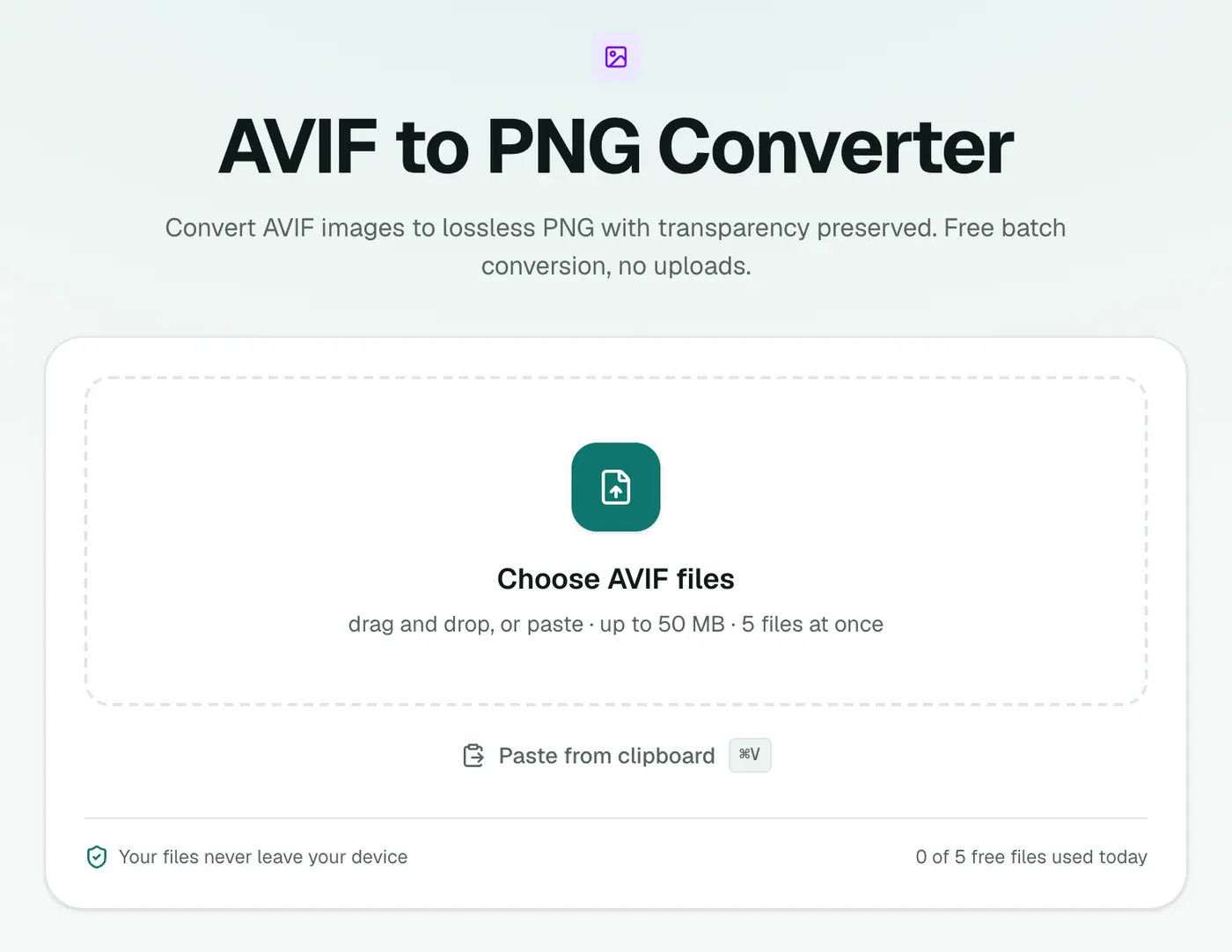
2. Add your files
Drag your AVIF images in. There are no settings to choose.
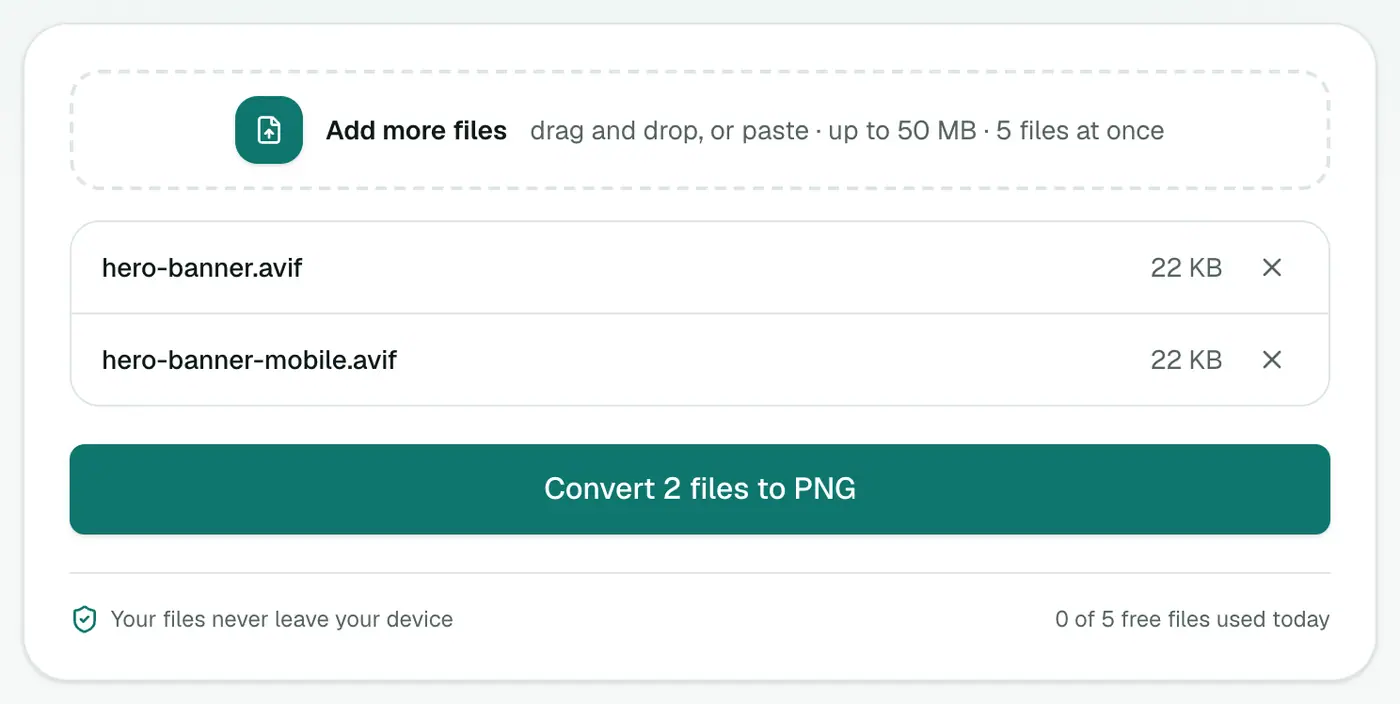
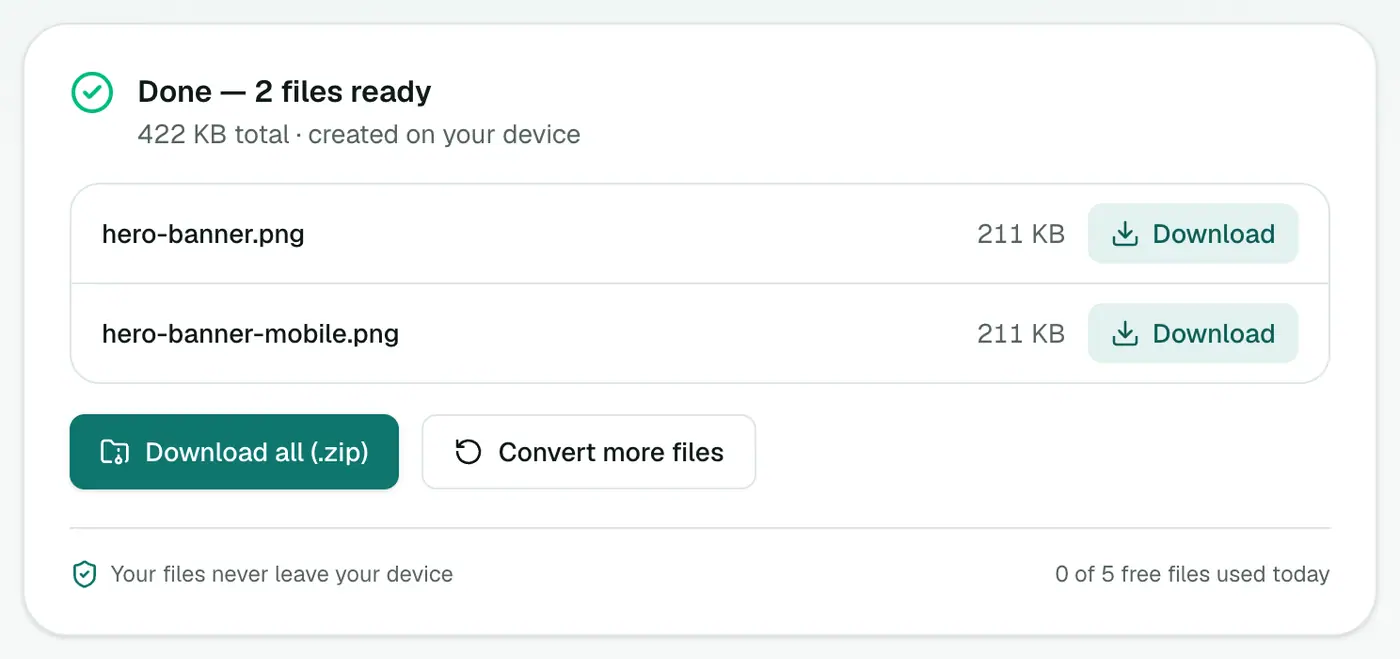
3. Convert and download
Click Convert to PNG and save the results.
Other ways
On a recent Mac, Preview opens AVIF. Choose File → Export and pick PNG. On Windows, install the AV1 Video Extension from the Microsoft Store and Paint can open AVIF. Note that Paint doesn't preserve transparency well.
Tips
- Check the transparency by placing the PNG on a colored background in your editor.
- PNG too big for your website? Convert it to WebP afterwards with PNG to WebP. You keep transparency and save a lot of space.
- Several images? Convert them together and download a ZIP.
Size comparison
A typical 1200 px web image:
| Format | Approx. size |
|---|---|
| AVIF | 40–80 KB |
| JPG (92%) | 150–300 KB |
| PNG | 600 KB – 2 MB |
PNG is lossless, so it's big. That's fine for editing; for sharing, AVIF to JPG gives smaller files.
Good reasons to choose PNG
- Logos and graphics with transparent backgrounds.
- Editing in apps that can't open AVIF.
- Screenshots and text where JPG artefacts would blur sharp edges.
That's it
The AVIF to PNG converter gives you a lossless, editable copy with transparency intact. It's the right move for graphics and anything heading into a design tool.
FAQs
Does AVIF to PNG keep transparency?
Yes. PNG supports transparency fully, so see-through areas stay see-through.
Why is the PNG larger than the AVIF?
AVIF is one of the most efficient formats around, and PNG is lossless. The PNG can easily be 5–10 times bigger.
When should I pick JPG instead?
For photos you just want to share or upload. JPG files are much smaller than PNG.
Is my image uploaded?
No. The conversion happens in your browser.
Can I edit the PNG in Photoshop or Canva?
Yes. PNG opens in every editor, which is one of the main reasons to convert from AVIF.
Try the AVIF to PNG Converter
Free to start, no install, and your files never leave your device.