Image2 min read
How to Convert AVIF to JPG When a File Won't Open
Downloaded an AVIF image that your editor, phone or upload form doesn't recognise? Here's how to turn it into a normal JPG in seconds.
By the ZapMorph team
On this page
Just want it done?
Open the AVIF to JPG Converter — it runs in your browser and nothing is uploaded.
AVIF is the new kid among image formats. It's even more efficient than WebP, so more websites (and some phone cameras) now use it. Most of the time you won't notice, because your browser just displays it.
Then you save one, try to open it in Photoshop, attach it to a form, or send it to someone on an older phone, and nothing works.
Why AVIF trips things up
Browser support for AVIF is good now. Everything else is catching up slowly:
- Older Photoshop and Office versions can't open it.
- Many upload forms reject it outright.
- Windows needs the AV1 Video Extension from the Microsoft Store to show thumbnails.
- Printing services and photo frames rarely support it.
JPG fixes all of that.
How to convert AVIF to JPG with ZapMorph
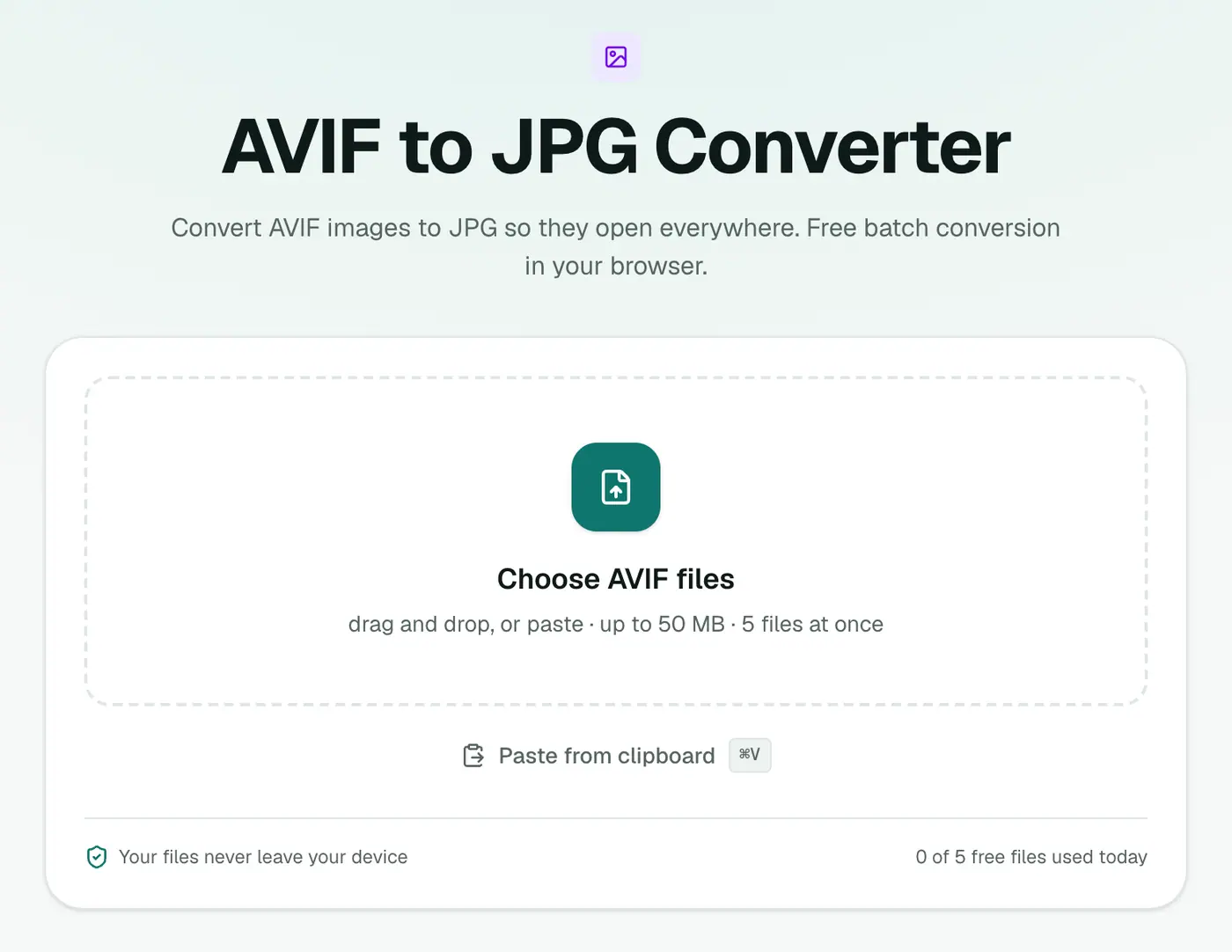
1. Open the converter
Go to the AVIF to JPG converter.
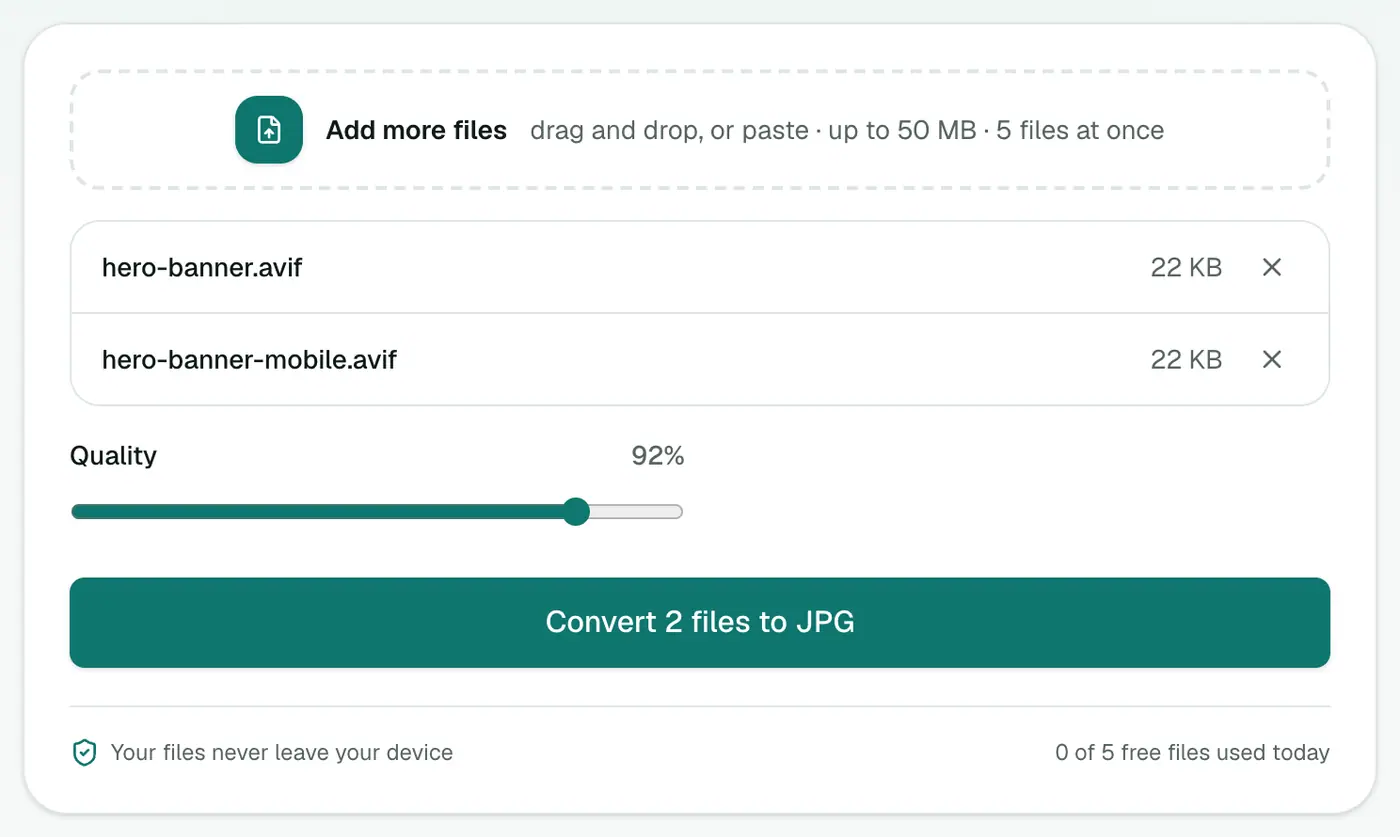
2. Add your AVIF files
Drop them in. The Quality slider starts at 92%, and you can leave it there.
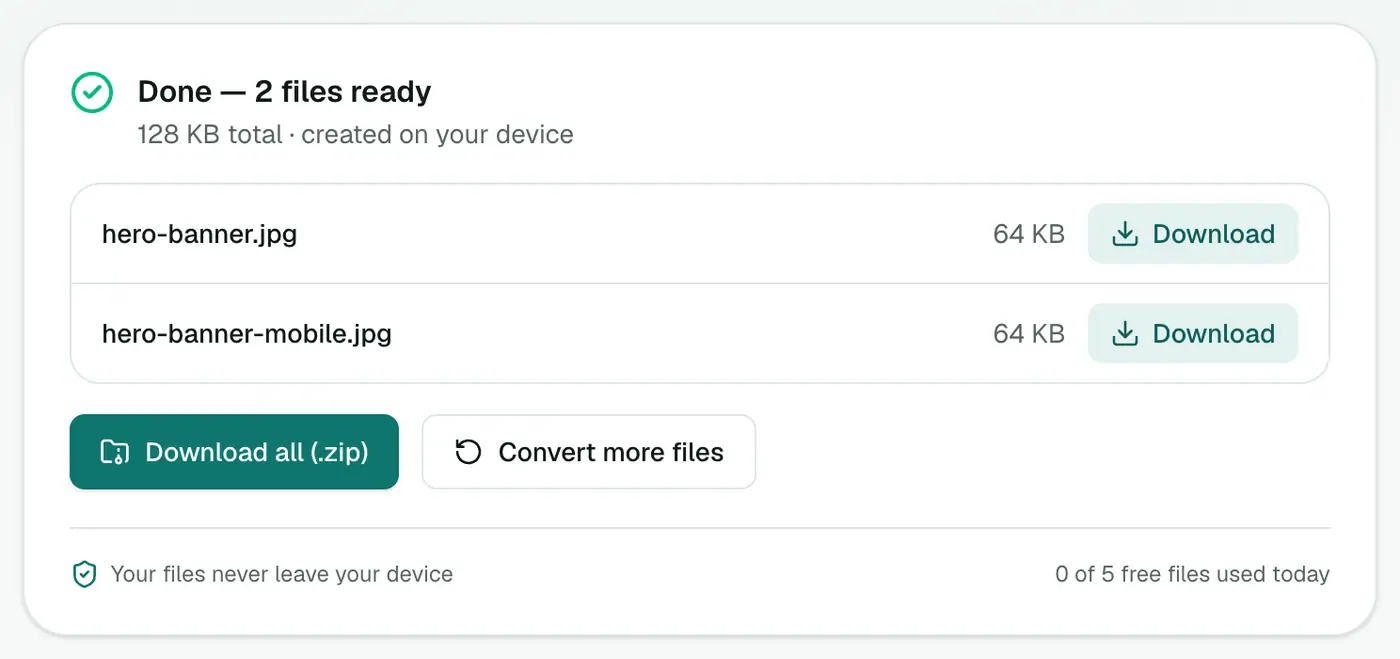
3. Convert and download
Click Convert to JPG and download your files.
Other options
- Windows: install the free AV1 Video Extension from the Microsoft Store, then Paint and Photos can open AVIF and save it as JPG.
- Mac: recent macOS versions open AVIF in Preview. Use File → Export → JPEG.
- Browser trick: some sites serve AVIF only to browsers that support it. Saving the image from an older browser sometimes gets you a JPG, but that's hit and miss.
Tips
- Transparent AVIF? JPG fills transparency with white. Use AVIF to PNG to keep it.
- Want small files for your own site? Converting to WebP is a well-supported middle ground.
- Converting a lot? Add several files at once and download the ZIP.
AVIF vs WebP vs JPG
| AVIF | WebP | JPG | |
|---|---|---|---|
| File size at similar quality | Smallest | Small | Largest |
| Transparency | ✓ | ✓ | ✗ |
| Opens in Windows Photos, older apps | Patchy | Mostly | ✓ |
| Accepted by upload forms | Rarely | Sometimes | Almost always |
AVIF is great for websites, but JPG is still the safe choice for sharing, printing and uploading.
Where AVIF files come from
- Saving images from websites that serve AVIF to modern browsers.
- Newer Android and Samsung phones with AVIF capture options.
- Image CDNs and design tools exporting for the web.
In short
AVIF is great for page speed and awkward everywhere else. When you need an image that opens in any app, run it through the AVIF to JPG converter.
FAQs
What is an AVIF file?
A modern image format based on the AV1 video codec. It makes very small files, so websites increasingly serve images as AVIF.
Why can't I open AVIF files?
Browsers handle AVIF well, but plenty of desktop apps, older phones and upload forms still don't support it.
Does converting reduce quality?
Slightly, since JPG is lossy, but at the default 92% you won't notice. AVIF images are often already heavily compressed, so higher quality settings won't add detail that isn't there.
Can I convert AVIF to PNG instead?
Yes. Use AVIF to PNG if the image has transparency or you'll edit it further.
Is my image uploaded?
No. AVIF files are decoded and converted in your browser.
Can I convert many AVIF files at once?
Yes. Add several and download the JPGs together. How many at once depends on your plan.
Try the AVIF to JPG Converter
Free to start, no install, and your files never leave your device.