Dev tools2 min read
How to Change Text Case: UPPER, lower, Title, camelCase and More
Fix text typed with Caps Lock, format headlines in Title Case, or turn phrases into camelCase, snake_case or kebab-case for code. One click to copy. Private.
By the ZapMorph team
On this page
Just want it done?
Open the Case Converter — it runs in your browser and nothing is uploaded.
You typed a whole paragraph with Caps Lock on. Or you need "quarterly sales report draft" as quarterlySalesReportDraft for a variable name, quarterly-sales-report-draft for a URL, and "Quarterly Sales Report Draft" for a heading. Retyping is silly.
How to change case with ZapMorph
1. Open the case converter
Go to the case converter.
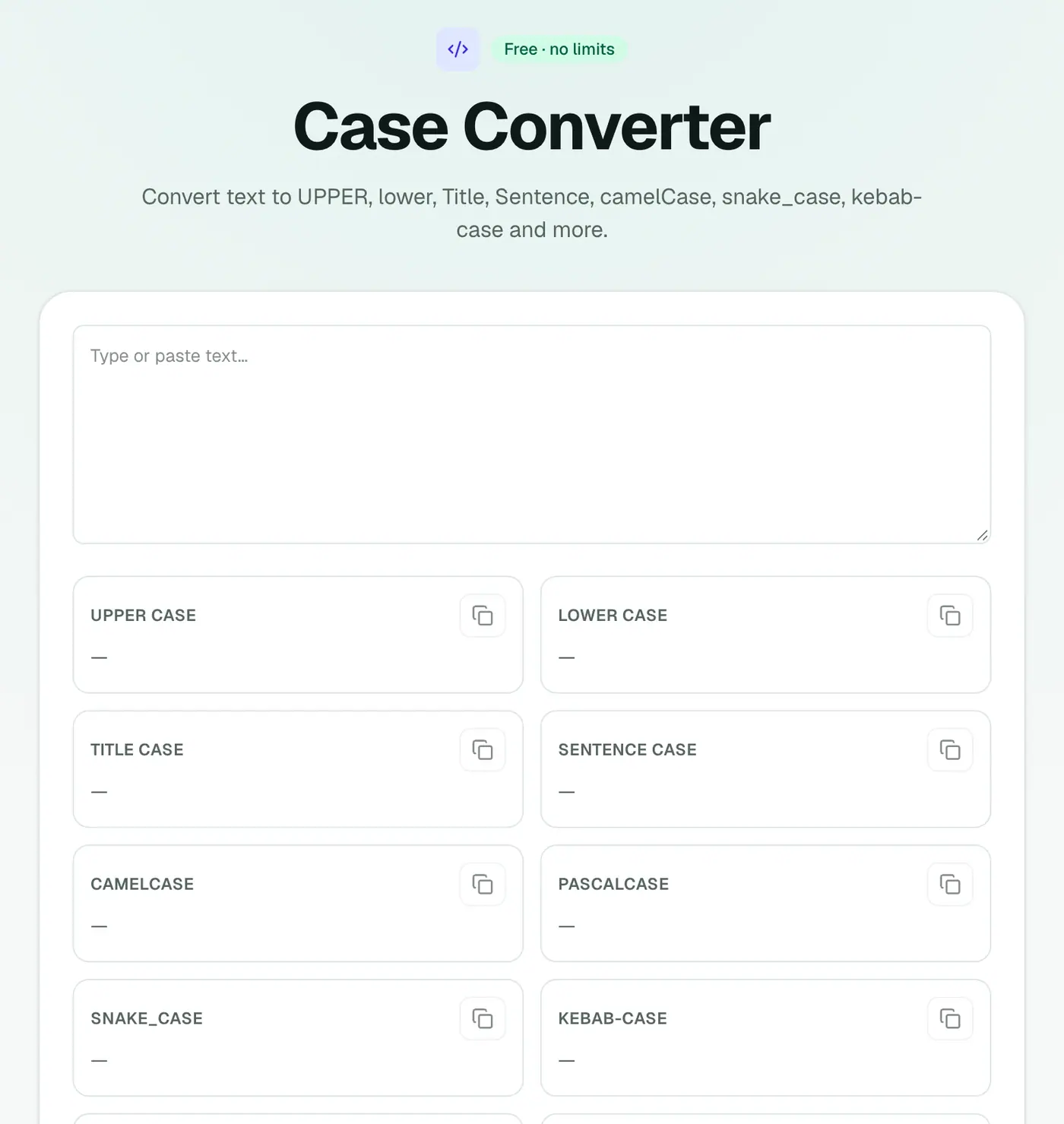
2. Paste your text
Every case is shown side by side.
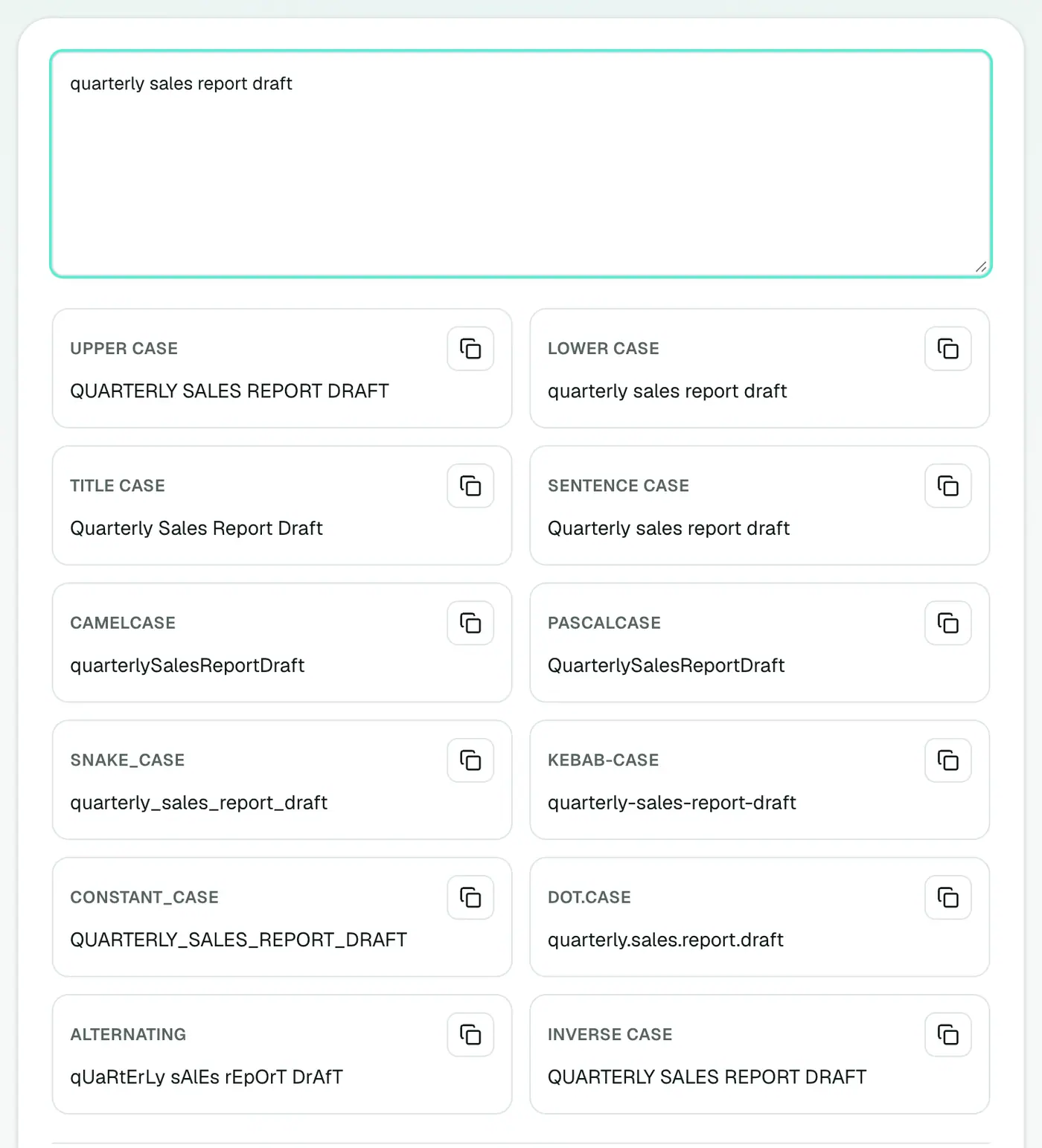
3. Copy the one you need
One click per format.
Which case for what
| Case | Example | Used for |
|---|---|---|
| UPPER CASE | QUARTERLY SALES REPORT | Acronyms, warnings, short labels |
| lower case | quarterly sales report | Tags, email addresses |
| Title Case | Quarterly Sales Report | Headlines |
| Sentence case | Quarterly sales report | UI buttons, body headings |
| camelCase | quarterlySalesReport | JavaScript variables |
| PascalCase | QuarterlySalesReport | Class and component names |
| snake_case | quarterly_sales_report | Python, database columns |
| kebab-case | quarterly-sales-report | URLs, CSS classes, file names |
Title Case vs Sentence case
Style guides differ:
- Title Case capitalises major words: How to Convert a PDF to Word. Common in US headlines.
- Sentence case capitalises only the first word and proper nouns: How to convert a PDF to Word. Common in UK publications and app interfaces (Google and Apple use it widely).
Pick one and use it consistently across a site.
Tips
- Caps Lock accident: paste, copy Sentence case, then fix proper nouns like names and places.
- Clean URLs: kebab-case gives readable, SEO-friendly slugs. Remove words like "a" and "the" first.
- Database columns: snake_case avoids quoting issues in SQL.
- Spreadsheets: Excel has
=UPPER(),=LOWER()and=PROPER()for whole columns.
Related
- Word counter to check length.
- Text diff checker to compare versions.
Summary
The case converter fixes Caps Lock accidents and formats names for code in a single paste.
FAQs
Which cases are supported?
UPPER, lower, Title, Sentence, camelCase, PascalCase, snake_case, kebab-case and more, all shown at once.
Is Title Case smart about small words?
Check the result against your style guide. AP, Chicago and APA disagree on small words like 'of' and 'to'.
Does it work on long text?
Yes, any length.
How do I change case in Word or Google Docs?
Word: select text and press Shift+F3 to cycle cases. Google Docs: Format → Text → Capitalization.
Is my text stored?
No. Everything happens in your browser.
Try the Case Converter
Free to start, no install, and your files never leave your device.