Viewers3 min read
How to See What's in a PST, OST or OLM Before You Migrate It
See email counts per folder and year, top senders, attachment totals, and contact and calendar counts for a PST, OST or OLM file. Save the report as JSON.
By the ZapMorph team
On this page
Just want it done?
Open the PST Analyzer — it runs in your browser and nothing is uploaded.
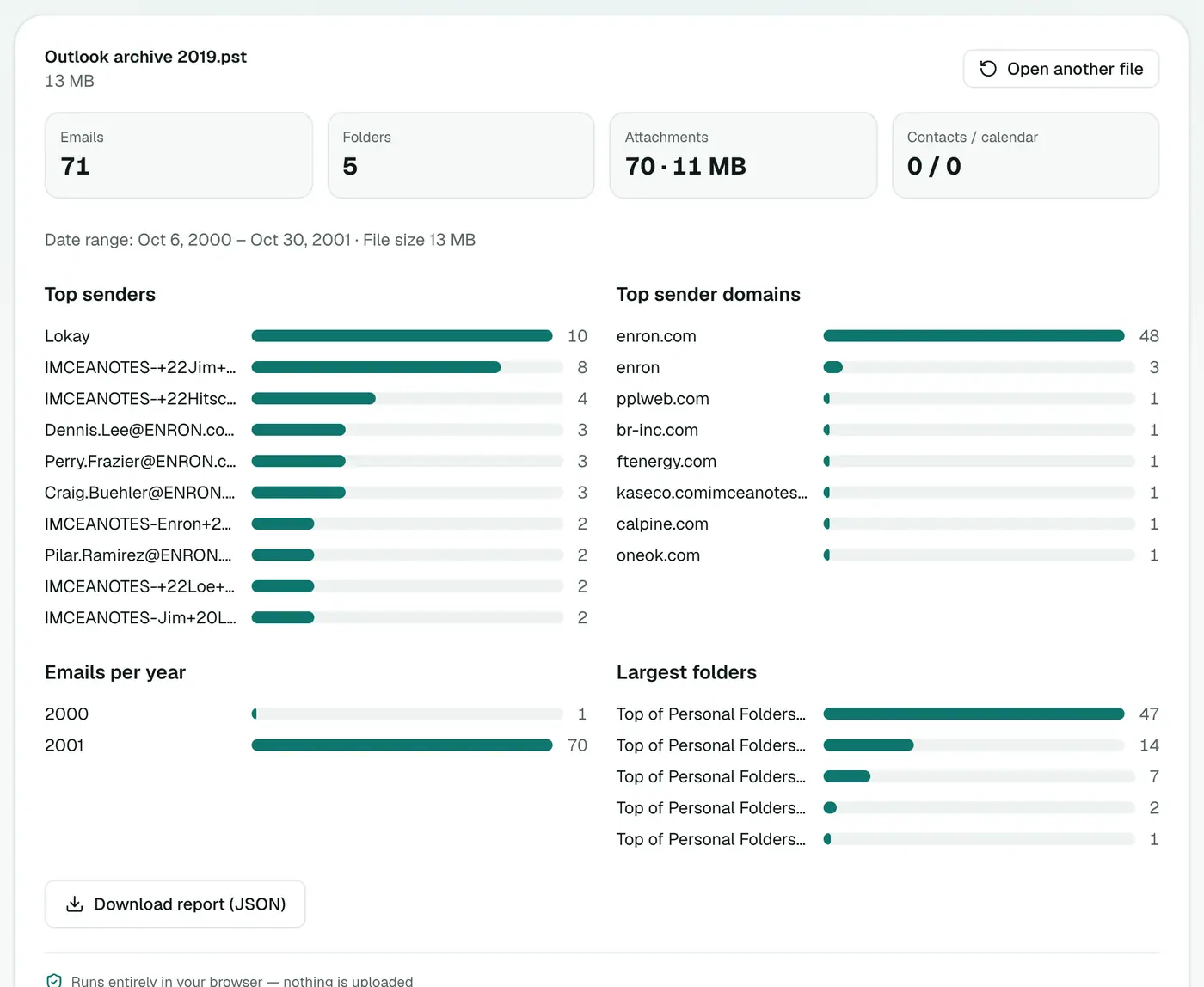
Before migrating a mailbox, archiving it, or handing it to legal, you want to know what you're dealing with. How many emails? Which folders are huge? What years does it cover? How much of the size is attachments? The analyzer answers all that in one pass.
What the report shows
| Section | What it tells you |
|---|---|
| Emails, folders | Total messages and how many folders hold them |
| Attachments | Number of attachments and their combined size |
| Contacts / calendar | How many contact cards and calendar items (PST and OST) |
| Date range | Oldest and newest email |
| Top senders | The ten addresses that sent the most mail |
| Top sender domains | The ten companies or providers sending the most |
| Emails per year | Activity over time |
| Largest folders | The ten folders with the most emails |
How to analyse a PST with ZapMorph
1. Open the PST analyzer
Go to the PST analyzer.
2. Open your file
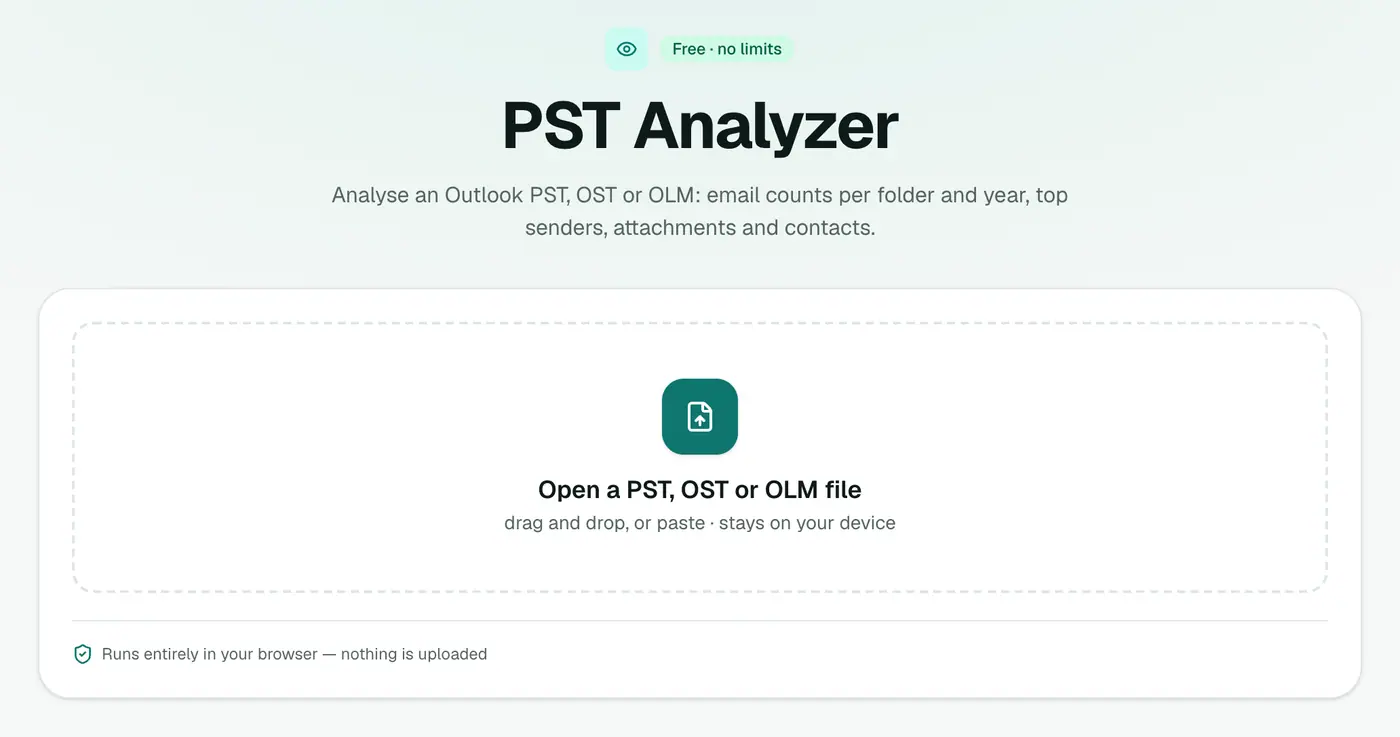
Drop in a .pst, .ost or .olm. The report appears once the file has been read. Bigger files take longer, because every message is counted.
3. Save the report
Click Download report (JSON) to keep a copy for your migration plan or case file.
Practical uses
- Migration planning: see which folders hold most of the mail before moving it, and whether attachments make up most of the size.
- Verifying an export: compare email counts before and after a migration.
- Retention policies: see how many years of email are in there, and how much is older than your policy allows.
- eDiscovery scoping: check the date range and main correspondents before deciding what to export.
- Clean-up: top sender domains quickly show newsletters and notifications that can be deleted.
Reading the numbers
- A huge file with few emails usually means big attachments or unused space. OST and PST files don't shrink by themselves. Outlook's Compact Now (Data File Settings) reclaims space in a PST.
- Emails dated 1970 or far in the future come from broken dates in a few messages. They're harmless, but they'll stretch the date range.
- A sender with thousands of emails is often an automated system. Exclude it when estimating real correspondence.
Where to go next
| Next step | Tool |
|---|---|
| Browse and search the emails | PST viewer, OST viewer, OLM viewer |
| List every email in Excel | PST to CSV |
| Export contacts | PST to vCard |
| Export the calendar | PST to ICS |
| Analyse an MBOX instead | MBOX counter |
Troubleshooting
"Password-protected." Remove the PST password in Outlook first. OSTs with Outlook's encryption can't be read outside Outlook.
"Isn't a readable Outlook data file." The file is damaged, or it's an OST in a newer Outlook 2013+ format that can't be read. For PSTs, repair a copy with scanpst.exe.
Summary
The PST analyzer gives you the numbers on any Outlook data file, privately and quickly, before you commit to a migration or export.
FAQs
Which files can it analyse?
Outlook PST, OST and OLM files.
What does the report include?
Emails per folder, the date range, messages per year, top senders and sender domains, the number and total size of attachments, and counts of contacts and calendar items.
Can I save the report?
Yes, as JSON.
Is the file uploaded?
No. The analysis runs in your browser.
Why do OLM files show zero contacts and calendar items?
For OLM archives the analyzer reads the emails only. Contact and calendar counts are reported for PST and OST files.
Why does the attachment total differ from the file size?
A PST also stores message bodies, indexes and free space. OST and PST files don't shrink when mail is deleted, so they're often larger than their contents.
Try the PST Analyzer
Free to start, no install, and your files never leave your device.