PDF2 min read
How to Add a Watermark to a PDF (DRAFT, CONFIDENTIAL or Your Name)
Stamp text across every page of a PDF. Choose diagonal, centred or tiled placement, the color and the opacity. Good for drafts, confidential files and copies.
By the ZapMorph team
On this page
Just want it done?
Open the Add Watermark to PDF — it runs in your browser and nothing is uploaded.
A watermark tells anyone holding the document what it is: a draft that shouldn't be quoted, a confidential file that shouldn't be forwarded, or a copy sent for one specific purpose.
That last one is underrated. When you send ID documents to a landlord or agency, watermarking them "For [Agency] rental application only, Oct 2026" makes them much less useful to anyone who might misuse them.
How to add a watermark with ZapMorph
1. Open the watermark tool
Go to Add Watermark to PDF.
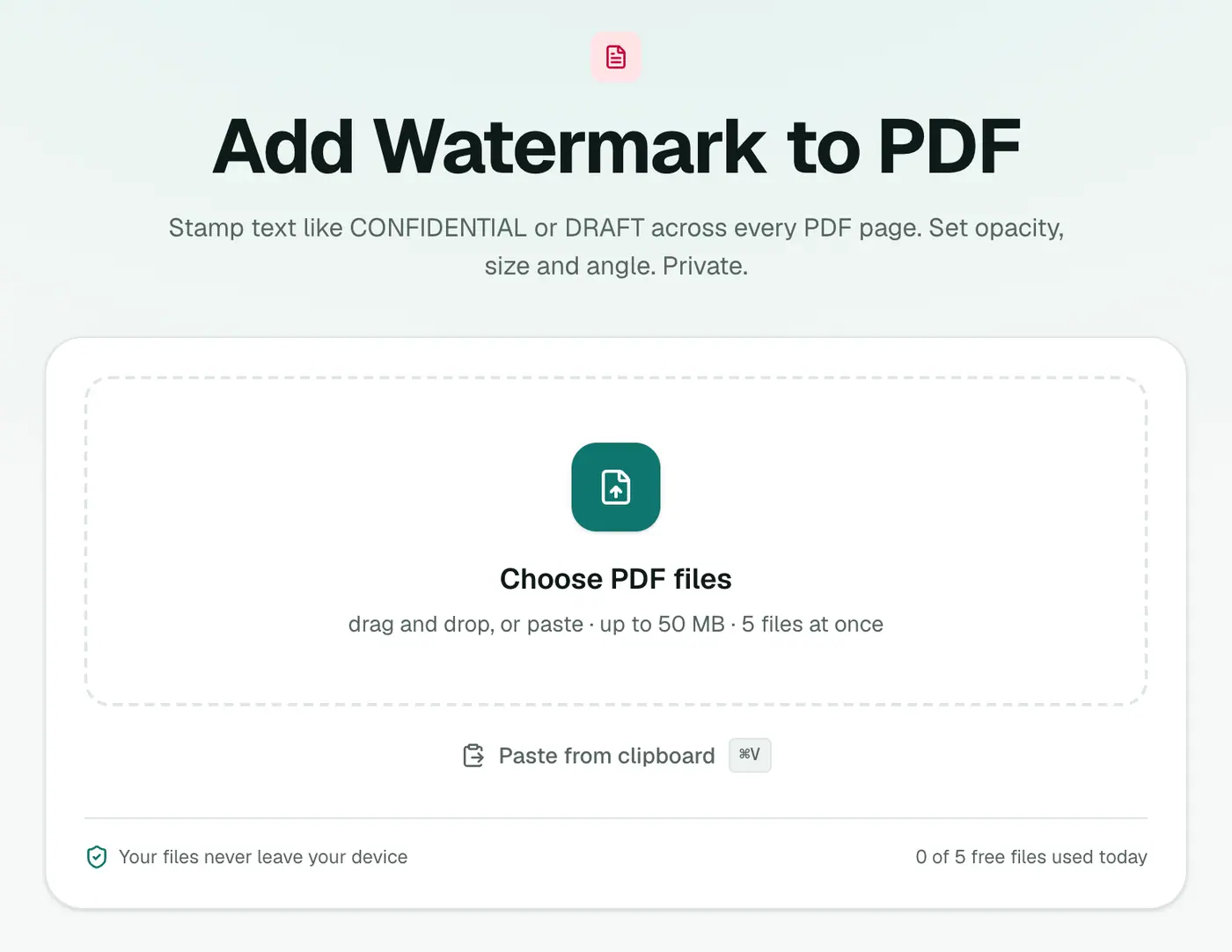
2. Add your PDF and set up the watermark
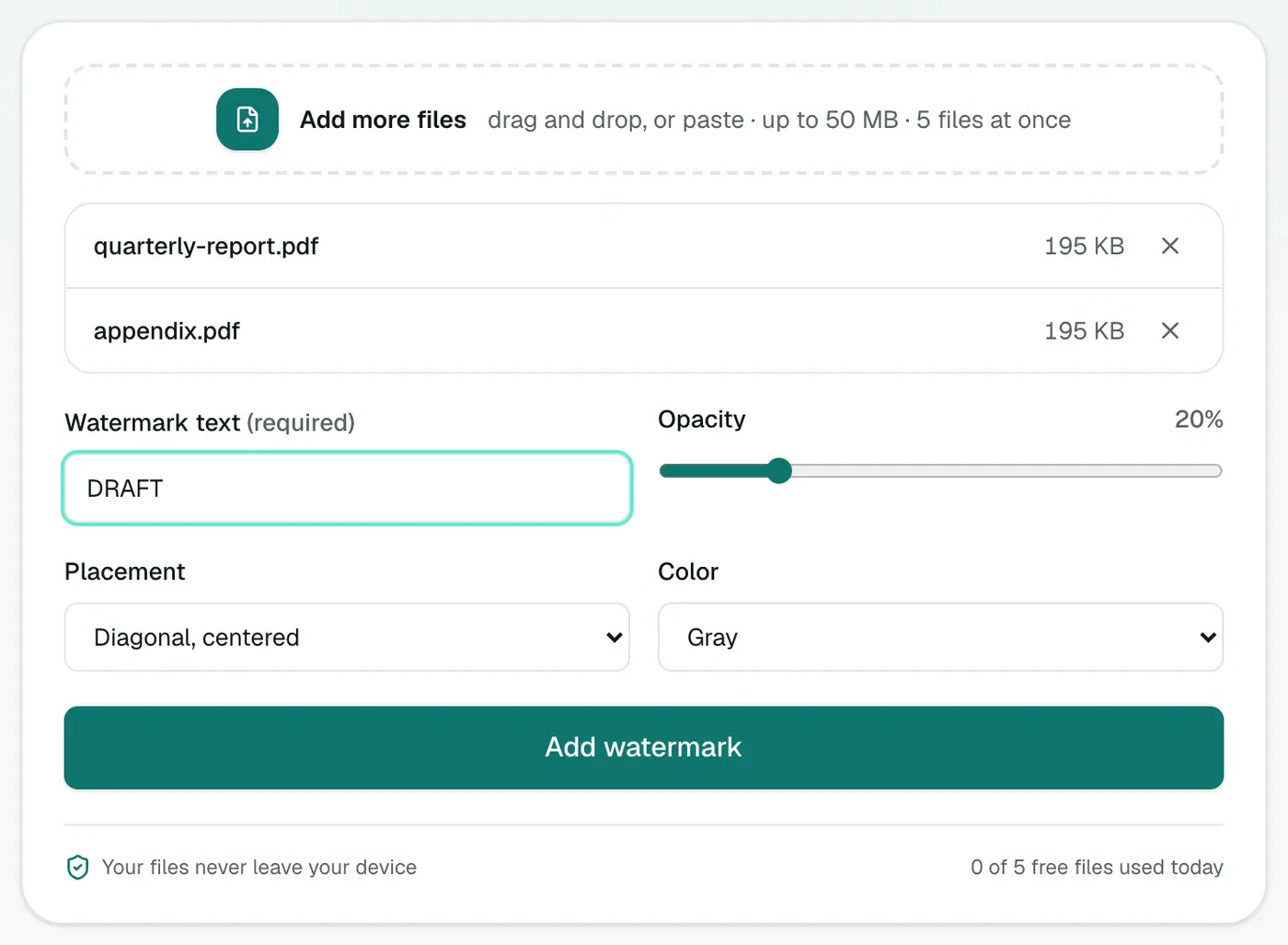
Choose:
- Watermark text: e.g. DRAFT, CONFIDENTIAL, COPY, or a sentence.
- Opacity: 20% by default. Lower is subtler, higher is bolder.
- Placement: Diagonal, centered (classic), Horizontal, centered, or Tiled across the page (hardest to crop out).
- Color: gray, red or blue.
3. Add the watermark and download
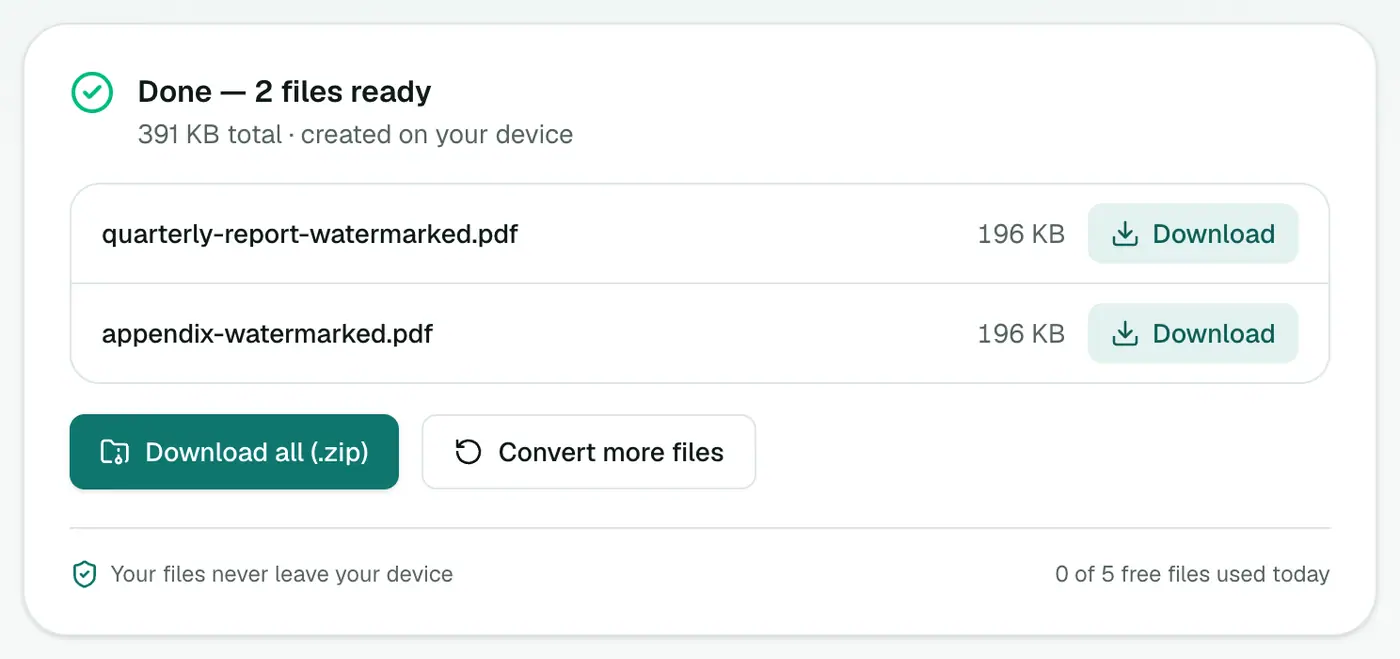
Click Add watermark. Every page gets the stamp.
Suggested settings
| Purpose | Text | Placement | Color | Opacity |
|---|---|---|---|---|
| Draft for review | DRAFT | Diagonal | Gray | 15–20% |
| Confidential report | CONFIDENTIAL | Diagonal | Red | 20–25% |
| ID copies for an application | For [purpose] only, [date] | Tiled | Gray | 20–30% |
| Branding a guide | Your company name | Horizontal | Blue | 10–15% |
Tips
- Keep the original. Watermark a copy, so you have a clean version later.
- Add a password too for sensitive files: Protect PDF.
- Removing an old watermark from your own document? Try the PDF Watermark Remover.
Other ways
Word can add a watermark before exporting to PDF (Design → Watermark). Acrobat Pro has Edit PDF → Watermark. Mac Preview can't add proper watermarks.
Common watermark text
| Situation | Text |
|---|---|
| Drafts under review | DRAFT |
| Sensitive documents | CONFIDENTIAL |
| Copies of IDs sent to a company | FOR [COMPANY] APPLICATION ONLY |
| Proofs for clients | PROOF – NOT FOR PRINT |
| Samples | SAMPLE |
ID copies tip: watermarking a passport or ID copy with who it's for and the date makes it far less useful to anyone who steals it.
Watermark or protect?
A watermark discourages misuse; it doesn't stop copying. Combine it with Protect PDF when you need access control.
Summary
Type the text, pick placement and opacity, and the watermark tool stamps every page, privately and in seconds.
FAQs
Can I watermark with my own text?
Yes. Type anything into Watermark text, such as DRAFT, CONFIDENTIAL, COPY, a company name or "For rental application only".
What opacity should I use?
Around 20% (the default) is visible without making the text underneath hard to read. Go higher for a stronger statement.
Can a watermark be removed?
A text watermark adds a deterrent and makes the document's status clear. Someone with the right tools could remove it, so for sensitive documents combine it with a password.
Can I add an image watermark like a logo?
This tool adds text. To place a logo, use Edit PDF, which can add images to pages.
Is my document uploaded?
No. The watermark is added in your browser.
Try the Add Watermark to PDF
Free to start, no install, and your files never leave your device.